🎙️ Ask Me Anything: Luzmo’s Product Team
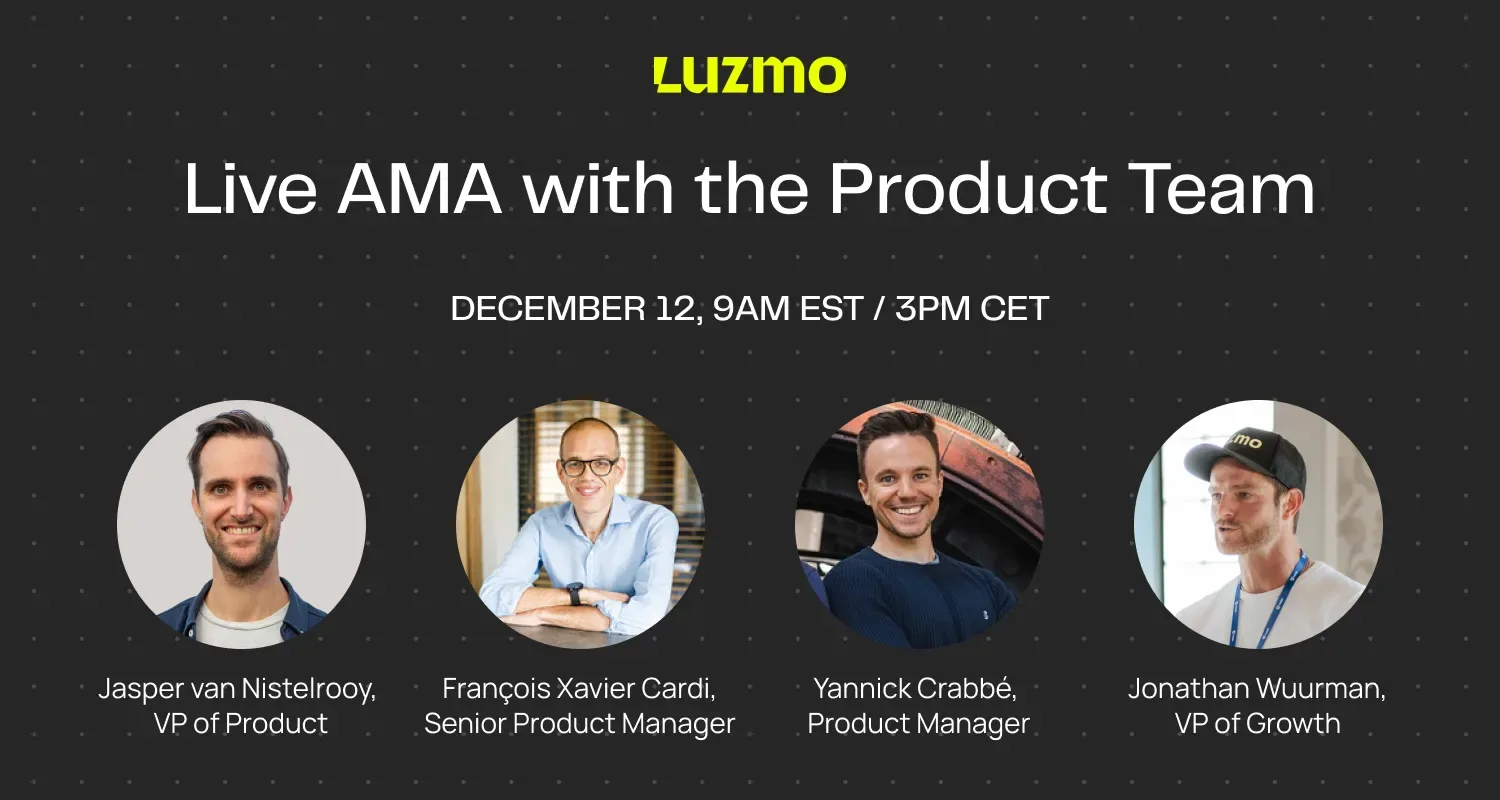
Get Your Embedded Analytics Questions Answered in 30 Minutes
Watch a replay of a live AMA session with Luzmo's Product team, driven entirely by your questions.
No sales pitch, no boring presentation. Just candid answers from real people, and the inside story on embedded analytics.
Short on time? Explore the questions that came up, and see how our product experts answered them.
Q1: How customizable are Luzmo's dashboards? We really want analytics to feel like part of our product.
Answered by: Yannick
Customization is extremely important for embedded analytics. You don't want users to feel like they've entered a "time travel portal" where the UI/UX is 20 years behind your platorm.
With Luzmo, you can control chart colors, font families, space between charts, border roundness, and more. Once you create a theme, you can save it and reuse it consistently across all your dashboards. If your app has light and dark modes, you can create theme variants and override them dynamically when embedding.
For even more control, custom CSS is available for pixel-perfect dashboards, though this requires some technical knowledge. For those who need complete code-level control, Luzmo Flex allows you to build beyond traditional dashboards, enabling use cases like editors or marketing reports that mix visualizations with other content.
There are two main embedding approaches: Luzmo Studio for no-code dashboard building and embedding, and Luzmo Flex for full programmatic control with SDKs.
Q2: When you're not technical, how good can you make dashboards look?
Answered by: Yannick
With just the theming system and no code required, you can get really far.
You can select colors, font sizes, font families, and control how charts look. You have control over borders whether you want them more rounded or less rounded, and you can really match your application's design. If you want a full bright red background for some reason, you can do it with full color flexibility. For those who want more control, custom CSS is available but requires some engineering knowledge. For purely no-code customization, the dashboard theming system provides extensive options.
Q3: How does the integration process look like?
Answered by: François & Jasper & Yannick
The integration process has three main steps.
- First, you connect your data source. Luzmo supports many data sources including Snowflake, BigQuery, Postgres, and many more, not just flat files but enterprise-grade database connectors. The platform automatically handles access control and multi-tenancy.
- Second, you build your dashboard using Luzmo Studio to create visualizations from your data, or use Flex to create custom visualizations. Anyone with knowledge of their data set can build dashboards without needing to be a data analyst.
- Third, you embed the dashboard in your application by embedding full dashboards or individual charts with just a few lines of code. You can combine Studio and Flex approaches as needed.
The key benefits center around speed and simplicity. With a good dataset, you can have something in production in one hour. The platform automatically handles multi-tenancy, access control, localization, and time zones. The Studio is designed so product managers and marketers can build dashboards, not just data analysts, and dashboards look and feel like they're built by you, not a third-party integration.
The philosophy is to start with reverse engineering by thinking about the end experience you want to deliver, then work backwards to build it step by step.
Q4: Any plans to enhance formula aggregation that can be based on another formula or aggregation?
Answered by: François
Just to clarify, formulas are the analytical calculation capabilities in Luzmo. A simple example would be calculating the sum of orders divided by the number of customers to get an average order value, which works with one level of aggregation. What's being requested is multiple layers of aggregation: essentially doing an aggregation on top of another aggregation.
A classic example is calculating Average Revenue Per User (ARPU). First, you calculate revenue per user per month by taking the sum of revenue divided by the count of active users. Then you need to average that result to get the overall ARPU. This requires doing an average of the first aggregation, which means having multiple layers where you can go with intermediate calculations and then group by to build exactly what you want.
To answer your question, yes, we're planning to work on it next year!
Q5: Can you use Luzmo to make analytics a revenue driver?
Answered by: Jasper
Yes, absolutely. Luzmo has many facets that enable monetization.
The simplest way is to offer analytics as a package or upsell, but even more powerful is creating tiered access levels. You can offer basic viewing of standard dashboards at entry level, then provide access to more elaborate dashboards at mid-tier, premium editing capabilities and custom dashboard creation at higher tiers, and full self-serve capabilities at enterprise level.
You have a lot of leverage through feature flags to enable and disable specific capabilities per plan, such as setting alerts, scheduling exports, sharing with team members, or creating custom dashboards. This doesn't cost much in terms of implementation and development. You can create really useful packages per license or per upsell package that gradually move people into making more use of Luzmo.
The best practice is to give users a taste first rather than taking an "all or nothing" approach: Show basic data and insights initially, and users will naturally want more by asking "Can I see X?" or "Can I customize Y?" Once they taste the value, it becomes addictive. They'll want additional visualizations, custom dashboards, and collaboration features, which creates natural upsell opportunities.
Analytics becomes particularly sticky when users invest time customizing their own views, because the progression from viewer to editor to creator drives engagement and retention.
Q6: Giving access to usage analytics to users with no owner role in Luzmo?
Answered by: Yannick
Currently, usage analytics features that provide insights about who uses your dashboards are limited to owner accounts only. The team can investigate expanding access to other roles like editors, but they need to carefully consider privacy and access concerns first. It's important to note that this question is about usage analytics within the Luzmo app itself, not about embedded analytics in customer applications.
Q7: Is Luzmo a BI tool or embedded analytics platform?
Answered by: Jasper
Luzmo is not designed for traditional BI use cases. It's not meant for internal analytics with complex dashboards for data analysts, business analysts building internal-use dashboards, or the most complex ten-line formulas typical of heavy legacy BI tools.
Instead, Luzmo is purpose-built for embedded analytics. It's designed for quick dashboard creation where product managers, marketers, and not just data analysts can build dashboards.
The focus is on user-facing analytics, presenting good-looking analytics to end users with ease of use so anyone with knowledge of their data can build visualizations. Dashboards look native to your application, and the platform emphasizes self-serve capabilities for end users. The philosophy is to help customers quickly present good-looking, understandable analytics to their users rather than trying to be the most complex visualization layer possible.
Q8: Are there new visualizations or layout improvements on the way?
Answered by: Jasper & Yannick
Yes, multiple improvements are coming.
For visualizations, the AI Summary widget is going to be launched imminently as a text-based visualization. There are also updates planned for existing popular visualizations that are overdue for refreshes based on customer feedback, with enough feedback collected to know how to make them better.
Beyond visualizations, there are Studio and layout improvements coming. Yannick teased "important improvements" to make self-serve analytics easy for any user. The embedded editor will receive visual changes, functional changes, and more customization options, giving customers more control over how end users can interact with the editor.
Q9: We want to use analytics to improve user engagement - best practices?
Answered by: Jasper, with team input
Engagement increases dramatically when you get users to set alerts or scheduled exports.
For example, you can give users an option to have a dashboard sent to them weekly or monthly as a PDF. The most powerful approach for engagement is self-serve analytics, where users can customize and build their own views. When users invest time creating their own dashboard variants, they come back more often because it feels more tailored to their needs and creates a sense of ownership around "something I created." This makes analytics sticky and engaging.
Luzmo's strength is enabling quick iterations. You can build an initial dashboard quickly, monitor usage and popularity, gather user feedback, update based on that feedback by adding or removing charts or changing visualizations, and repeat continuously. The key philosophy is that you don't need a big bang release. Get something to customers quickly, then extend and iterate based on feedback with minimal engineering resources.
The progression strategy should start with a first experience showing valuable data, then build step by step toward the ultimate experience. Think about the extreme or ideal end state, work backwards to create your roadmap and rollout plan, and let user demand naturally drive feature adoption.
Q10: Does Warp Delta Sync have to use pushdown?
Answered by: François
Warp Delta Sync and Warp Full Sync use the same approach, and pushdown is not fully required. However, this requires more investigation for the specific use case, so the team offered to work with the customer separately to investigate the specific scenario and find a solution.
👋 Meet our Product Experts
Your questions will be answered by our Product team, and moderated by Jonathan Wuurman, VP of Growth.

Jasper van Nistelrooy
VP Product Management
The wizard behind Luzmo’s AI-driven magic. Ask Jasper about roadmap strategy or how AI workflows can transform product adoption.

François Xavier Cardi
Senior Product Manager
API evangelist, Tableau alumni. Want killer enterprise analytics? François has earned his scars.

Yannick Crabbé
Product Manager
Former dev with a sharp eye for irresistible UI. Yannick crafts lovable product moments from complex data.
👋 Meet Our Moderator

Jonathan Wuurman
VP of Growth
If You're New to Luzmo…
...and would like a closer look at our product, here are two easy ways to get started:
Good decisions start with actionable insights.
Build your first embedded data product now. Talk to our product experts for a guided demo or get your hands dirty with a free 10-day trial.

Book your session with our analytics expert.