Custom charts
Yet another bar chart? Booooring.
Delight your users with plug-and-play custom visualizations without the headaches of queries, filters, or dashboard logic. You dream it, we make it real.

Luzmo has empowered us to go beyond the constraints of traditional dashboards, allowing us to easily create custom data analytics with unprecedented flexibility

Sarah Nerby
Software Engineer, Element Logic

Build the charts you thought were impossible.
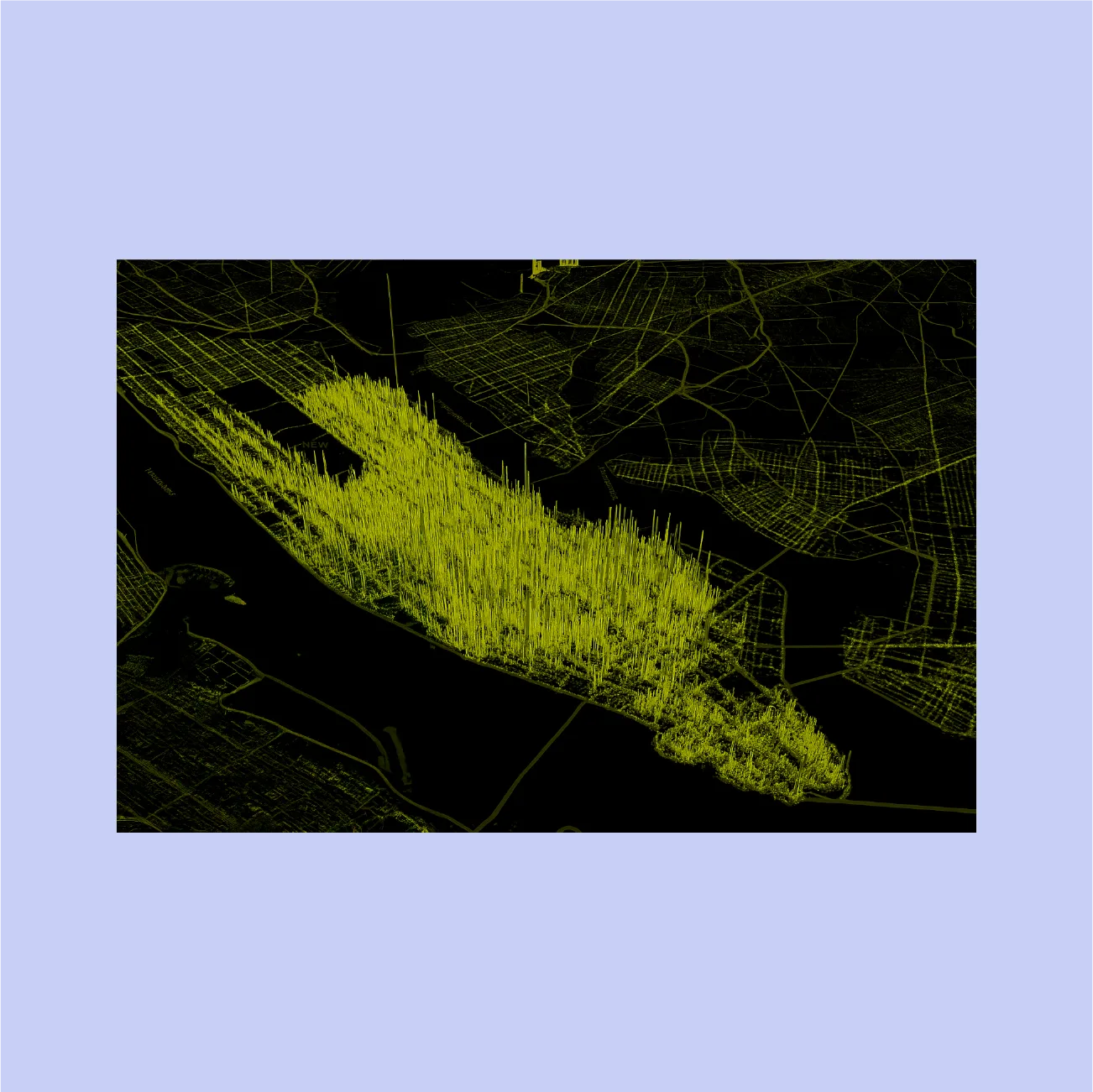
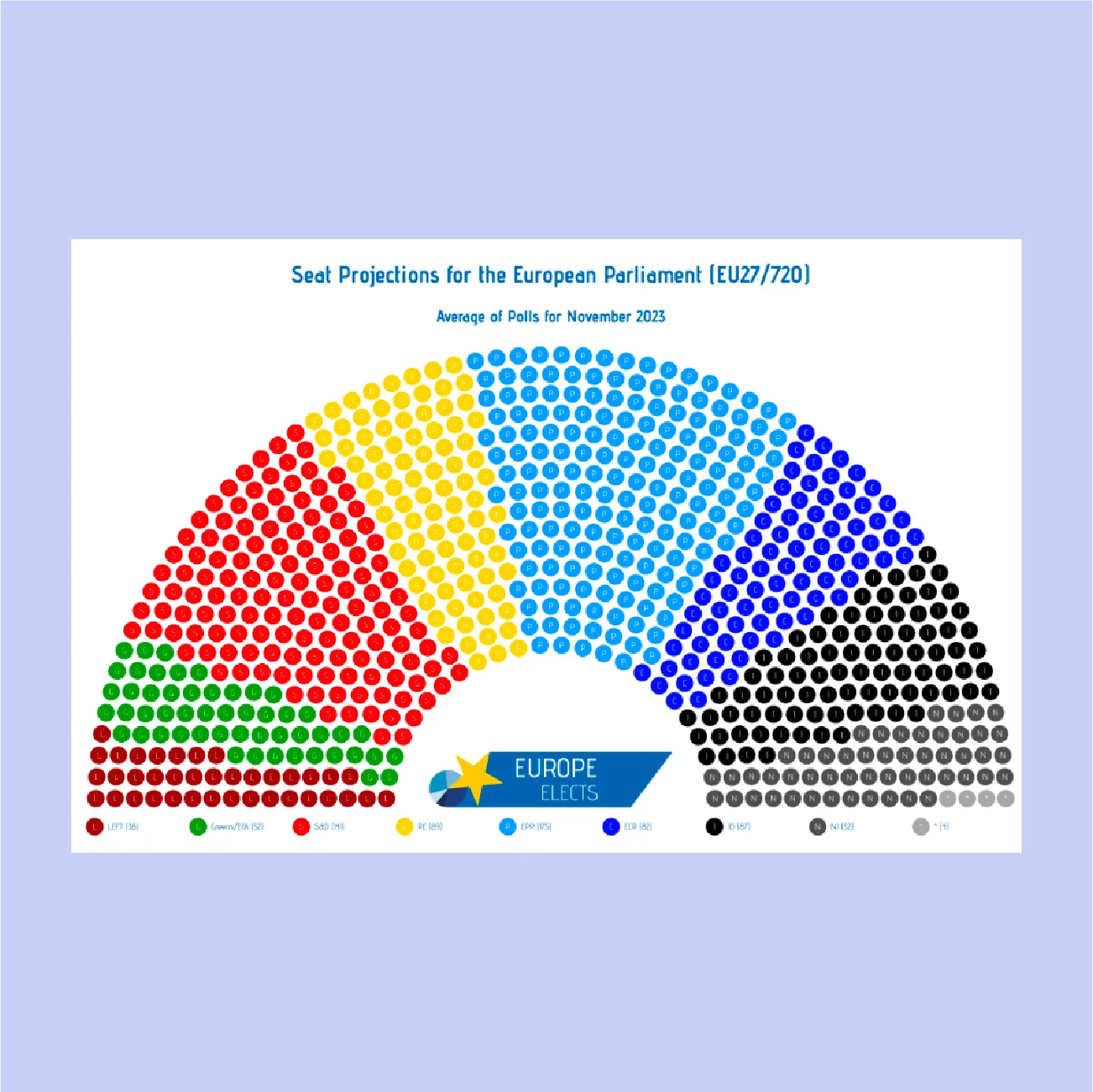
A chart you wish existed? Now it's here. With Luzmo's custom charts, you can build even the craziest visuals in days, not months. See below, step by step:
Code your visuals, we do the rest.
Create stunning visualizations without the backend work. Luzmo handles the heavy lifting: queries, filters, responsiveness, embedding, all baked in.
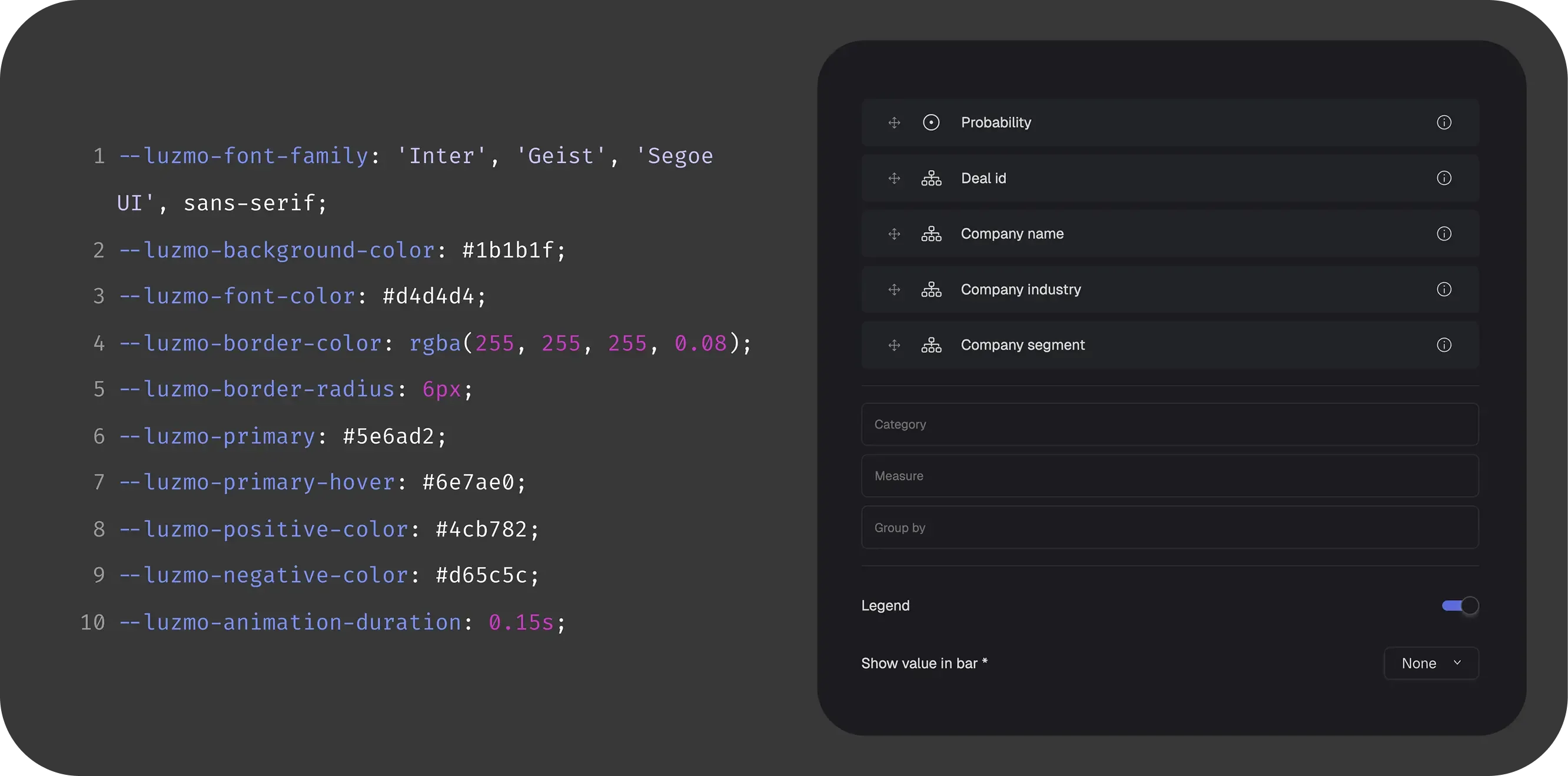
Control every detail of your chart.
Build charts that look native to your app to reflect your brand's look and feel perfectly. From colors and fonts to animations and behavior.
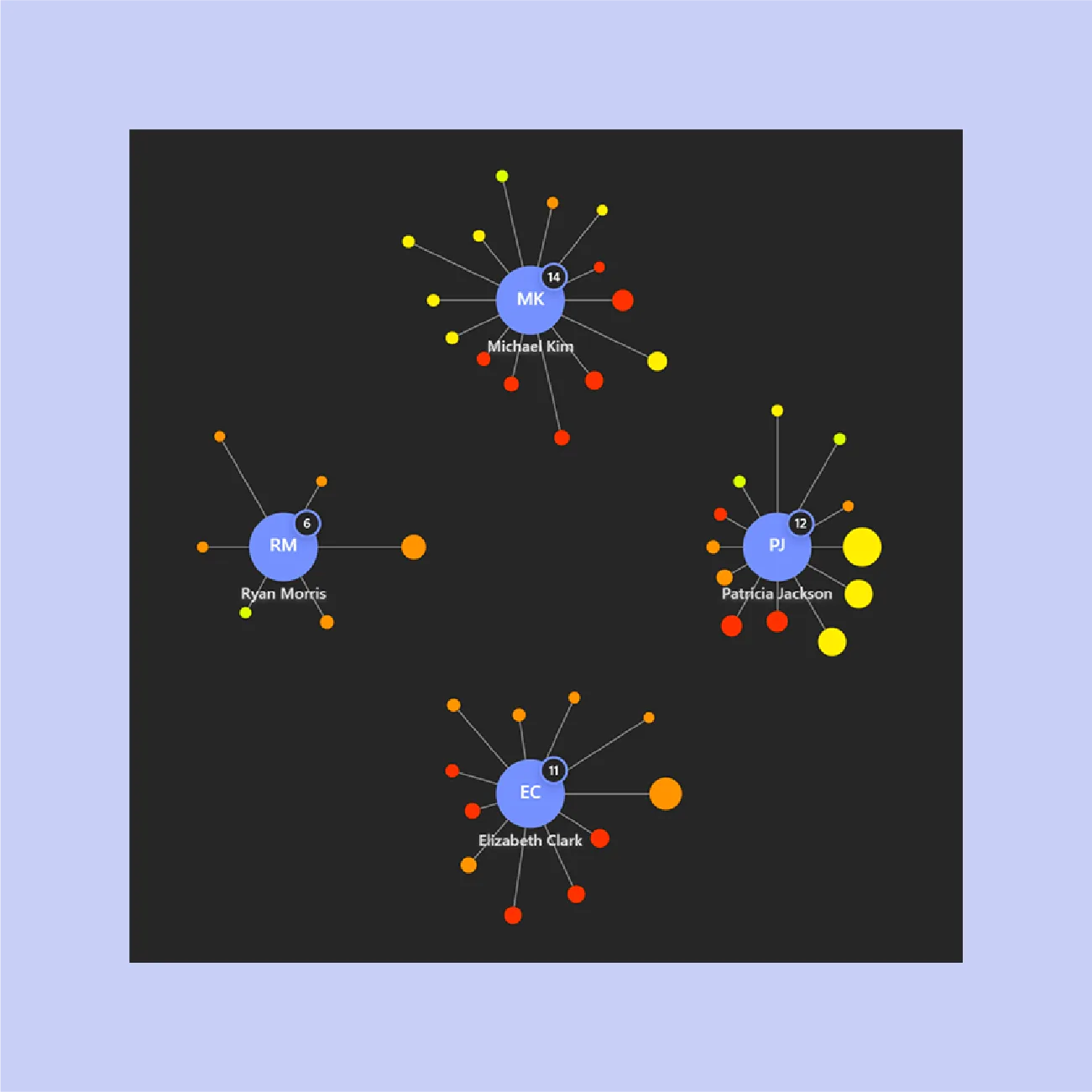
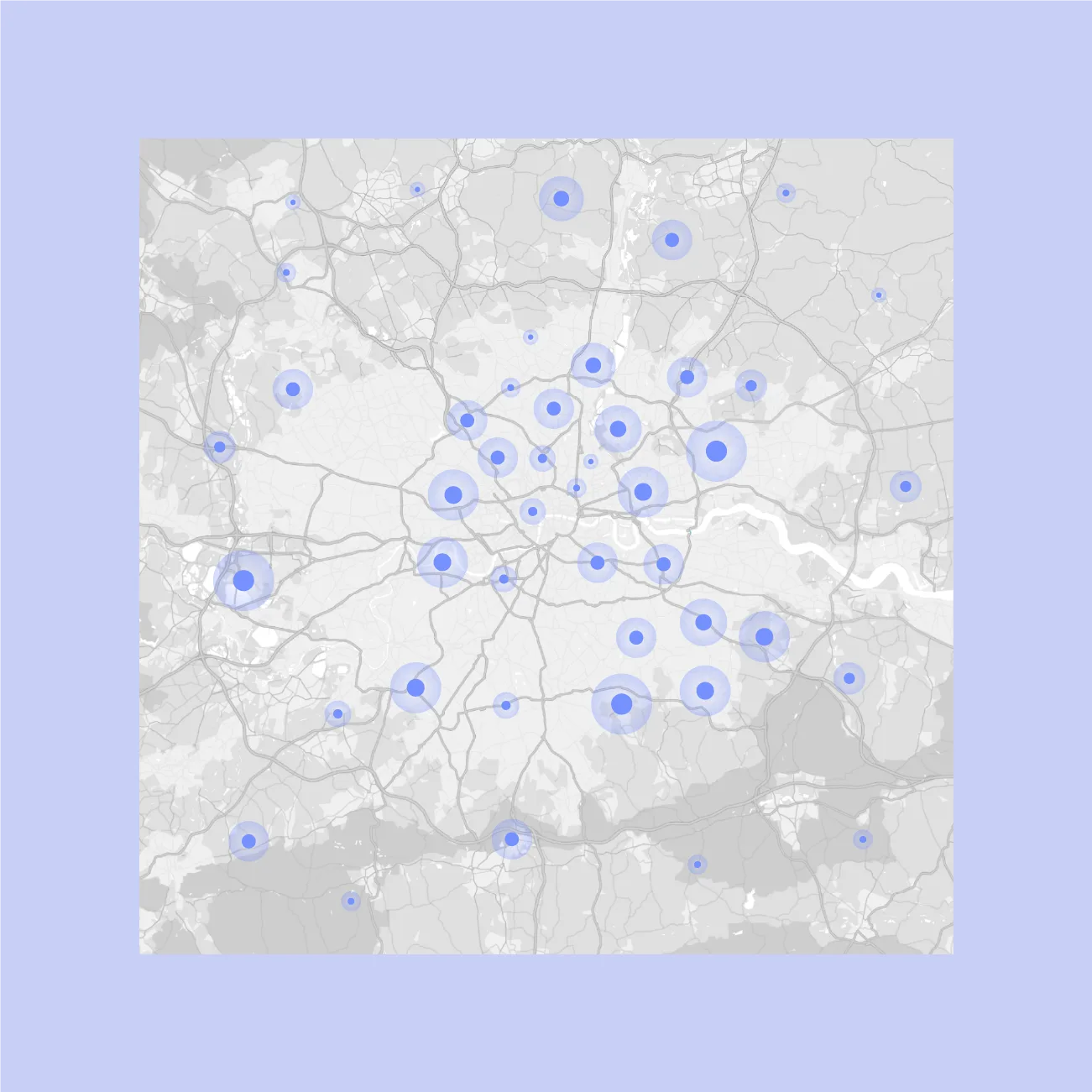
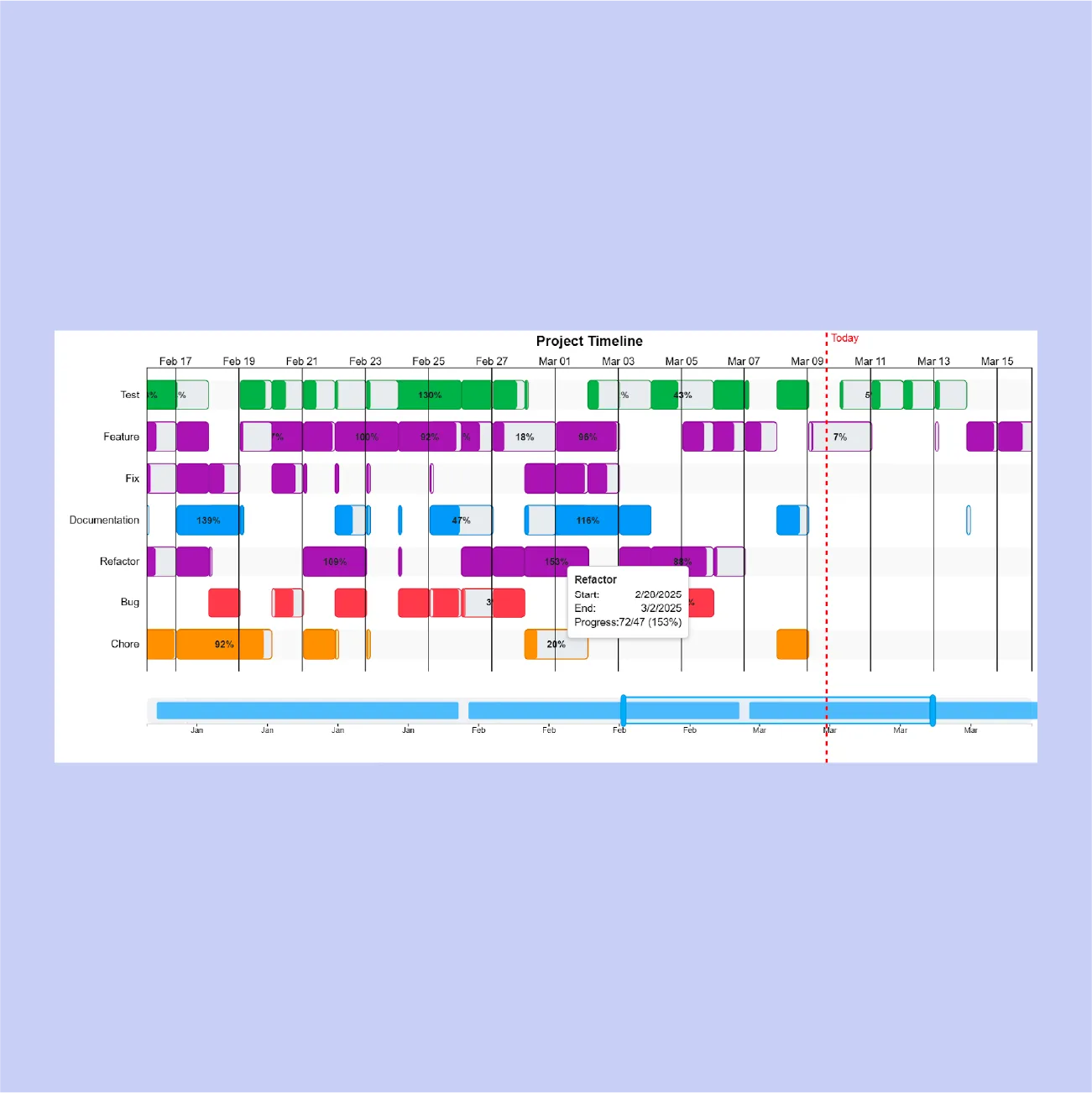
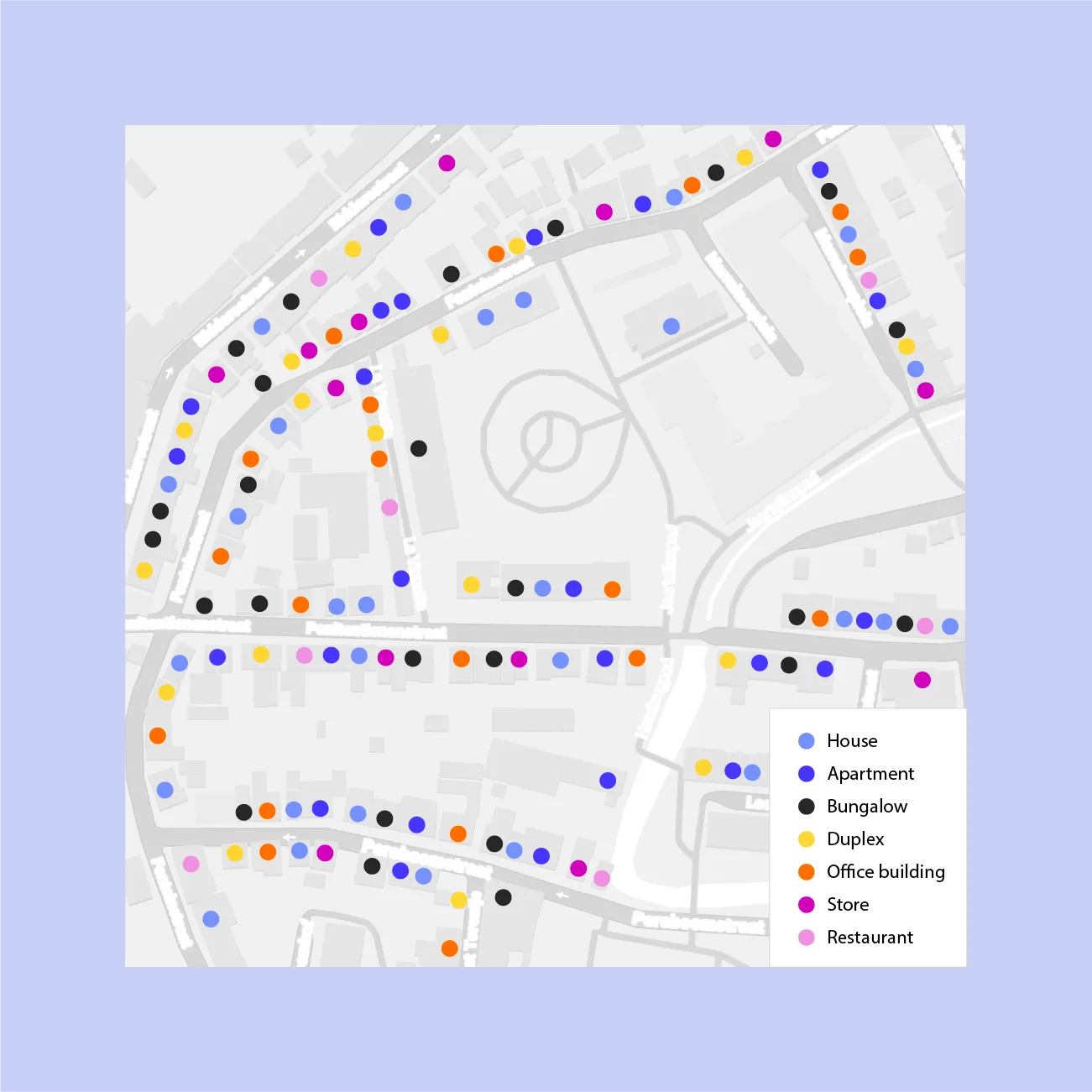
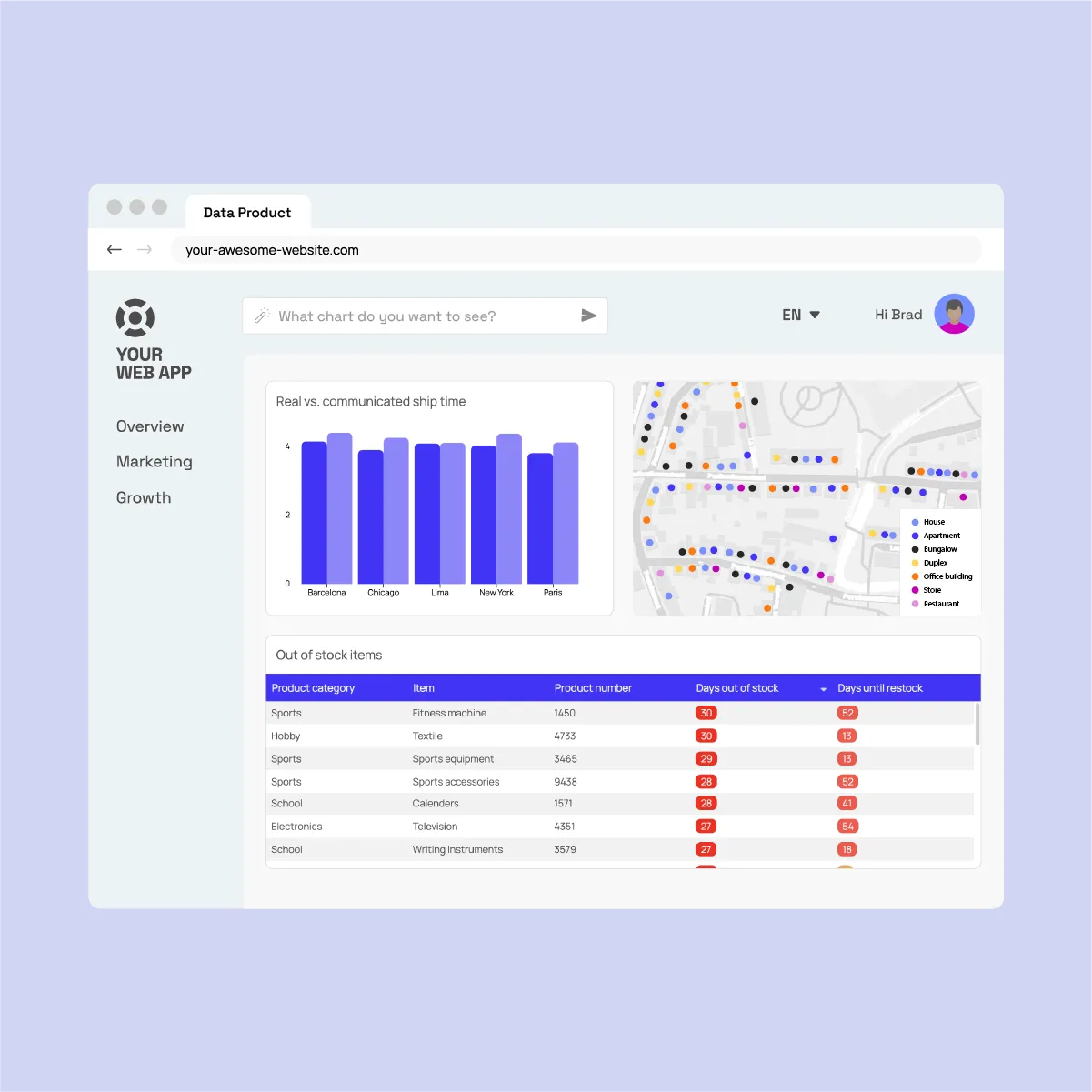
Embed charts effortlessly in your app.
Your custom visuals work out of the box with filters, dashboard logic, fully interactive with other charts. No extra dev work, just drop it in and go.
Customers
What our customers say

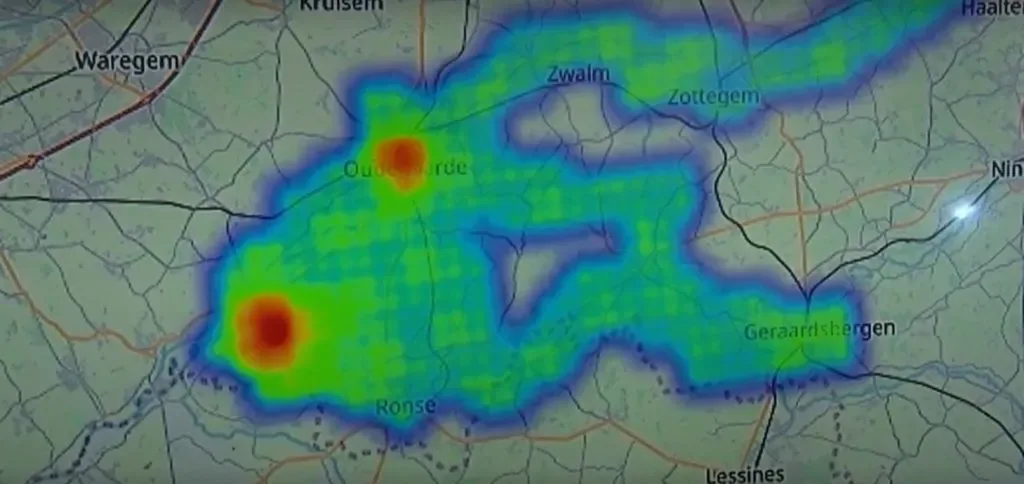
We are using Luzmo dashboards for crowd management during massive events. Thanks to Luzmo, we were able to help police teams keep spectators safe during The Tour of Flanders, one of the largest cycling races in Belgium.Read case study
Innovation team
Proximus
Innovation team
Proximus
How to build a custom chart?
In this live coding session, we show you how to build a custom chart that integrates with Luzmo's embedded analytics platform. Create unique, tailored visualizations for your SaaS product, and leverage the strong foundation of Luzmo to supercharge them.
FAQ
All your questions about Custom charts answered.
What types of visualizations can I create with Custom Charts?
Custom Charts support any visualization you can build with modern web technologies. From specialized industry charts to unique interactive displays, you have complete creative freedom while maintaining seamless Luzmo integration.
How does development with Custom Charts work?
You focus on building the visual component using your preferred charting library or custom code. Luzmo handles all the complex backend work: data querying, filtering, permissions, and dashboard integration happen automatically.
Do Custom Charts work with existing Luzmo features?
Absolutely. Custom Charts integrate natively with all Luzmo capabilities including filtering, drill-downs, access control, and dashboard interactions, giving you the best of both custom design and platform functionality.
Can I maintain my platform's branding with Custom Charts?
Yes, Custom Charts are fully customizable to match your platform's design system. You control every aspect of the visual presentation while benefiting from Luzmo's robust analytics foundation.
How do Custom Charts improve user experience?
By creating visualizations tailored to your specific use case, you provide users with exactly the insights they need in the format that makes most sense for their workflow, leading to better decision-making and higher engagement.
Stop building the past. Ship the future of your data.
Your roadmap is too important to be stalled by legacy BI. Launch native, self-serve analytics this sprint.

Book your session with our analytics expert.