Luzmo AI
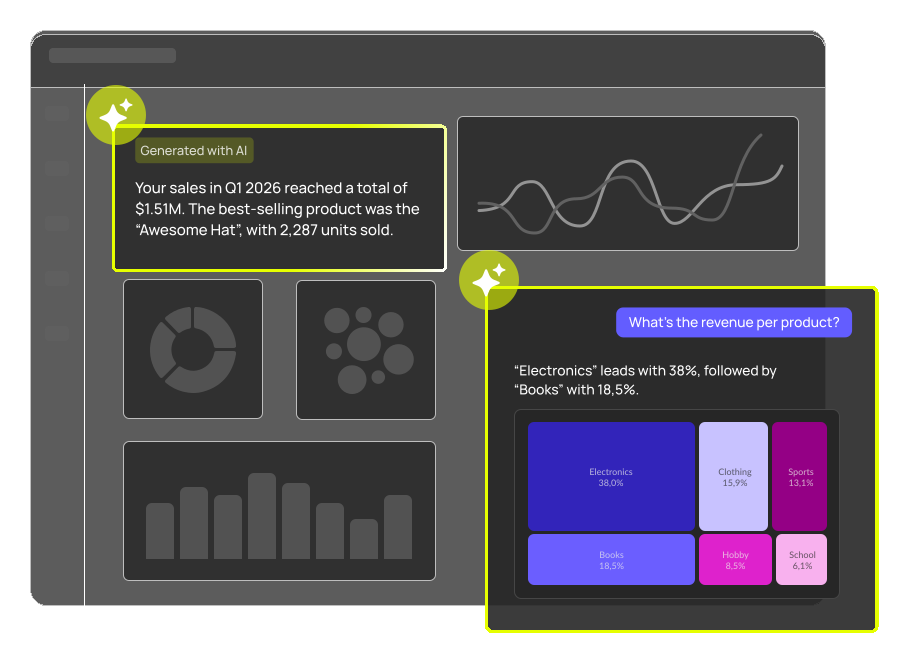
Agentic AI, built into your product
Refine data, generate insights, and embed conversational analytics. All with one agentic suite.

Trusted by
- 4.6/5 from 100+ reviews on G2 & Capterra
- Lansweeper skipped 3 years of build
“Beautiful, out-of-the-box dashboards that can convince new clients!”
Case study
Matthieu Vegreville
Co-founder & COO
“With Luzmo, we skipped three years of development time and immediately jumped to a full-blown solution.”
Case study
Maarten Saeys
CPO
“Luzmo's flexibility and ease-of-use were unmatched in any other platform we evaluated. It is so easy and fun to use.”
Case study
Cedric Spaas
Product Expert Analytics










For AI builders
Built for AI-first products
Everything you need to embed AI analytics your users can rely on.
Insights that travel with your users
Insights appear where your users already work: email, Slack, ChatGPT, or Claude.
Read more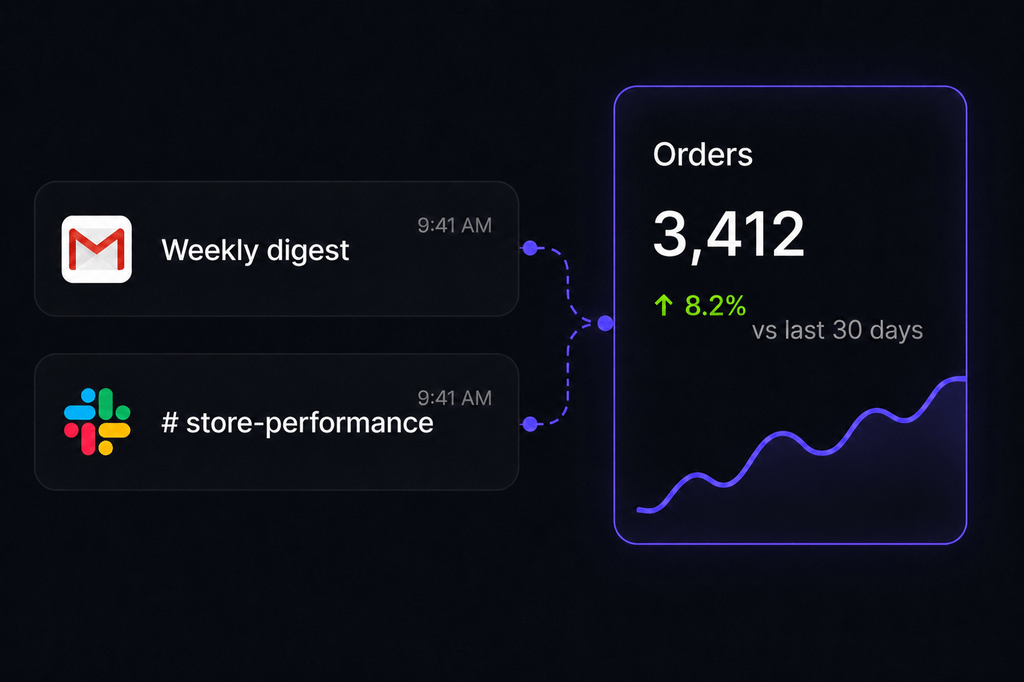
Turn a prompt into a visual
Describe what you need in natural language, and watch it land in your app.
Read more (opens in new tab)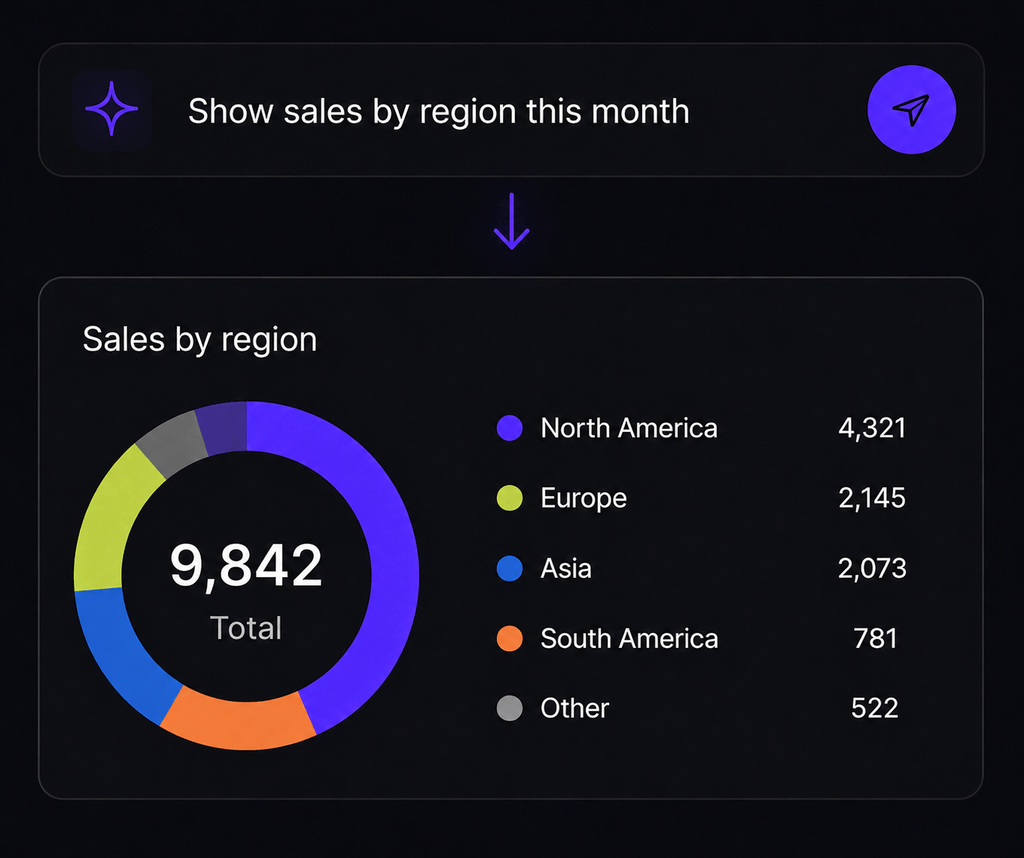
Customer data, ready for any AI agent
The Embedded MCP Server connects your data to any agent, your own or your users', with every answer grounded in your data.
Read more (opens in new tab)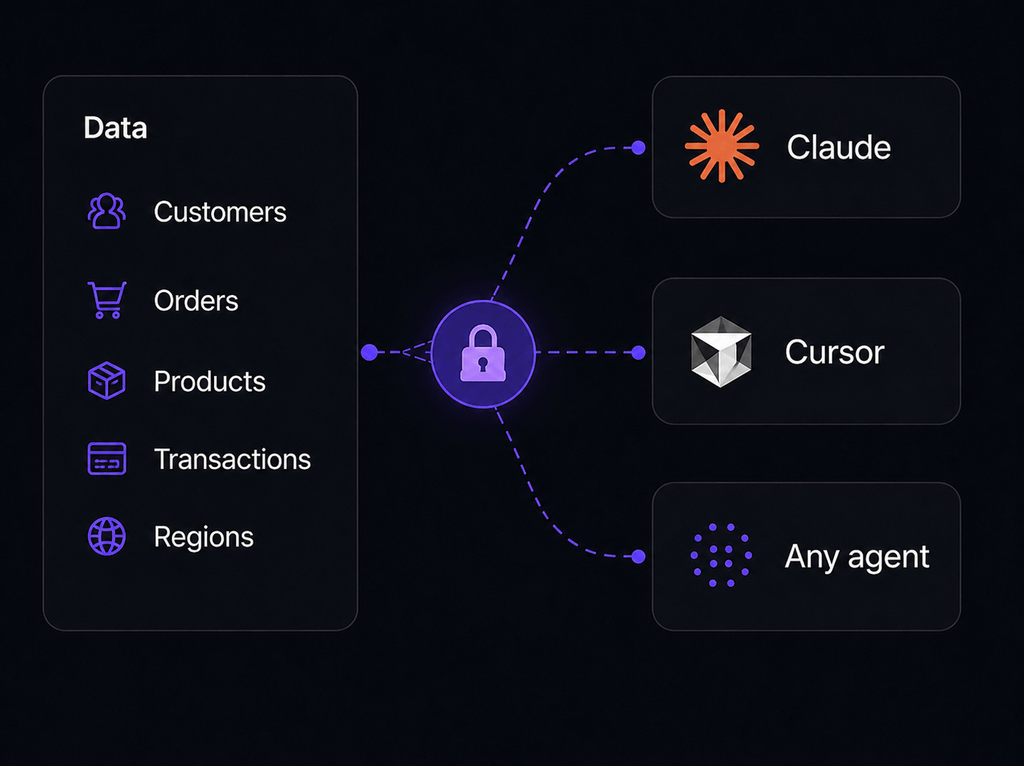
For your users
Analytics your users will love
Give your users the insights, answers, and context they need to do their best work.
Explore data on their own
Filter, drill down, and uncover insights without waiting for reports or analysts.
Read more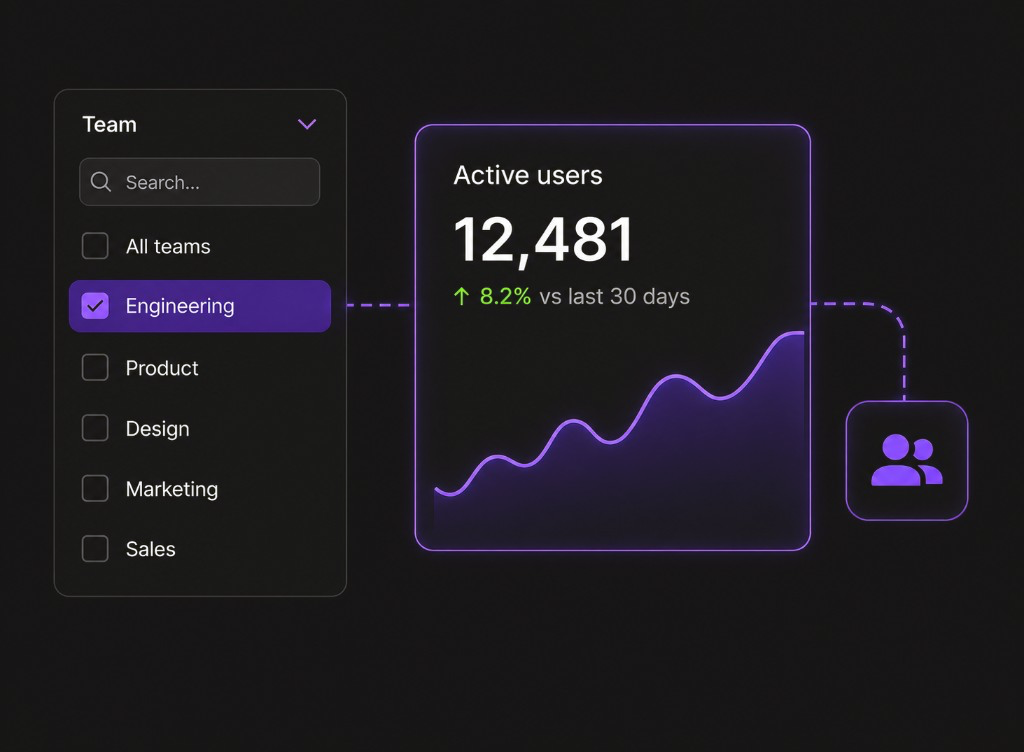
Get answers, just by asking
Ask questions in natural language and get accurate answers instantly.
Read more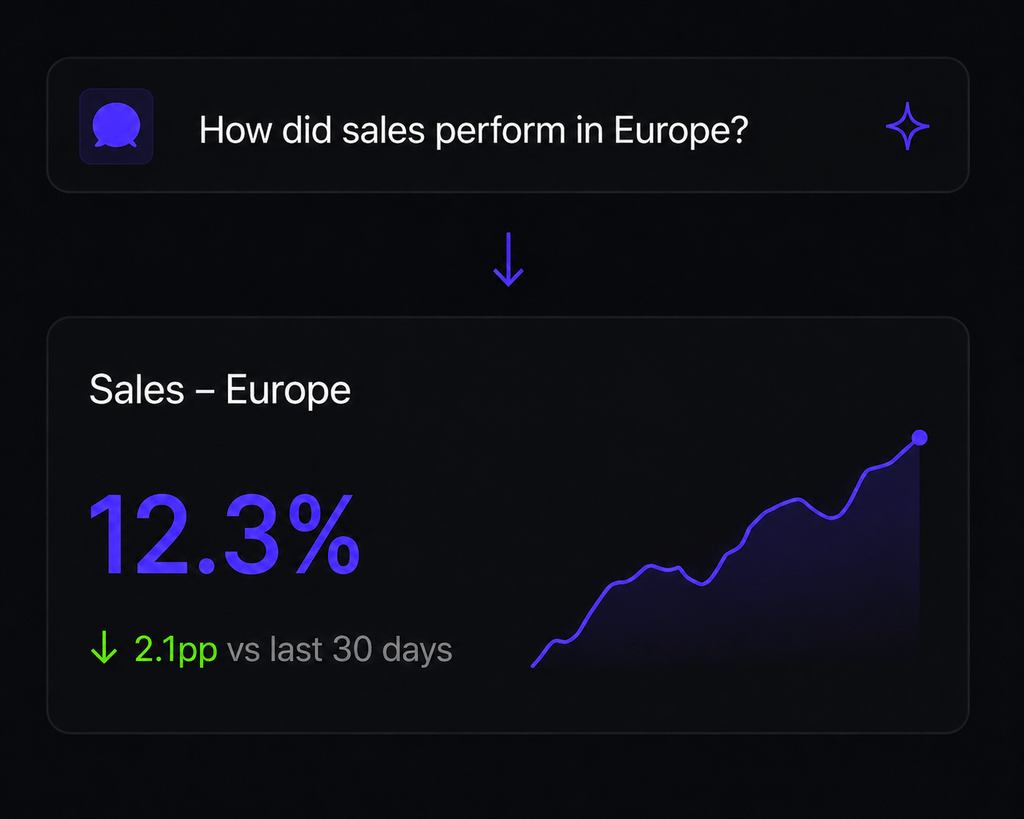
Insights where the work happens
Push insights to the tools your users rely on, so they never have to leave their workflow.
Read more (opens in new tab)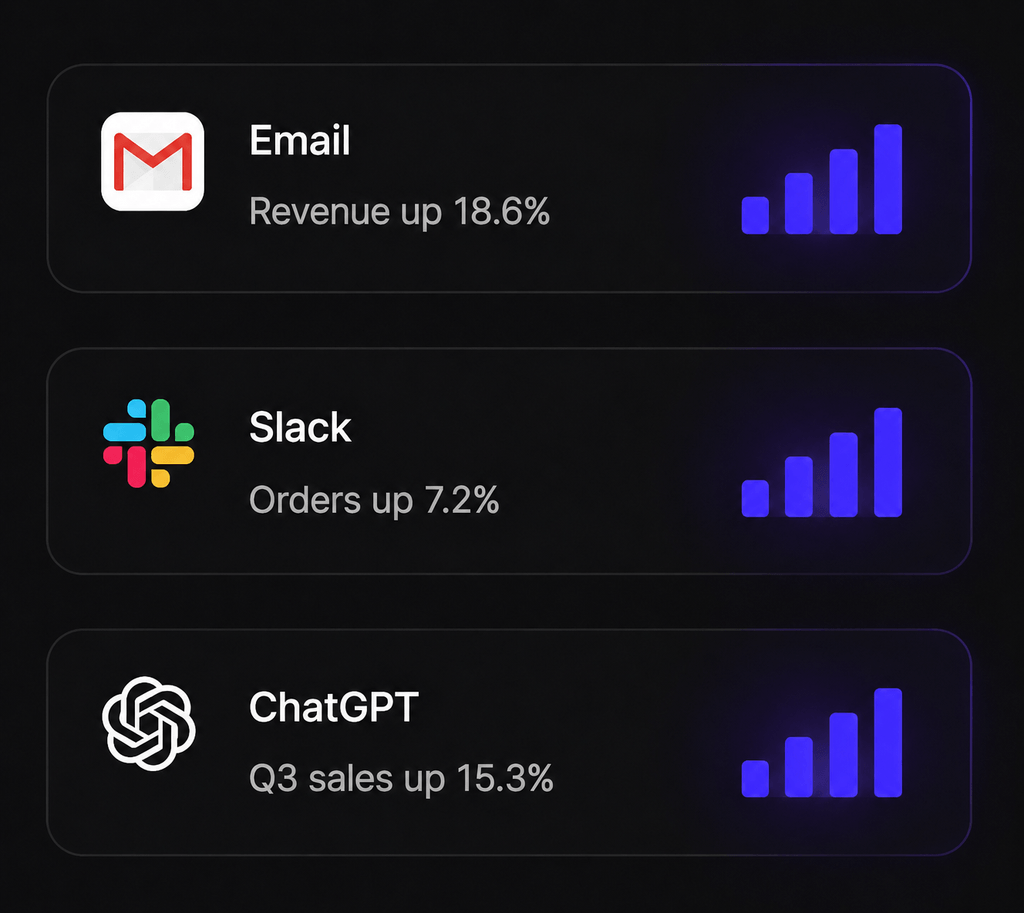
One artifact, every tool.
Grounded in your data, governed by your own auth, and audited end to end.
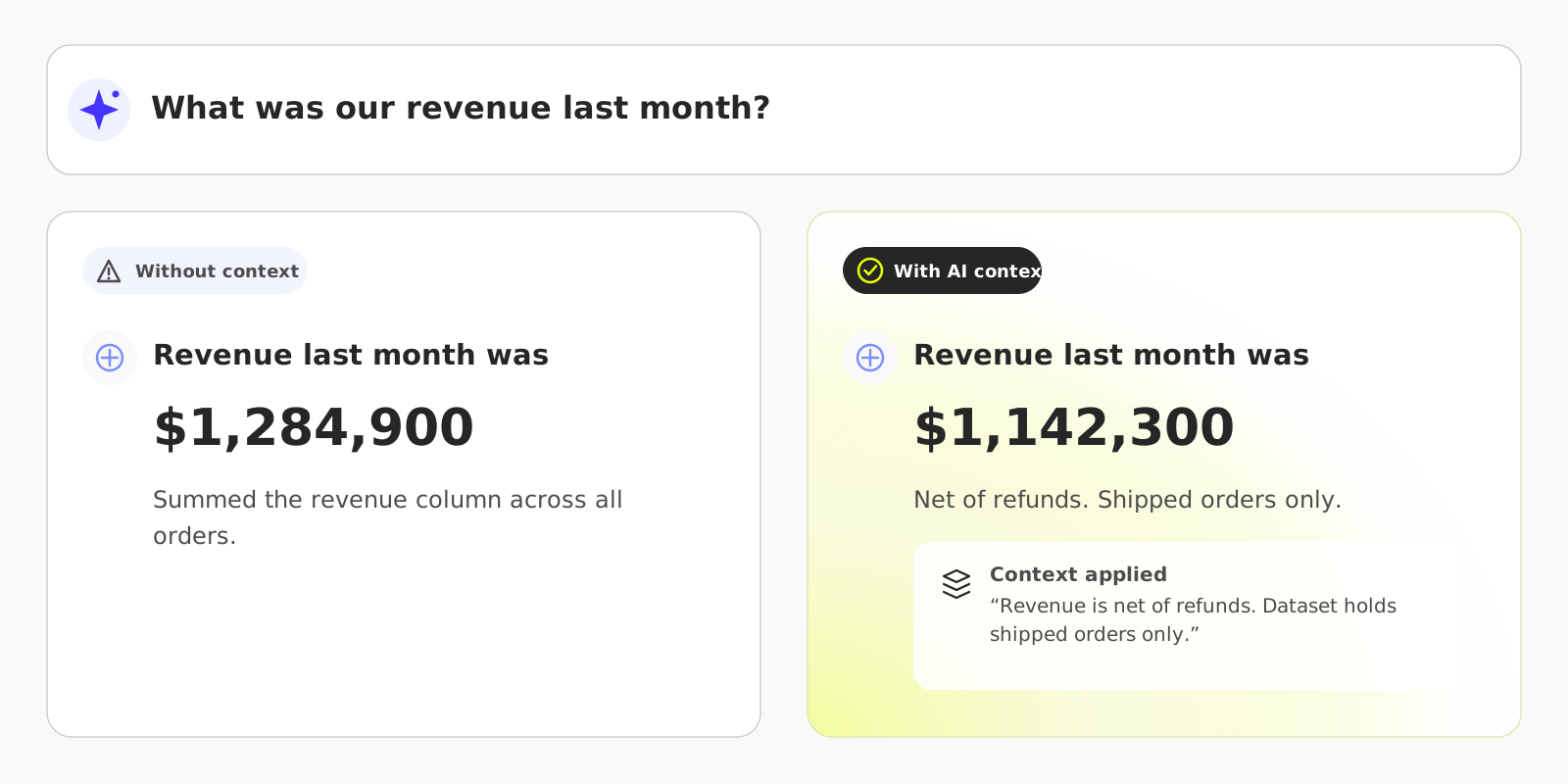
Answers you can trust.
With AI Context, you set the rules: which metrics matter and how they're calculated. Every Luzmo answer follows them, so results always match how your business actually works.
Those rules sit on top of a governed semantic layer, which is what makes a dashboard and an AI answer resolve the same metric the same way.
Why build the infrastructure yourself?
Save months of custom development, and go live in weeks with Luzmo AI.
Feature
DIY
Luzmo AI
AI coding agents
DIY
Trial and error with the API
Luzmo AI
One-line install with Luzmo Agent Skills
AI reliability
DIY
LLM hallucination risk
Luzmo AI
Accurate results (query engine calculations)
Performance
DIY
You optimize everything
Luzmo AI
Built-in data acceleration & query caching
Frontend & UI
DIY
Build from scratch
Luzmo AI
Ready-made components
Localization
DIY
Build it all yourself
Luzmo AI
By default (language, timezone, currency)
Security
DIY
Design and maintain permissions yourself
Luzmo AI
Secure by design (role-based access control)
Grounded intelligence. Strict governance.

Query engine-powered
No hallucinations. Every answer is grounded in your data.

API-first
Designed to fit your stack. Evolve AI strategy without changing your core product.

Security
Multi-tenant row-level security. No training on customer data.

Performance
Built-in data acceleration for fast, sub-second queries at scale.
Customers
What our customers say

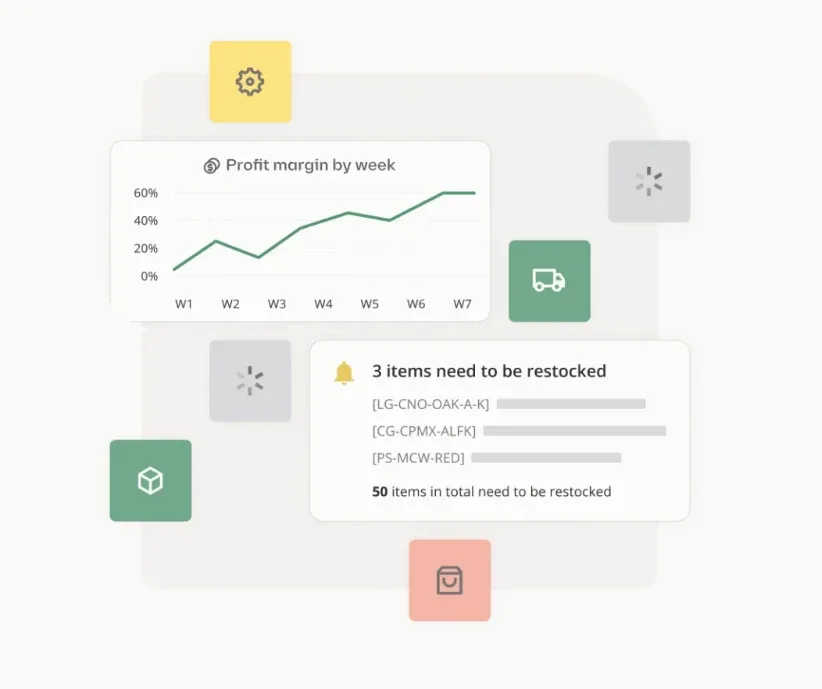
Luzmo IQ will help us to integrate an intuitive, AI-driven chat interface for our users to get actionable insights simply by asking questions. Instead of navigating dashboards and creating custom reports, they will get fast, visual responses to any data query. This will also help them to make informed business decisions and stay focused on optimizing their inventory.Read case study

Rainar Essenson
Senior Product Manager at Katana Cloud Inventory
Rainar Essenson
Senior Product Manager at Katana Cloud Inventory
Stop building the past. Ship the future of your data.
Your roadmap is too important to be stalled by legacy BI. Launch native, self-serve analytics this sprint.

Book your session with our analytics expert.