Webinar: How to ship intelligent, self-service analytics with speed and control

Originally aired: 🗓 April 1, 2026
Missed Our Webinar?
Or want to watch it again? Catch up at your convenience.
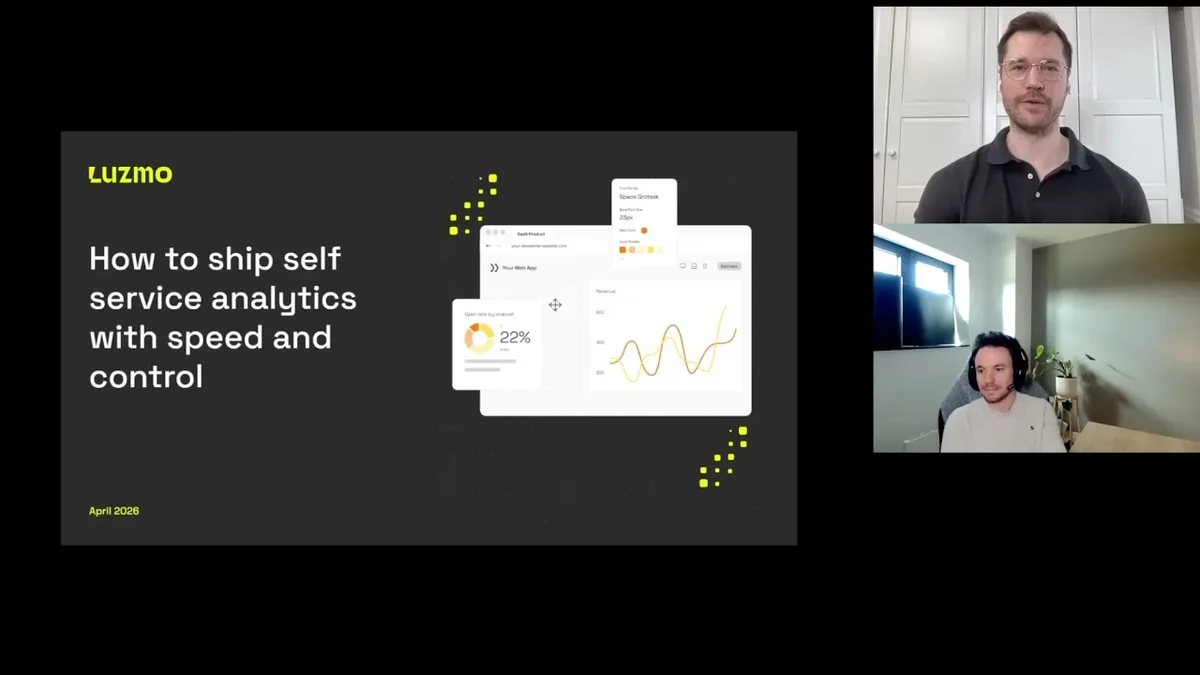
In this session, we walked through the shift from static embedded dashboards to self-service analytics, and unveiled two powerful ways to make it happen in your product.
You'll see exactly how Luzmo's Embedded Dashboard Editor and the newly launched Composable Analytics give your users the ability to explore, create, and own their data experience.
What you'll learn
In this session, we’ll show what that looks like in practice:
- The anatomy of self-service: What a modern data exploration journey looks like
- The AI layer: Turn business users into data pros and report creators
- Native look & feel: Build analytics that actually feels like your product
If you own product adoption, differentiation, or expansion revenue, this session will give you a practical view of what modern embedded analytics can look like.
👉 View the slide deck here. (opens in new tab)
Got More Questions?
If there's anything else you'd like to know, drop us an email at hello@luzmo.com.
Webinar Q&A
All your questions answered.
The Embedded Dashboard Editor is described as low-code. Who benefits from that, the BI team or the end user?
It's the BI team that primarily benefits from the low-code setup. Getting the Embedded Dashboard Editor up and running in your product takes just a few lines of code, making it extremely quick to implement. For end users, the benefit comes through the natural language layer: they no longer need to understand your data model or navigate complex configuration screens. They can simply describe what they want to see in a chat window, and the chart gets built for them. Composable Analytics requires slightly more code since you're connecting multiple individual components rather than embedding one complete editor, but the jump isn't dramatic. Some of our internal non-technical team members built example environments entirely with the help of AI coding agents, so the barrier is lower than you might expect.
So we're essentially speaking dashboards into existence with plain English. Is that right?
Exactly. Instead of needing to know every field in every dataset, every chart type, or every configuration option in Luzmo, users can stay in a single chat window and describe what they want step by step. The chart gets built for them in real time. It keeps the whole experience focused and fluid, without the back-and-forth of clicking through multiple settings screens.
Apart from helping end users create charts via natural language, does this feature also benefit more technically savvy BI teams? Does it save time even if you already know your way around Luzmo?
Yes, it benefits everyone who builds dashboards or charts, regardless of their skill level. Even if you know the product well, the natural language layer means less switching between screens. You can stay in the flow of a single chat interface and build a chart step by step, rather than navigating between the data panel, chart settings, and configuration options separately. It's a more relaxed and focused way to work. So whether you're building charts for your own use or creating dashboards that you'll later embed for your users, the AI layer is a genuine time saver.
If we expose the full builder to users, do we need to rethink how we name our database fields and columns?
Yes, once users are directly interacting with your data, human-readable column names and descriptions matter a lot. The good news is that Luzmo has tooling to help with this. Our metadata suggestions feature analyzes your datasets and proposes clearer, more readable naming. It also automatically generates descriptions for your columns based on the data itself. This is worth investing in for two reasons: your users will have a much better experience navigating their data, and the AI systems that generate charts on their behalf will produce more accurate, relevant results when the metadata is clear and well-structured. Think of it as a form of context engineering for your analytics layer.
Good decisions start with actionable insights.
Build your first embedded data product now. Talk to our product experts for a guided demo or get your hands dirty with a free 10-day trial.

Book your session with our analytics expert.