2026 Embeddable Reviews: Is It a Developer-Friendly Embedded BI?

Embedded analytics is no longer a nice-to-have. It's becoming a key part of the products and websites of businesses that want to enable data-driven decisions with their customers. Up until a few years ago, you didn't have much choice. You were stuck with traditional business intelligence tools like Power BI and their embedded counterparts, which were lackluster, to say the least.
Then came embedded analytics tools, built specifically for embedding in SaaS products. One of the latest newcomers is Embeddable, a developer-friendly tool that gives your team the ability to fully customize the look and feel of embedded dashboards.
But is it really that good? Let's find out what Embeddable reviews say.
Being developer-friendly is a gift and a curse
You'll find a few accounts of developers and product managers who are thrilled with Embeddable, and it's easy to see why. It doesn't force you to use iframes for embedding, which opens up a world of possibilities.
You can make the embedded dashboard feel native to the product by writing custom code. The downside is that your developers really have to know what they're doing, and ideally, they have previous experience building dashboard setups.

Initial setup often involves SDK integration, auth wiring, and environment config before anything is visible. For nontechnical teams, that can feel slow compared to tools where you log in and click a few buttons to get a dashboard. And since Embeddable doesn't come with many templates out of the box, that leads to the next problem.
The time to first dashboard can be longer compared to similar platforms. Your entire team depends on developers to wire up data sources, models, and embedding logic first. Until that groundwork is done, there is nothing to explore, which can make early buy-in harder.
And once everything is set up, you're reliant on developers for just about everything. Want to change the background color of a dashboard element? Add a new data source or integration? You're going to need help from a dev.
In general, you get fewer plug-and-play features compared to more established tools. Turnkey building blocks — things like prebuilt alerts, scheduled reports, ready-made custom charts or canned metrics — often need to be built or wired up yourself rather than turned on with a switch. (Check Embeddable's current docs for the latest, as its feature set is expanding.)

And last but not least, Embeddable is no Power BI. The latter has been around for years, and it's easy to find a Power BI expert specializing in exactly the kind of dashboards you need. To find a dev who can work with Embeddable, you'll need more intricate knowledge of development and be familiar with exactly what you want from a dashboard for you and your end users.
Pricing is really hard to figure out
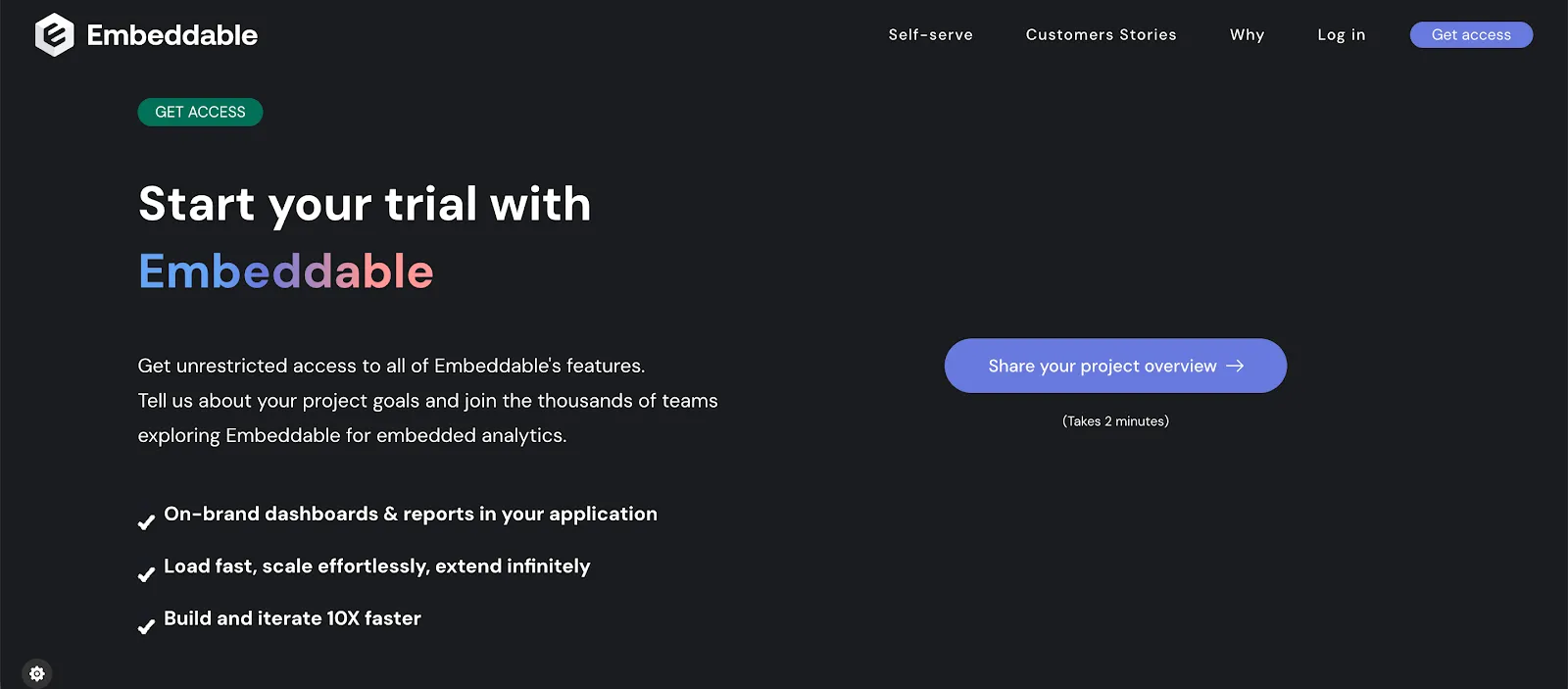
Embeddable's model is flat and session-based (billed on dashboard sessions) rather than per-seat or per-user, so costs stay predictable as your user base grows. What you can't do is price it yourself: checked on August 11, 2026, its pricing page publishes no rate and directs you to sales for a quote scoped to your deployment. Embeddable's own older material has referred to a free tier and a Lite plan at $499 per month, but those aren't on the current pricing page, so confirm what's actually available before you budget.
The flip side of a flat, session-based model is that it doesn't always map neatly to every team's shape. If your usage is concentrated in a small number of heavy dashboards, or spread across many light ones, it's worth modelling your expected sessions before committing.
You no longer have to commit blind: there's a guided demo and a proof-of-concept route, which is the part worth asking for. Whether a self-serve free entry point is currently offered is worth confirming with the vendor, since its published materials and current pricing page disagree on that.
It's optimized for embedding, not internal reporting
Traditional business intelligence tools such as Tableau, Power BI or Looker may not be the greatest at embedding, but they double as internal reporting tools: you can spin up a revenue report across marketing and sales and just send a link to the dashboard around your team.
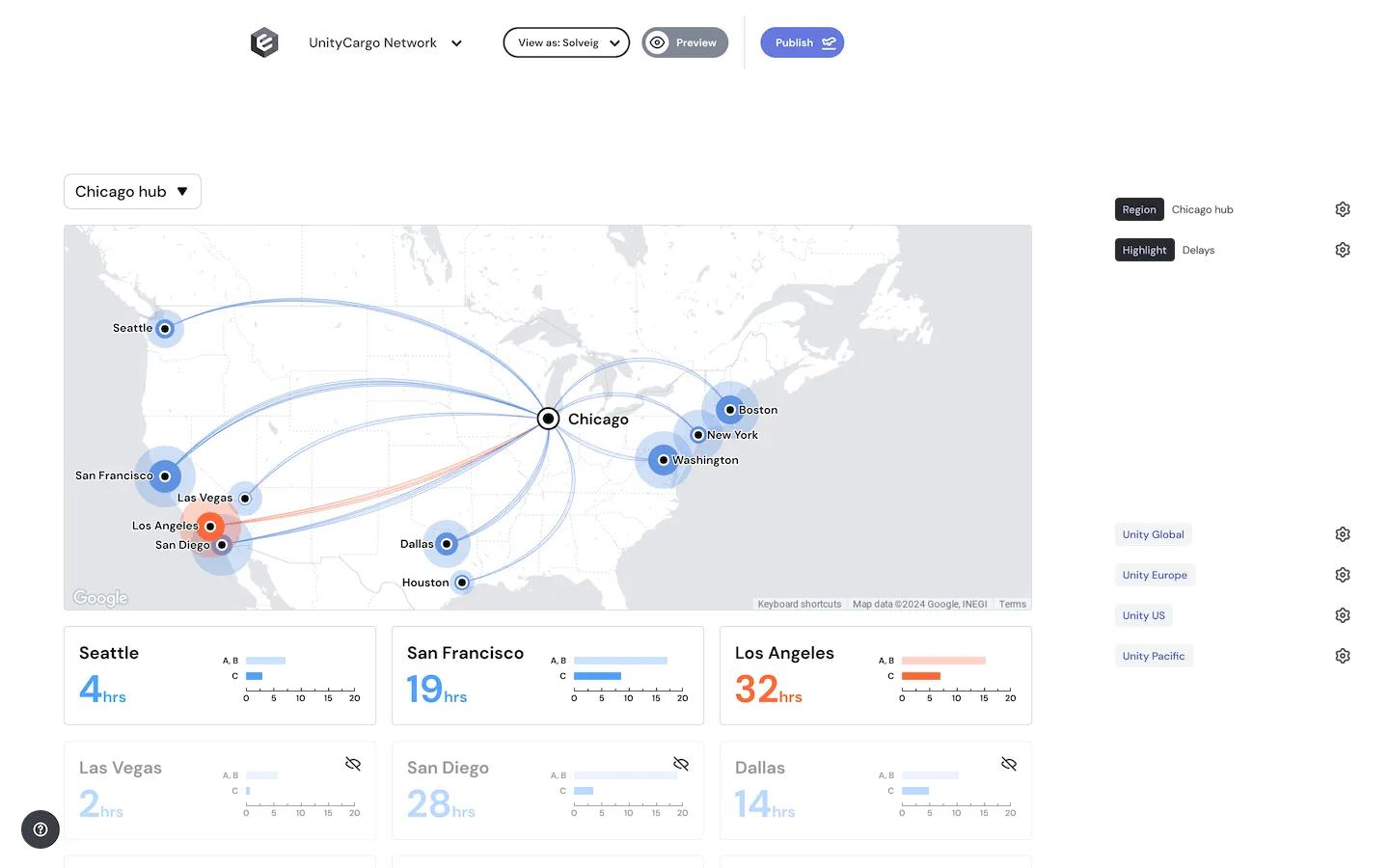
As the name suggests, Embeddable is purpose-built for customer-facing embedding. If broad internal, link-shared reporting is a core need, a general-purpose BI tool may fit that job better — so it comes down to whether your priority is embedding in your product or internal distribution.
There are fewer built-in data modeling tools
Traditional BI platforms often include a modeling layer inside the product. You can create metrics, joins, calculated fields, and business logic directly in the UI. Embeddable takes a different path. It expects most of that work to happen upstream, inside your data warehouse or transformation layer.
In practice, that means product teams need a well-organized data stack before Embeddable feels comfortable to use.
For teams with a mature setup, this can be fine. But for many growing SaaS companies, it introduces friction.
Analysts and product managers cannot define or tweak metrics on their own. Simple changes such as updating a revenue formula or correcting a join often require changes in SQL models, tests, and deployments. What could be a quick fix in a BI tool becomes a developer task.
It also makes experimentation harder. Trying a new way to calculate retention or compare cohorts takes longer when every change must go through a modeling pipeline. Business users lose the ability to explore and adjust logic in real time.
Finally, documentation and consistency become your responsibility. Without a built-in semantic layer, you must manage definitions, naming, and ownership yourself. If that work is not done carefully, teams can end up debating numbers instead of using them.
For companies that want analytics to move as quickly as product teams do, this gap matters. Tools like Luzmo reduce that friction by offering modeling and logic closer to the analytics layer, so teams can move from question to answer without always pulling engineers into the loop.
AI is newer here than at some rivals
Whether you like AI or not, there is a big chance your customers are expecting some form of artificial intelligence in their dashboard. Embeddable has since added AI capabilities — conversational insights, AI-assisted dashboard development and AI querying over its governed semantic layer — so it's no longer absent, but it arrived later than at some dedicated embedded BI tools like Luzmo, ThoughtSpot and GoodData.
AI tools can help internal or end-users do predictive analytics, explore data with commands in plain English, detect anomalies and, in general, lower the barrier to entry. Because Embeddable is code-first, how much of that experience your end-users get still depends on what your developers wire up. (Check Embeddable's docs for the current state of its AI features.)
Smaller ecosystem of supported tools and data sources
The longer a BI tool has been in business, the better it connects to other platforms. For example, Luzmo connects to Azure Synapse, AWS Redshift, BigQuery, Snowflake and just about any other source you can think of.
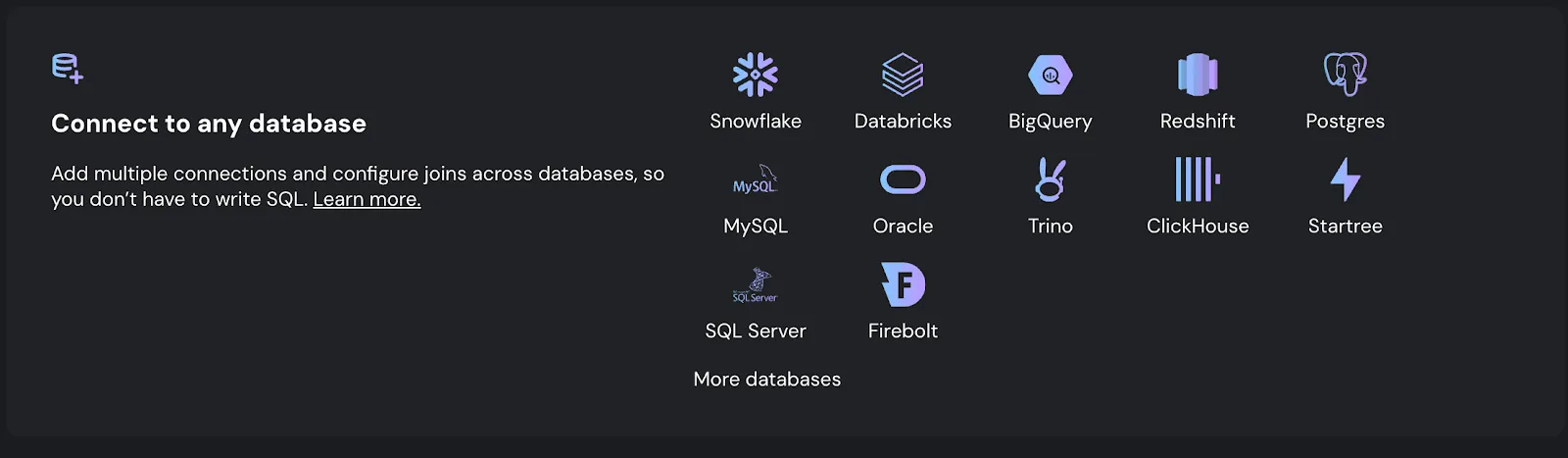
Embeddable is warehouse-first by design: it connects to core cloud warehouses and databases such as Snowflake, Google BigQuery and Amazon Redshift through its semantic layer. For sources outside that, you'll typically wire them up via API — which, once again, leans on developer resources.
The verdict
Embeddable is not a bad tool by any means. It's simply built for a very niche audience. The ideal target audience for Embeddable is:
- A small team with no internal reporting needs, and a large pool of end-users who view/create their own reports
- A business with a strong team of developers with previous BI experience, who can build embedded analytics experiences from scratch
- A company that doesn't need an extensive out-of-the-box connector list or a lot of turnkey, no-code features
The general impression is that Embeddable is still a younger, developer-first platform. Its focus on developers narrows the target market rather than opening it to a wider, non-technical audience. For teams that want a builder non-technical staff can use too — or a broader connector and feature set out of the box — it's easy to see why they also look at Embeddable alternatives.
For example, Luzmo.
We offer different embedding methods with full customization, so that any developer can plug Luzmo into your product in hours. Whether you want to go fully custom with our Flex SDK or use the available templates in a drag-and-drop editor is your choice.
Luzmo has a rich library of sources and connectors, and AI features to help with conversational analytics and easy data exploration.
Perhaps most importantly, Luzmo pricing is publicly availabl,e and you can get a free trial to try out how Luzmo works with your app before spending a cent.
Written by

Ship the future of your data
Let us show you what Luzmo can do for your product.

Book your session with our analytics expert.