Cloud Analytics Platform: Everything You Should Know [2026]
![Cloud Analytics Platform: Everything You Should Know [2026]](/assets/migrated/129a2d0f1e48c2c3.webp)
Cloud analytics platforms have become essential tools for decision makers in 2026. According to G2’s cloud adoption statistics, more than 60% of corporate data already resides in cloud storage and 94% of enterprises use cloud computing.
Organizations therefore have vast data sets at their disposal, yet they still struggle to turn those numbers into actions.
This article explains why a cloud analytics platform matters in 2026, guides you on how to pick the right one, and shows you 9 strong picks worth checking out.
Why cloud analytics platforms matter in 2026
The heart of a cloud analytics platform is its ability to bring all of your data together in one single platform.
Rather than leaving business intelligence scattered across spreadsheets, siloed data sources or on‑premises servers, modern platforms consolidate information in one environment so the entire organization can work from the same data.
The following list outlines the major reasons organizations have adopted cloud analytics solutions.
#1 Unified data architecture
Modern cloud analytics platforms use cloud data warehouses, data lakes and lakehouses to store both structured and complex data.
Vendors like Microsoft Azure, Google Cloud and Amazon offer elastic cloud data warehouses that scale automatically, while lakehouses accommodate unstructured and real‑time streaming information.
This unified architecture means you can store data centrally (whether in a public cloud, private cloud or hybrid environment) to meet data sovereignty requirements.
When you integrate data from multiple data sources through connectors or data integration services, the platform keeps track of where each piece of data stored came from. As a result, the data analytics process becomes far easier.
#2 Powerful analytics and AI
Beyond dashboards, leading platforms combine business intelligence with machine learning, predictive analytics, and other advanced analytics techniques.
They support analytic models that can identify patterns in customer data and generate forecasts. AI‑powered tools sift through large datasets, letting data scientists, data engineers and even non‑technical users uncover real time insights.
Because the platform is built on cloud computing, it can process enormous amounts of data quickly, using AI models to deliver AI powered insights.
Users can run data analysis on the same data without copying it. This reduces errors and lets everyone work from a complete picture.
#3 Cost efficiency and elasticity
With pay‑as‑you‑go pricing, companies pay only for the compute and data storage they use. Modern platforms let you scale storage and processing resources up or down instantly to match workload spikes.
This eliminates the need for expensive on premise servers and the maintenance burden of an on premises solution.
When you’re not running heavy queries, resources can be turned off so you gain measurable cost savings and free your budgets up for innovation.
As your business grows and you ingest more data, the scaling capacity of the cloud automatically adapts, so you never hit a performance ceiling.
#4 Security, reliability and governance
Moving sensitive business data to the cloud doesn’t mean sacrificing data security.
Leading providers use end‑to‑end encryption, row‑level permissions and disaster recovery systems to protect sensitive data, while certified environments meet strict regulations such as GDPR, HIPAA and SOC‑II.
Hybrid and multi‑cloud options let you keep sensitive workloads in a private cloud or on premise environment while still using public cloud resources for less critical tasks.
Vendor‑managed infrastructure reduces human error and ensures high uptime, while data sovereignty requirements can still be honoured. Built‑in governance tools track data processing and access.
#5 Collaboration and self‑service
Analytics is ultimately a people activity. In 2026, platforms provide intuitive, web‑based interfaces that allow any data analyst, marketer or product manager to run queries and build visualizations without writing SQL.
Self‑service features let business users explore data sets and ask questions to insights at their own pace. Real‑time dashboards and cloud reporting enable remote and hybrid teams to share data and annotate findings directly within charts, all so conversations remain close to the numbers.
Comments, alerts and version control keep everyone aligned, while embedded analytics options let you deliver dashboards inside third party applications or customer portals. This democratization of analytics spreads data science literacy across your organization and accelerates decision making.
How to choose the right platform
Not all cloud analytics tools are created equal.
When evaluating a platform, look for solutions that are truly cloud‑native (no desktop installation) and support public cloud, private cloud and hybrid deployment models.
Ask whether the vendor offers a single, browser‑based environment with unified governance and user management.
Confirm that the platform can connect to both cloud data and on‑premises sources, integrate with third party applications, and provide fast real time data processing.
Other factors include:
- Scalability and elasticity. The service should automatically allocate compute and storage resources based on workload, delivering predictable performance while keeping costs low.
- Integration. Support for diverse data sources, including databases, SaaS applications, APIs and streaming feeds, as well as tools to integrate data with existing workflows.
- Security and compliance. Strong encryption, granular permissions, identity and access management, and adherence to industry regulations.
- Advanced analytics & AI. Built‑in intelligent tools for machine learning, predictive analytics and natural‑language querying, so you don’t need separate AI services.
- User experience. Intuitive, self service interfaces, drag‑and‑drop dashboards and mobile access, enabling both technical and non‑technical users to derive insights.
- Pricing model. Transparent cost savings through pay‑as‑you‑go or subscription options, with no surprise fees for scaling or upgrades.
Leading cloud analytics platforms in 2026
Choosing the right cloud analytics platform depends heavily not just on how your teams work with data, but also how much governance you need and whether analytics should live in a standalone BI tool or be embedded directly into products and workflows.
Below is a an overview of widely used platforms and the scenarios they fit best:
Luzmo
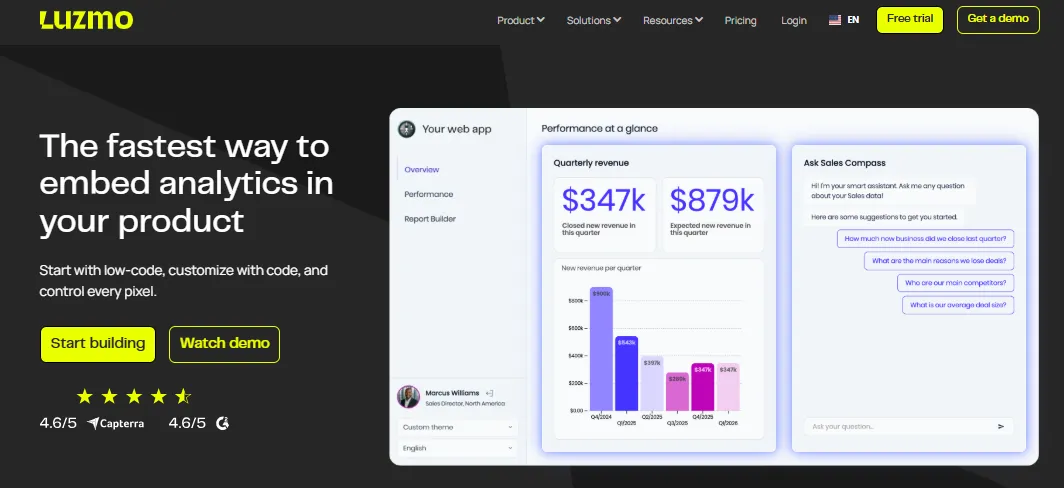
Luzmo is built specifically for teams that want to turn analytics into a first‑class product feature rather than a separate BI project.
Its core promise is speed to market combined with deep customization: product teams can start with low‑code drag‑and‑drop dashboards, then progressively enhance them using APIs, SDKs, and full CSS control, down to the level of individual pixels.
Unlike traditional BI tools that rely on heavy iframes or rigid theming, Luzmo provides native, composable components that embed directly into web applications.
Dashboards and charts become part of the product UI, fully responsive and aligned with the existing design system. Fonts, colors, spacing, layouts, and interactions can all be controlled so analytics feels like a natural extension of the application, not an external add‑on.
From a development perspective, Luzmo follows an API‑first approach. Teams can embed analytics securely using robust SDKs and REST APIs, with native support for modern frameworks such as React, Vue, and Angular.
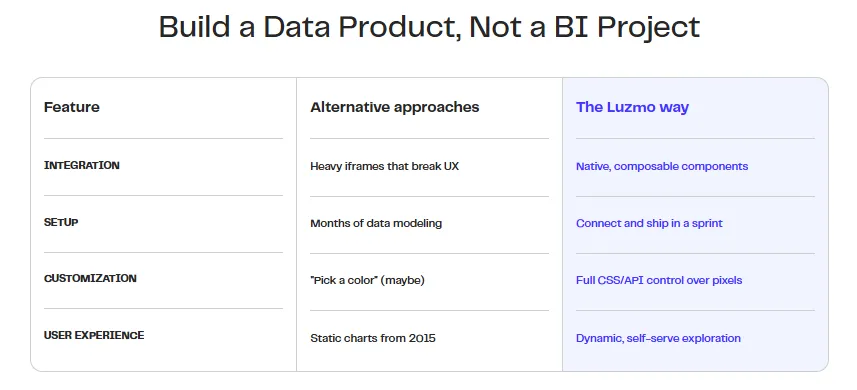
This makes it possible to ship embedded analytics in a single sprint, rather than spending months on custom charting libraries, data modeling layers, and access control logic.
A key strength of the platform is its focus on multi‑tenant, production‑grade security. Row‑level security, role‑based permissions, and tenant isolation are built in by default, allowing SaaS companies to safely expose analytics to customers, partners, and internal users on the same infrastructure.
This eliminates the need to build complex authorization layers on top of generic BI tools.
On the user side, Luzmo delivers true self‑service analytics inside the product. End users can filter and drill down into data, build their own dashboards, set alerts, and export reports without leaving the application. AI‑assisted interactions add another layer of usability: users can ask questions in natural language and instantly receive visual answers, lowering the barrier to insight for non‑technical audiences.
With its Agent APIs and AI capabilities, Luzmo also automates much of the invisible analytical work.
https://www.youtube.com/watch?v=qvRQEa15AOE
These include:
- automatic dataset and column descriptions,
- natural‑language data discovery,
- on‑the‑fly formula generation,
- auto‑visualization through APIs,
- conversational analytics with history and summaries,
- and the ability to embed these experiences directly into custom chat or assistant interfaces.
Under the hood, Luzmo connects directly to modern cloud data warehouses and uses its built‑in acceleration layer (Warp) to keep queries fast as both data volume and user concurrency grow. This maintains interactive performance even when dashboards are embedded across many tenants and high‑traffic customer portals.
In practice, Luzmo is ideal for SaaS and product‑led organizations that want to build a true data product: analytics that are native, on‑brand, secure, and deeply integrated into workflows.
Instead of running a separate BI portal, teams can deliver dynamic, self‑serve exploration, AI‑powered insights, and governed access directly inside their own applications, turning analytics into a core part of the user experience and value proposition.
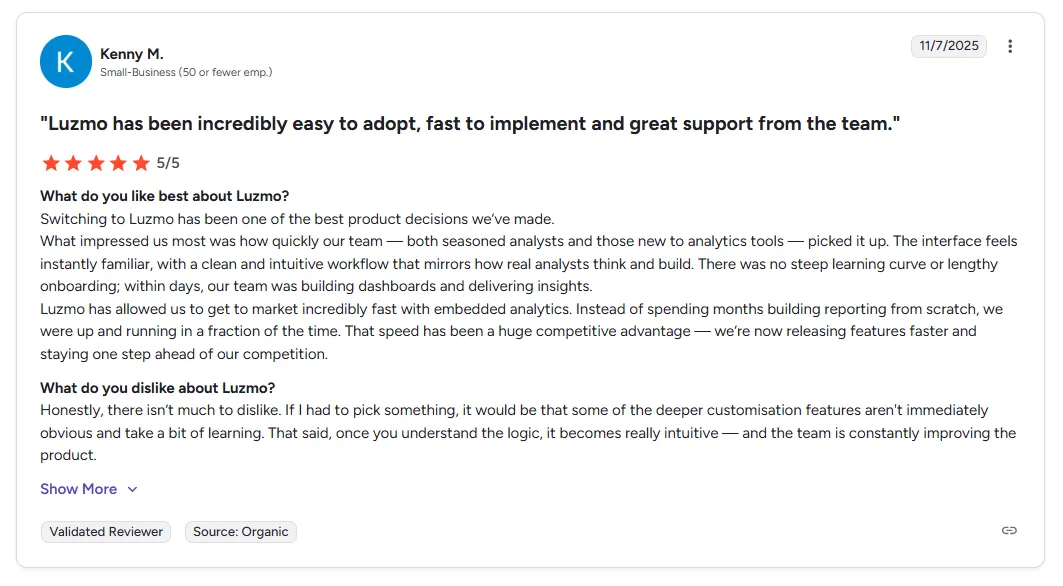
Tableau Cloud
Tableau Cloud is best known for its rich, interactive data visualizations and its intuitive drag-and-drop interface, which allows both analysts and business users to explore data without heavy technical setup.
It connects to a wide range of data sources, supports near real-time dashboard updates, and includes strong governance features such as role-based access control and centralized management.
Power BI (Microsoft)
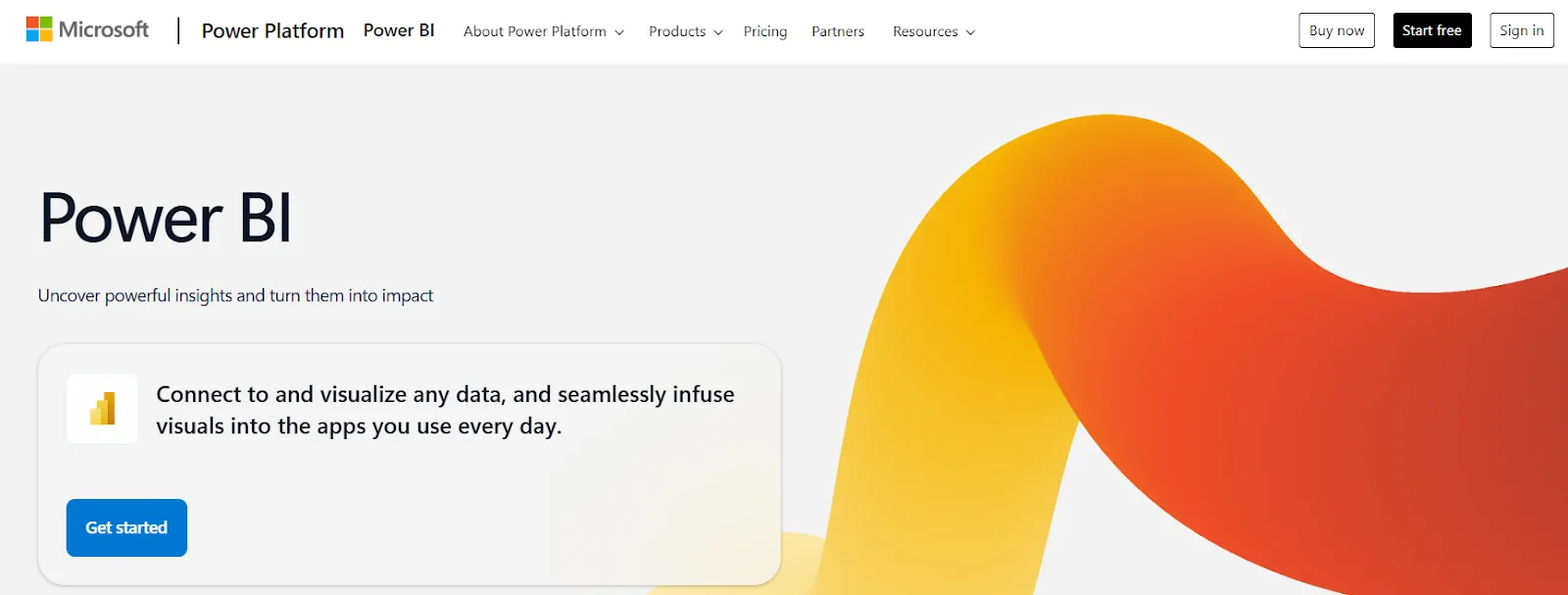
Power BI stands out through its tight integration with the Microsoft ecosystem. It works seamlessly with Excel, Microsoft Azure, and Teams, making it easy to model, analyze, and share data across departments using tools employees already know.
The platform offers drag-and-drop report creation, built-in AI features for assisted insights, and a mature security and governance layer.
Looker (Google Cloud)
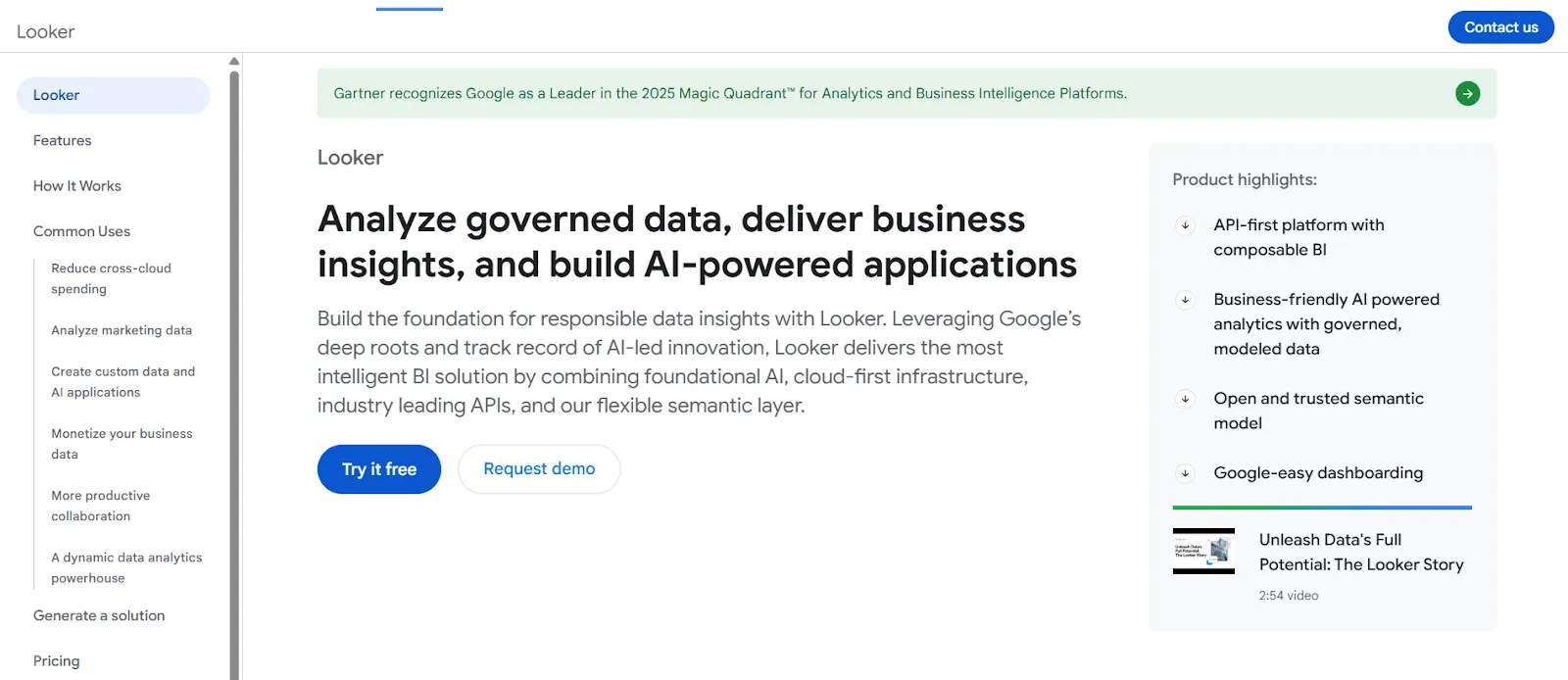
Looker takes a model-first approach to analytics. Instead of defining metrics separately in every report, teams create a centralized semantic model where business logic, calculations, and KPIs are defined once and reused consistently. Looker supports multi-cloud deployments, robust embedding options, and extensibility through custom developer tools and APIs.
Qlik Cloud Analytics
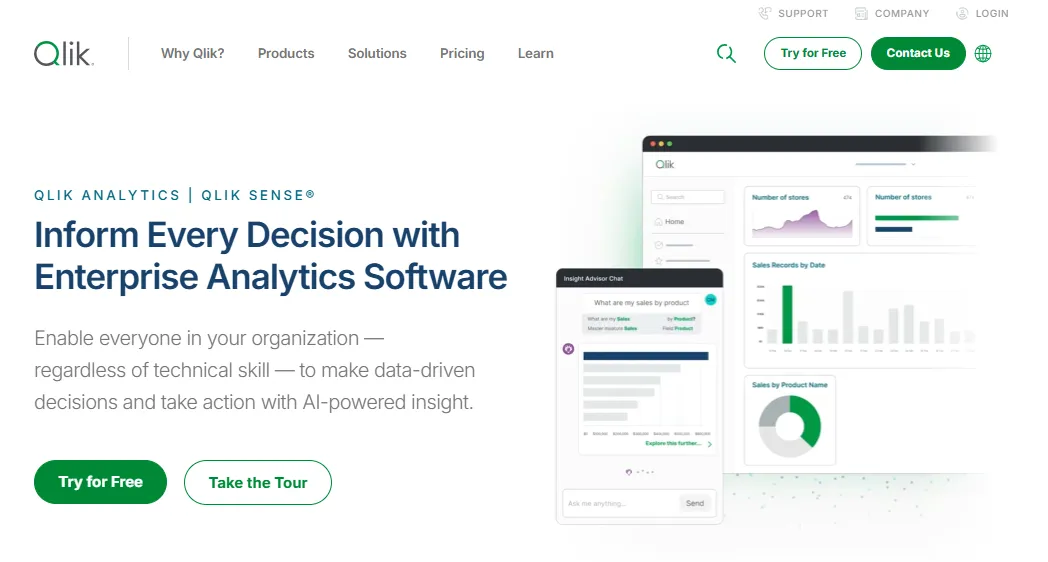
Qlik Cloud combines associative analytics with strong data integration and governance. Its in-memory engine allows users to explore data freely, uncover hidden relationships, and perform advanced analytics without being limited by predefined query paths. Built-in machine learning and automated insight generation help surface anomalies and trends.
Amazon QuickSight
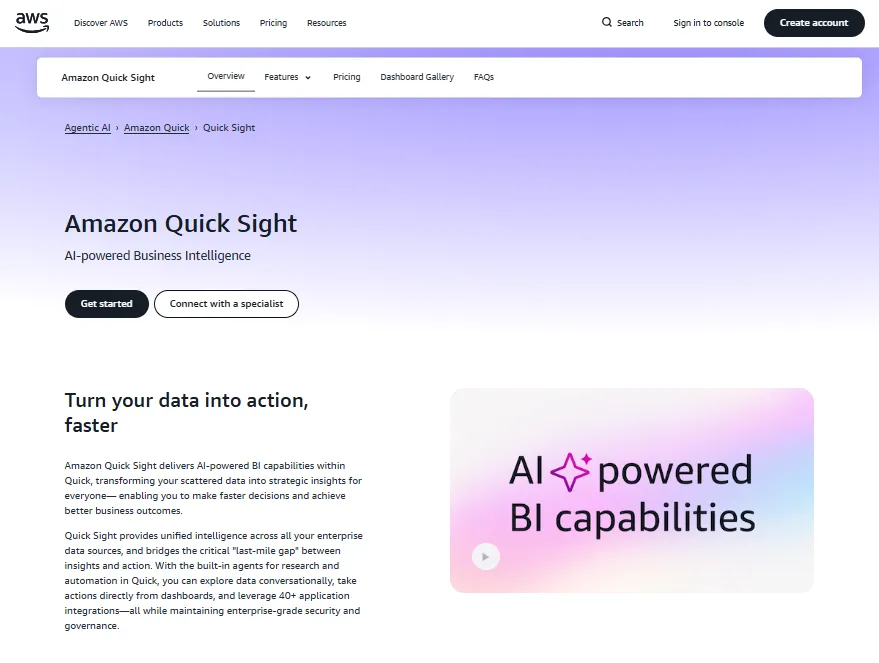
Amazon QuickSight is a fully managed, serverless BI service tightly integrated with the AWS ecosystem. It scales automatically, supports pay-per-session pricing, and connects natively to services such as Redshift, Athena, and S3. QuickSight also offers embedded dashboards and ML-powered anomaly detection.
SAP Analytics Cloud
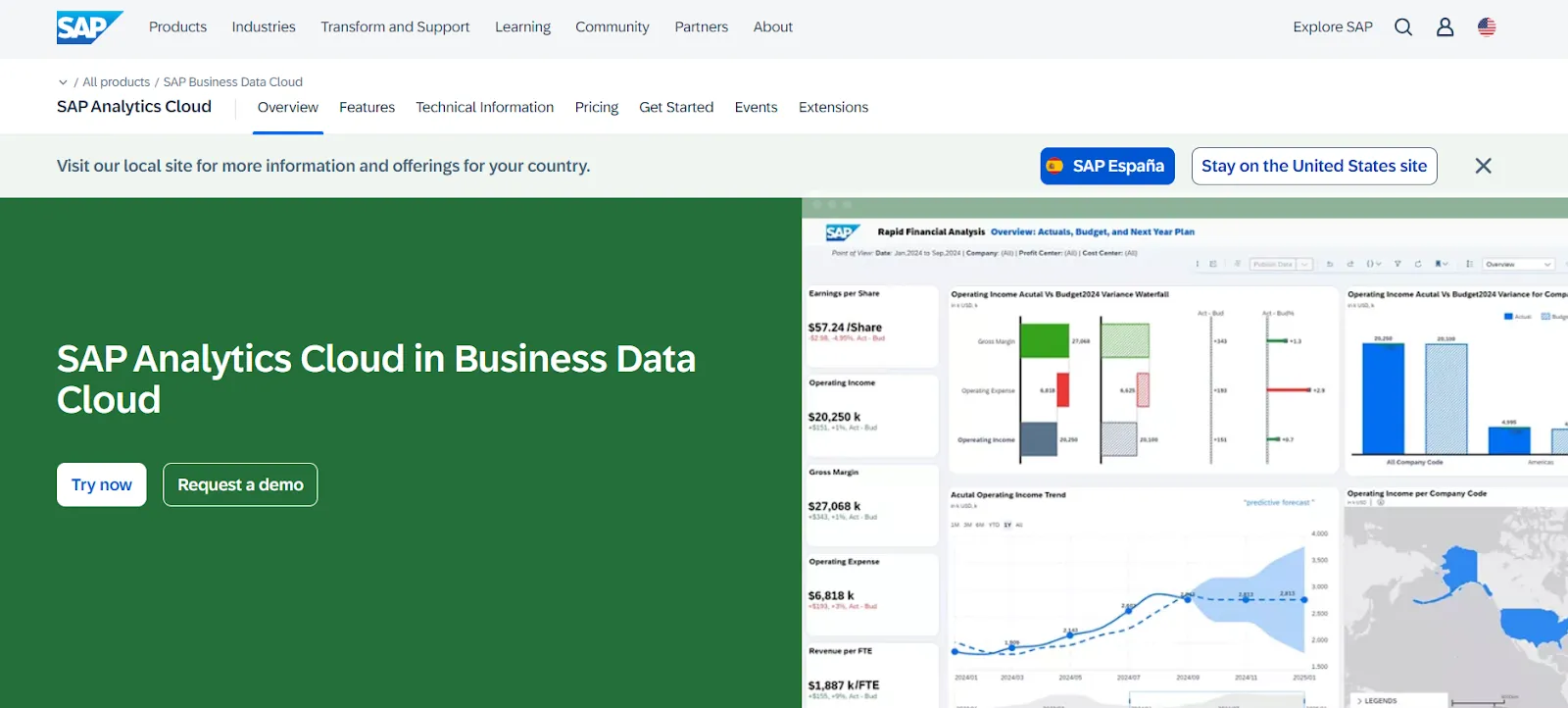
SAP Analytics Cloud unifies business intelligence, planning, and predictive analytics in a single environment. It integrates deeply with SAP data sources while also supporting third-party systems, and includes built-in forecasting and scenario modeling.
ThoughtSpot
ThoughtSpot focuses on search- and AI-driven analytics, allowing users to ask questions in natural language and instantly receive visual answers. It supports live connections to cloud data warehouses and emphasizes fast, self-service insight discovery.
Conclusion
Cloud analytics platforms have become the backbone of modern decision making, bringing data, AI, and business intelligence together in a single, scalable environment.
The right platform helps teams act on real-time insights and embed analytics directly into everyday workflows.
If your goal is to go beyond standalone dashboards and turn analytics into a native part of your product or customer experience, Luzmo stands out.
With the low-code speed, API-first flexibility, and built-in security for multi-tenant environments, it lets you ship embedded, self-service analytics in weeks instead of months.
Ready to see what a true data product looks like? Try Luzmo for free or book a demo and start delivering insights where your users actually work.
FAQ
What is a cloud analytics platform?
It is a single platform where data, dashboards, and models live together, so teams explore and decide in one place instead of jumping between tools.
What is cloud analytics?
It is analytics built on cloud computing, where data is processed and visualized online rather than on local machines.
What are the 4 types of analytics?
Descriptive (what happened), diagnostic (why it happened), predictive (what may happen next), and prescriptive (what to do next) - the stack used by the next generation of insight tools.
What is the best analytics platform?
The “best” one depends on your business needs, how easily it can turn services into insight, and whether it frees you from an on premise solution running on fixed on premise servers while staying simple to use and scale.
Written by

Ship the future of your data
Let us show you what Luzmo can do for your product.

Book your session with our analytics expert.