8 Best Domo Alternatives in 2026 After the Progress Agreement

Editor's note, August 5, 2026: On July 22, 2026, Domo signed a definitive agreement to sell substantially all of its operating business to Progress Software. The transaction hasn't closed yet, so Domo and Progress still operate as separate companies. We'll update this article as the deal progresses.
Luzmo is the strongest Domo alternative for customer-facing embedded analytics, while Tableau and Power BI suit broad internal BI. Domo signed an agreement to sell its business to Progress Software in July 2026, and that deal hadn't closed as of August 5, 2026, so migration timing is worth planning now.
For context on the platform itself, see our Domo overview.
Domo acquisition status: what's confirmed
It's worth separating what's actually been announced from what's still speculation, because a signed agreement and a completed sale are two different things for buyers.
Here's what's confirmed as of August 5, 2026:
- On July 22, 2026, Domo signed a definitive agreement to sell substantially all of its operating assets, employees, technology and customer contracts to Progress Software for $400 million in cash.
- The transaction hadn't closed. It remained subject to regulatory approvals and customary closing conditions.
- Progress expects the deal to close before the end of its fiscal year on November 30, 2026.
- Until closing, Domo and Progress continue to operate as separate companies.
What that means practically: if you're a Domo customer, your contract and support relationship run as they do today during the closing period. What isn't confirmed is what happens to pricing, packaging or the product roadmap after closing, and nobody can tell you that yet. Anyone claiming Progress already owns Domo is ahead of the facts.
The reasonable move is to keep evaluating on current product fit and cost, while building enough optionality that a post-close change in direction doesn't strand you.
Domo alternatives at a glance
| Tool | Best for | Embedded-first? | Public pricing? | AI capabilities |
|---|---|---|---|---|
| Luzmo | Customer-facing embedded analytics in SaaS products | Yes, built for embedding from day one | Yes, published plans | Luzmo IQ conversational analyst, Agent APIs |
| Tableau | Broad enterprise BI and visual analysis | No, enterprise BI first | Partially, role-based and varies by product | AI-assisted analysis features |
| Looker | Google Cloud enterprises with LookML skills | No, internal BI first | No, sold through Google Cloud on annual contracts | Gemini-powered conversational analytics |
| Power BI | Microsoft-stack reporting at scale | Separate Power BI Embedded product | Partially, Embedded uses Azure capacity billing | Copilot features |
| Sisense | Component-level embedding for developer teams | Repositioned around embedding | No, enterprise pricing is quote-based | AI features in Fusion |
| Qlik Sense | Large-volume associative analysis | No, internal BI first | No, enterprise pricing is quote-based | AI and automation features |
| Sigma | Spreadsheet-style warehouse exploration | No, embedding is an add-on | Partially, confirm embedded terms with sales | AI query and formula assistance |
| ThoughtSpot | Search-led and AI-assisted exploration | Yes, through ThoughtSpot Embedded | Partially, enterprise pricing is quote-based | Search and AI-led analytics |
How we evaluated these alternatives
We compared these platforms on the criteria that actually decide a Domo replacement, rather than on feature-count totals:
- Embedding depth. Whether customer-facing analytics is a core architecture or a bolt-on, including white-labeling, multi-tenant isolation and row-level access control.
- Pricing transparency. Whether you can model cost before talking to sales, and whether the model is per-seat, consumption-based or capacity-based.
- Deployment options. Managed cloud, self-hosted or both, since data-residency requirements often decide the shortlist.
- Migration effort. How much modeling, dataflow and dashboard work has to be rebuilt rather than ported.
- AI capabilities. Whether natural-language querying is usable in production or still demo-stage, and what data prep it assumes.
Research date and sourcing. Product, deployment and pricing facts in this article were checked against current vendor documentation on August 5, 2026. Volatile details like pricing and packaging change often, so treat the numbers as a starting point for your own quote.
Our bias, stated plainly. Luzmo builds embedded analytics, so we compete with several tools on this list. We've tried to keep the comparison specific: we recommend Luzmo for customer-facing embedded analytics inside SaaS products, not as a universal replacement for enterprise BI. Where a competitor is the better fit, the table above says so.
Why look for Domo alternatives?
If you take a look at Domo reviews, you'll notice quite a few complaints that keep repeating from unhappy customers.
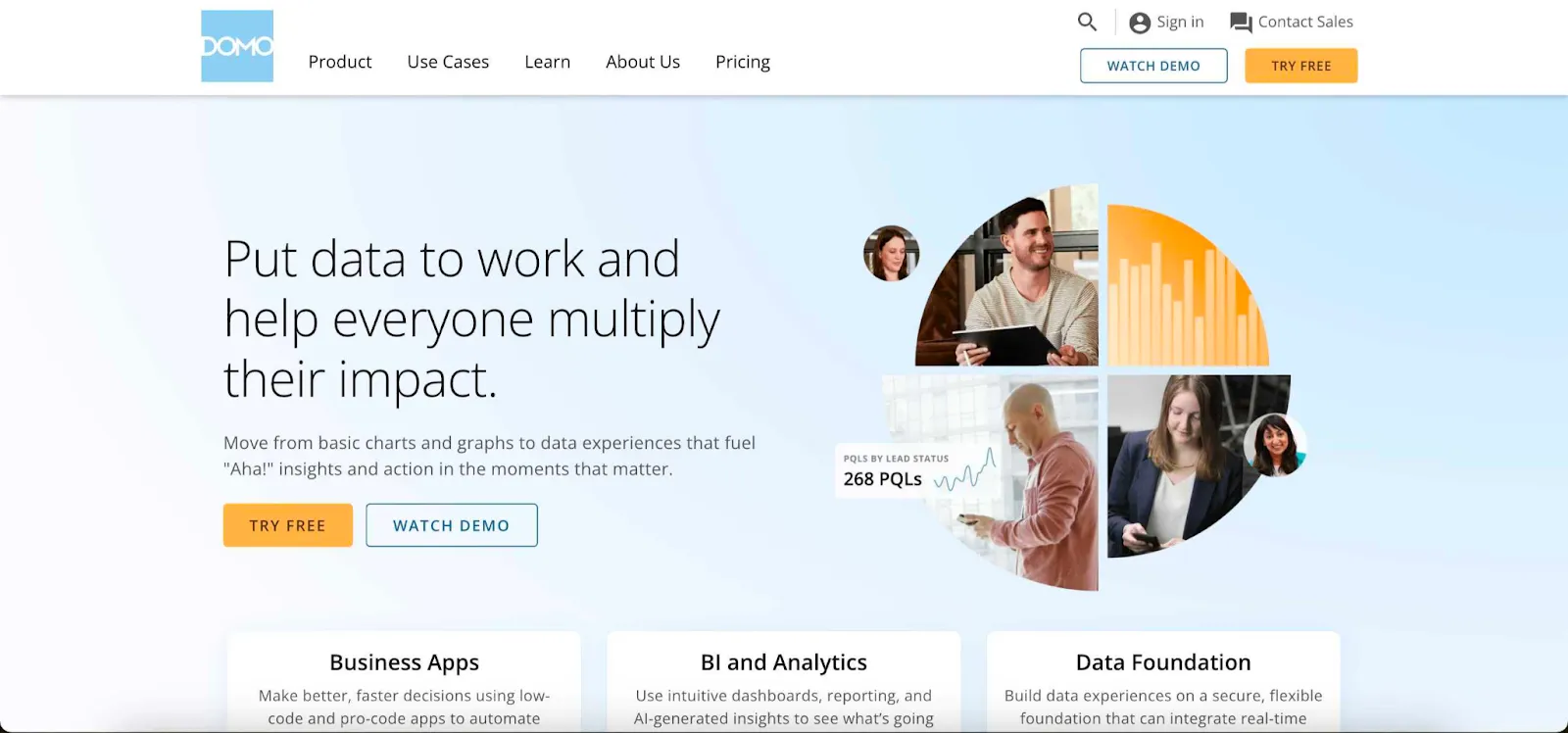
The first one is cost predictability. Domo uses consumption-based pricing rather than per-seat licensing. User seats are free under that model, and you instead buy a pool of credits consumed by storage, compute and product activity, typically on a one to three year contract. That's genuinely flexible for some teams, but it also means your bill tracks usage you don't fully control, and there's no public rate card to sanity-check a quote against. Our Domo pricing breakdown goes deeper on how the credit model behaves in practice.
The second is interactive dashboards. Although there are many different data visualization choices (150+), the customization options are not the best. Many times, the person creating the dashboard won't be able to produce the kind of end result they want the end user to see.
Performance is not the greatest feature of this analytics tool. Although Domo has an amazing number of connectors and data sources, the data fetches fairly slowly, especially with big data sets.
Customer service is notoriously bad. Domo has a steep learning curve, especially for those without a data science background. If you get stuck, don't rely on customer service because it can take days to get an answer.
Last but not least, Domo's AI (Domo.AI), which covers natural-language querying and AI agents, is capable, but like most tools it depends on solid data prep. To get reliable AI-driven decisions from your Domo dashboards, you'll need well-structured dataflows and modeling in place first.
Now that you know why Domo might not be the right fit, let's find the business intelligence platform that works better for your business analytics needs.
Best Domo competitors in 2026
Maybe you want a tool like Domo, but more user-friendly.
Or maybe you want something with similar connectors to Domo, but better performance, more automation and easier workflows. Whatever your data-driven team is looking for, there are some great Domo alternatives to consider and choose from.
1. Luzmo: the best embedded analytics platform
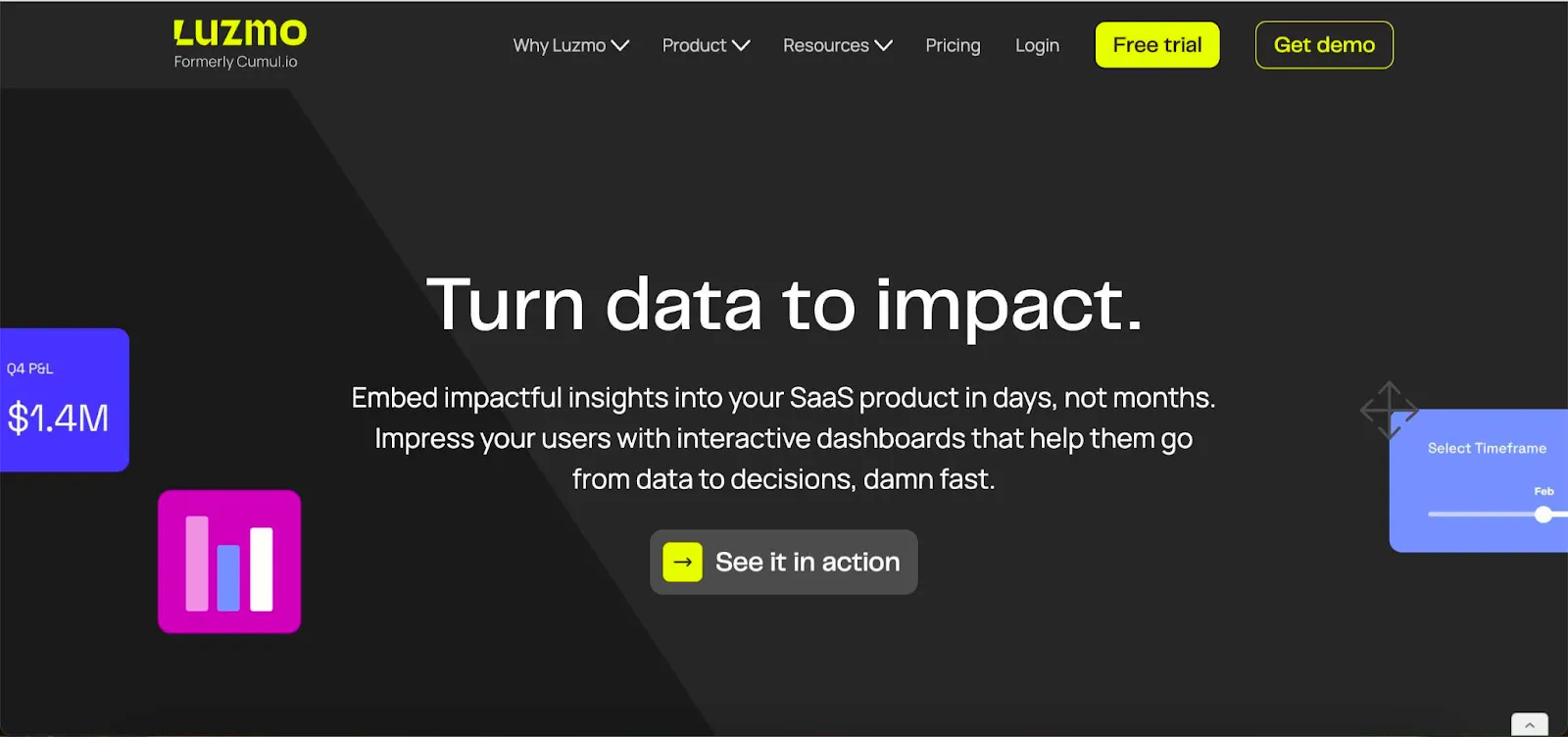
Looking for your next embedded analytics tool? Luzmo isn't trying to be everything for everyone like some giant BI platforms. Instead, it excels at one thing: embedded dashboards for self-service analytics scenarios.
With Luzmo, you can build advanced analytics dashboards for your product and hook them up via a powerful API to your data stack (data warehouses, lakes, SaaS apps) so you can analyse data in real time, simplify your data visualisation workflow and help non-technical users explore results rather than just view them.
Here's where the product lineup gets exciting:
- Luzmo Studio: Embed fully white-labelled, highly customisable dashboards into your app with minimal dev effort. Drag-and-drop interface, real-time analytics, responsive layouts, built to fit your product.
- Luzmo Flex: A developer-first SDK that gives you the building blocks to craft bespoke analytics experiences. Ideal when you need full control and want to connect data from multiple sources, or build custom UI/UX beyond a standard dashboard.
- Luzmo IQ: a conversational analyst for embedded natural-language analytics. Users ask questions in plain English and get charts, insights and summaries instantly. Great for non-technical users or those who want "ask questions about your data" style analytics.
- Agent APIs: AI-powered endpoints that automate dataset discovery, formula generation, visualization, even conversational analytics. So your analytics can proactively deliver insights rather than wait for a user-led dashboard.
Pricing is transparent and designed for SaaS growth. Luzmo starts at €1,995 per month, billed annually, with a platform fee plus adoption-based usage and no internal builder seat licences. That's the clearest contrast with Domo's credit model: you can model your bill before you sign.
Why this matters:
- For non-technical users, you can deploy an intuitive interface where users explore dashboards, drill down, ask questions and see insights without writing SQL.
- For developers and product teams, you get flexibility to build, embed, customise and deploy fast, often in hours not weeks.
- You get connectors to major data warehouses and sources, live updates, interactive visualisations, and the architecture to embed analytics seamlessly into your app or SaaS product.
- Transparency and speed: because the focus is narrow (embedded analytics) the product is simpler to deploy and quicker to show value versus big legacy tools.
Best for: SaaS teams and product companies that need embedded analytics built in, want to empower their end users with decision-making tools, and don't want to spend months developing a BI ecosystem from scratch.
Bottom line: If you're choosing the right tool for embedded analytics now, Luzmo deserves serious consideration, especially if your goal is to create interactive dashboards, empower non-technical users, connect data from multiple sources, and embed analytics as part of your product experience.
Get a free trial of Luzmo now.
2. Tableau: business intelligence and AI solution
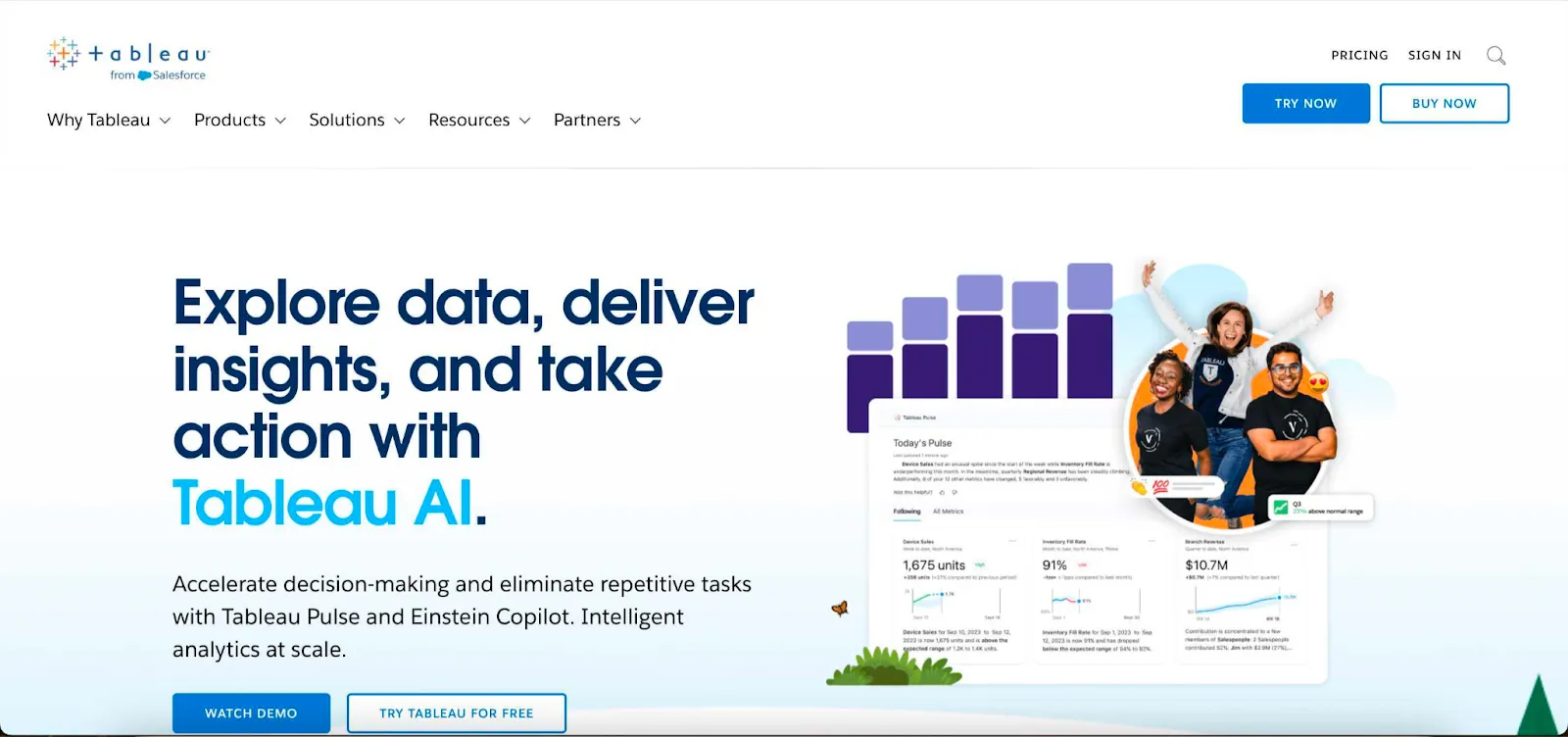
Looking for an enterprise-level tool that can be used by companies of all sizes? Whether you use it on premise or as Tableau Server, this tool has everything you need to turn complex data into actionable insights.
Owned and managed by Salesforce, Tableau has a large variety of analytics tools, data sources and visualizations to choose from. And if you need help with your BI strategy, creating data pipelines and so on, you can easily find a Tableau expert for hire. Or just contact their customer support to give you a helping hand, since they're pretty good.
The downside is that doing any kind of customization in Tableau is time-intensive and you'll have to get expert help. For embedded analytics, Tableau is clunky and overly complex.
Pricing deserves care here, because Tableau can't be reduced to one number. Tableau Cloud, Tableau Server and Tableau Next use different role and deployment structures, and Tableau Next separates user-role pricing from Data 360 storage costs that may apply depending on your deployment. So the real comparison is your full role mix plus deployment model, not a single per-user figure. If you're weighing the wider enterprise field alongside migration complexity, our roundup of Tableau alternatives for enterprise BI teams covers that trade-off in more detail. It's also worth reading Domo vs Tableau if those two are your finalists.
3. Looker: powerful, but you need experience
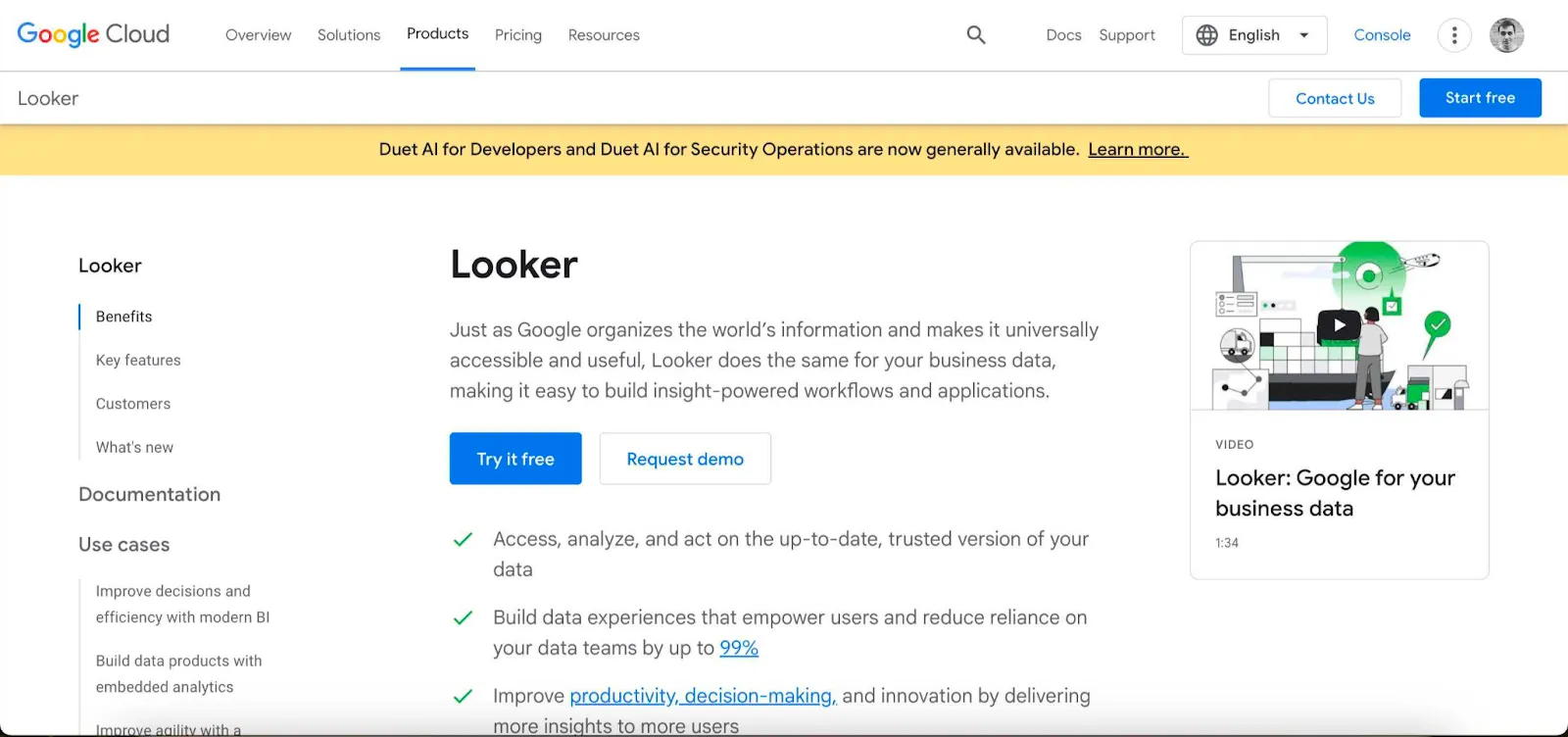
Domo and Looker are two common choices with enterprise audiences, and it's no wonder that Google's Looker gets that kind of attention. It's very powerful, with a large number of analytics features, backed by LookML, their proprietary language for semantic data models. It's famous for its huge variety of visualizations and the level of customization you can do in your dashboards.
There is just one slight problem with Looker, and that's the fact you really need a few great developers experienced in this tool to get the kind of stunning dashboards you see online. To set up data management and modeling, you really need data science expertise.
It has also added Gemini-powered conversational analytics, so AI isn't a gap. The bigger consideration is cost: Looker is sold through Google Cloud on a sales-led, annual-commitment basis and sits at the premium end, so you won't be able to model your spend without a quote. Our Looker vs Domo comparison covers how the two stack up on modeling and governance.
4. Microsoft Power BI: the classic choice
If you're already using other tools in the Microsoft stack, grabbing the on-premise or online version of Power BI is a no-brainer. It's based on Azure and connects to a variety of data sources and online databases, from Amazon AWS to popular data warehouses. You can create ad-hoc reports and dashboards in various shapes and formats with ease.
Thanks to its presence in the market, two things are possible. One, you can troubleshoot problems online and figure out just about any issue regarding data sources, visualizations, data modeling and the rest. Second, finding a good Power BI data engineer is fairly easy.
The downside is that Power BI is not very beginner-friendly and you need at least one data specialist on board to build things up. It's also primarily built for desktops, so don't expect amazing performance on mobile devices or in web browsers.
Licensing is where the comparison with Domo gets interesting. Power BI Embedded, the product meant for white-label customer-facing analytics, bills through Azure capacity rather than a simple per-viewer fee. You pay for the capacity tier you select and the time it actually runs, and you can pause capacity when you don't need it. That can be efficient at scale, but it makes forecasting depend on region, SKU and utilization instead of one stable monthly figure. Don't confuse it with Power BI Pro or Premium Per User pricing either, since those are different products. Teams that want alternatives to Power BI with clearer embedded pricing usually end up comparing capacity billing against flat published plans.
5. Sisense: modern but complex for beginners
Sisense is a modern, fast tool that lets you visualize your most important metrics and KPIs, and it's built for modern, embedded analytics. It's genuinely developer-friendly and has multiple ways of embedding dashboards into other software: iframes, Sisense.js and the component-based Compose SDK, which supports React, Angular and Vue with TypeScript. Deployment covers cloud, dedicated and on-premises options, with white-labeling, SSO, multitenancy and row-level controls.
The tool gets praise for its technical depth, but at the same time, getting anything beyond the basics (predictive analytics, for example) can be complex for beginners. You need a dedicated engineer or a few to get Sisense off the ground.
And like Domo, Sisense doesn't publish full pricing. It offers self-service and enterprise plans, with enterprise pricing supplied through sales rather than a public grid, so Sisense pricing depends on your users, data volume and hosting rather than a fixed starting figure. If component-level embedding is your priority, it's worth reading how the Sisense alternatives for embedded analytics compare on developer experience.
6. Qlik Sense: built for big data chunks

Qlik has a range of products that promise unearthing insights from huge piles of data. Their feature called "Stories" lets you take snapshots of data at different points in time and then compile them into a dashboard for an easy overview.
In reality, Qlik can be incredibly difficult to use, even for seasoned data scientists. The issues with performance don't help either, since datasets can take a long time to fetch and load, making it a poor choice for embedded analytics.
Also like Domo, Qlik pricing is cryptic if you're looking for an enterprise plan.
7. Sigma: spreadsheet-style warehouse exploration
Sigma takes a different angle from Domo. Instead of pulling data into its own platform, it sits directly on your cloud data warehouse and gives analysts a spreadsheet-style interface for exploring it. For teams that already invested in Snowflake, BigQuery or Databricks and whose analysts think in spreadsheets, that's a fast path to adoption without asking everyone to learn a new modeling language.
The trade-off is orientation. Sigma is built primarily for internal analytics rather than customer-facing embedding, so embedded use is more of an add-on than a core architecture. It also assumes you have a well-modeled warehouse already, which is a meaningful prerequisite if you're moving off Domo's all-in-one approach where storage and compute lived inside the platform.
Best for: analyst-heavy teams with a mature cloud warehouse who want self-service exploration without a semantic-layer project. Confirm embedded terms and pricing with their sales team, since those aren't fully public.
8. ThoughtSpot: search-led and AI-assisted analytics
ThoughtSpot approaches analytics through search and AI rather than through dashboard authoring. Users type a question, and the platform returns a visualization, which makes it appealing when you want non-technical people exploring data rather than requesting reports from an analyst.
It also has a real embedded story. The product now called ThoughtSpot Embedded, renamed from "ThoughtSpot Everywhere" back in April 2024, covers APIs, the Visual Embed SDK, SSO, multitenancy and row-level security. Packaging runs Essentials, Pro and Enterprise, with enterprise pricing handled through sales. There's a developer offer that's free for one year for up to ten users and 25 million rows, which is useful for prototyping, though it's clearly not an unrestricted production plan.
Best for: teams that want natural-language exploration as the primary interface, and that have clean enough data for search results to be trustworthy. If AI-led exploration is the deciding factor, compare the ThoughtSpot competitors built around search and AI before you commit.
Best Domo alternative by use case
There isn't one winner here, so match the tool to the job:
- Customer-facing analytics inside your SaaS product: Luzmo. Embedding, white-labeling and multi-tenant isolation are the core architecture rather than an add-on, and the published pricing makes cost modeling straightforward. Our guide to embedded analytics tools covers the wider category.
- Broad internal enterprise BI and visual analysis: Tableau, if you have the analyst capacity to use it well.
- You're already deep in the Microsoft stack: Power BI, with the caveat that Embedded capacity billing needs its own forecast.
- Governed semantic modeling on Google Cloud: Looker, if you have LookML skills in house.
- Component-level embedding with heavy developer involvement: Sisense.
- Very large datasets and associative exploration: Qlik Sense.
- Analyst self-service on an existing cloud warehouse: Sigma.
- Natural-language and search-first exploration: ThoughtSpot.
Migration checklist for Domo customers
Moving off Domo is mostly a data-modeling project, not a dashboard project. Work through these before you commit to a platform:
- Inventory your connectors. List every data source feeding Domo and confirm the replacement supports it natively, or that you have a pipeline that can. Domo's connector library is large, and this is where migrations usually stall.
- Separate dataflows from dashboards. Transformation logic built in Domo's dataflows has to live somewhere else, either in your warehouse, in dbt or in the new platform. Budget for this properly, since it's the largest hidden cost.
- Decide internal versus customer-facing. If some of your Domo dashboards are shown to your own customers, that requirement should drive the choice. Internal BI tools handle it poorly.
- Check your credit contract and timing. Domo contracts typically run one to three years on a credit pool. Know your renewal date, your remaining credits and your notice period before you plan a cutover.
- Map users to the new pricing model. Domo seats are free and you pay for consumption. Most alternatives invert that. Model your actual user count against per-seat, capacity or usage-based pricing so the comparison is honest.
- Rebuild your top ten dashboards first. Not all of them. The long tail of rarely opened dashboards is a good opportunity to retire things rather than port them.
- Plan for the closing period. Since the Progress transaction hadn't closed as of August 5, 2026, avoid signing long renewals that assume the post-close roadmap. Keep your options open until the picture is clearer.
Compare enterprise BI platforms
Domo sits in the enterprise BI category, so the most relevant comparisons are other large BI suites and embedded analytics platforms:
If your priority is customer-facing analytics inside your SaaS product, explore Luzmo.
Should you really consider an alternative to Domo?
Domo has strong analytics capabilities and data integration with just about any platform that exists. If you want broad data analysis and great connectivity, Domo can still be a reasonable choice for internal BI. However, it's also held back by slow performance on large datasets, limited dashboard customization and a consumption model that's hard to forecast without a quote.
The pending Progress transaction adds one more consideration. It doesn't make Domo a bad product, and nothing about the platform changed on July 22. It does mean that a long-term commitment now carries more uncertainty about pricing and roadmap than it did a year ago, which is a fair thing to weigh.
If what you actually need is to embed analytics in your own product, with a drag-and-drop builder, real customization options and pricing you can model in a spreadsheet, that's a different category of tool than Domo was built to be.
We know it's a complex decision, so you can book a demo with our team to learn more before trying Luzmo out.
FAQ
All your questions answered.
Is Domo being acquired?
Domo signed a definitive agreement on July 22, 2026 to sell substantially all of its operating business to Progress Software for $400 million in cash. The transaction hadn't closed as of August 5, 2026, and it still depends on regulatory approvals and customary closing conditions.
What happens to Domo customers after the Progress deal?
Until the deal closes, Domo and Progress operate as separate companies, so contracts and support run as before. Progress expects to close before the end of its fiscal year on November 30, 2026. Existing customers should still plan for possible changes to pricing, packaging and roadmap afterward.
What is the best Domo alternative in 2026?
It depends on the job. For customer-facing embedded analytics inside a SaaS product, Luzmo is the strongest fit because embedding, white-labeling and multi-tenant access are core rather than add-ons. For broad internal enterprise reporting, Tableau or Power BI usually cover more ground.
Which Domo alternative has transparent pricing?
Luzmo publishes its price, and Metabase publishes tiered pricing alongside a free open-source edition. Tableau publishes role-based prices that vary by product and deployment. Domo, Sisense, Qlik and Looker are quote-based, so budget comparisons need a sales conversation before you can model total cost.
How much does Domo cost?
Domo uses consumption-based pricing rather than per-seat licensing. User seats are free under that model, and customers buy a pool of credits consumed by storage, compute and product activity, usually on a one to three year contract. Domo doesn't publish a standard rate card.
Which tools are the best alternatives to Domo?
The shortlist in this guide covers Luzmo, Tableau, Looker, Power BI, Sisense, Qlik Sense, Sigma and ThoughtSpot. Luzmo suits embedded product analytics, Tableau and Power BI suit broad internal BI, Sigma suits warehouse-native exploration and ThoughtSpot suits search-led and AI-assisted analysis.
What should I consider before switching from Domo?
Map your data sources, then decide whether analytics is for internal teams or your own customers. That single answer narrows the list fast. After that, compare embedding depth, multi-tenant security, white-labeling, total cost at your user volume and how much engineering time migration will realistically take.
Written by

Ship the future of your data
Let us show you what Luzmo can do for your product.

Book your session with our analytics expert.