Product Update - December 2025
It's hard to believe 2025 is almost over. We wanted to finish the year strong with three major quality-of-life improvements.
We hope you like how much simpler we've made building formulas, controlling your AI settings, and analyzing historical data.
Here’s everything you need to know about our final release of the year:
🧠 Plain Language, Perfect Formulas
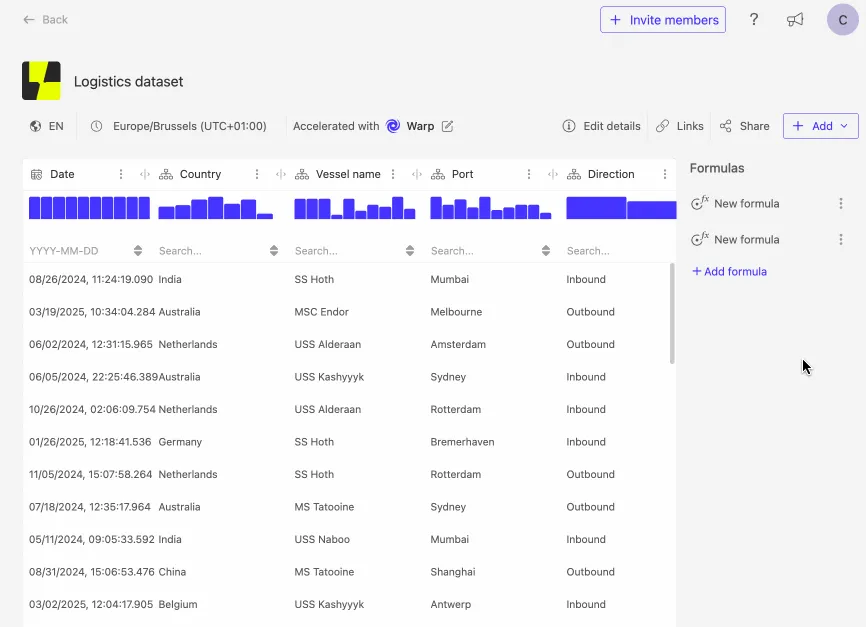
We’re excited to introduce a powerful new feature that lets you generate formulas simply by describing what you want to calculate, right in our formula editor.
Thanks to Luzmo's Agent APIs, you can now turn a short, plain-language prompt into a ready-to-use formula right in the editor.
What this means for you:
- Zero syntax headaches: No more worrying about parentheses and function names.
- Faster setup: Easily create a complex formula simply by describing it.
- Focus on logic: Spend less time troubleshooting syntax and more time on deliverying insights.
Example use case: Instead of writing the full syntax for calculating a complex churn rate, you can now just type: "Calculate the percentage of users who canceled their subscription last month."
🛡️ Updated AI Settings for Control
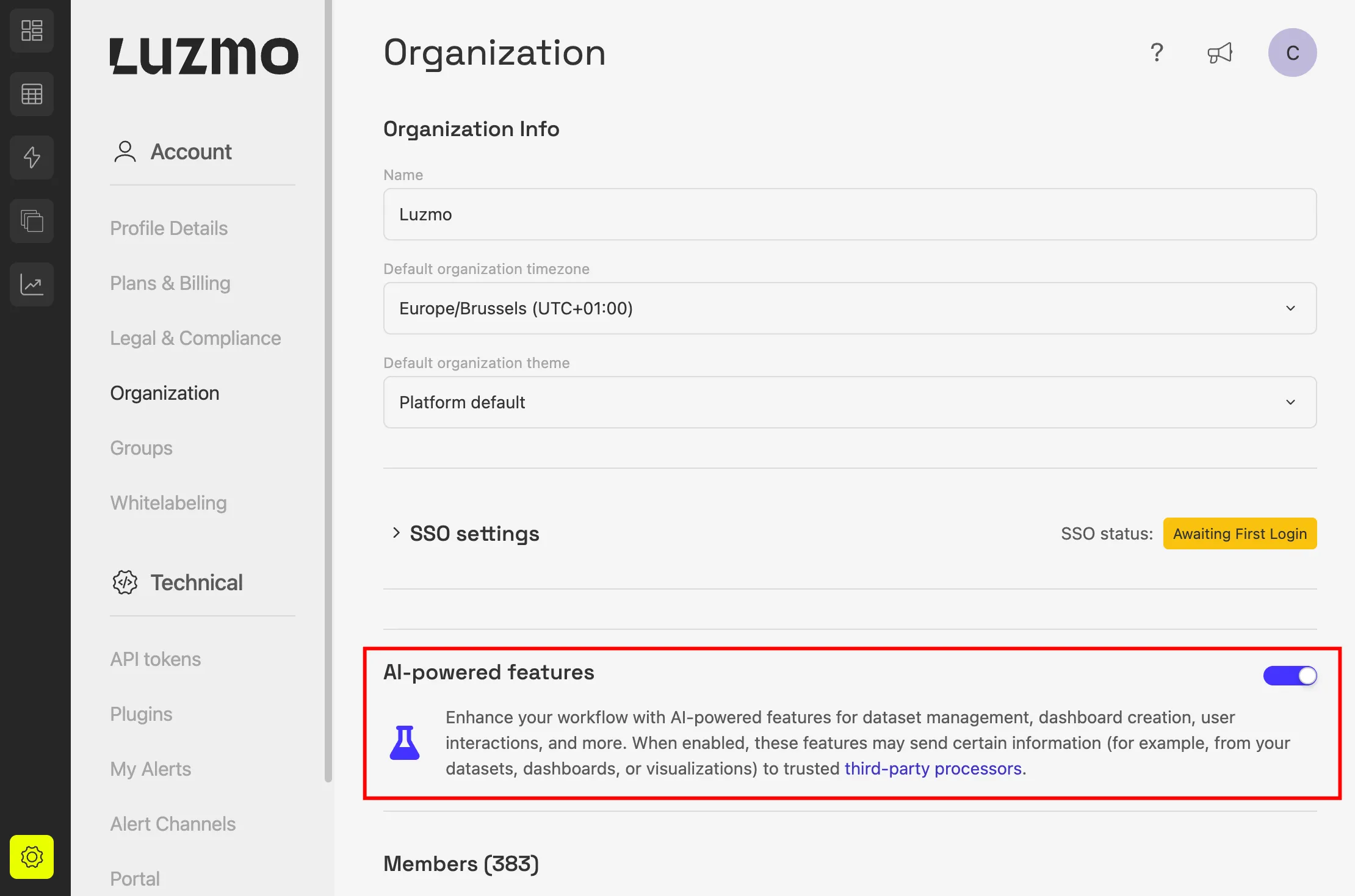
As we continue to deliver powerful AI features, we’ve updated the Organization settings in Luzmo to give you better control and transparency.
The new “AI-powered features” toggle allows organization owners to easily disable or enable all AI capabilities across Luzmo.
Key details:
- This feature is enabled by default for new customers and trials.
- It serves as a master switch for nearly all included AI features.
- Note: The "Generate column descriptions" feature is not yet linked to this toggle but will be added soon.
- If your organization had the previous "Experimental AI" toggle disabled, this new setting is automatically disabled for you too.
📅 New Datetime Filter Expressions
Working with historical data is now much easier and cleaner with two new datetime filter expressions:
- More than (X) periods ago
- (X) or more periods ago
These expressions allow you to filter time-based data directly in your settings, eliminating the need to create extra derived columns beforehand.
What this means for you:
- Cleaner data models: No need for extra columns just for filtering purposes.
- Instant filtering: Easily show data that is older than a certain age.
- Quick context: Get straight to the analysis of your historical trends.
Example use case: You can now easily find customers with no activity in the last 90 days for a re-engagement campaign, without calculating a derived column first.
Get started with these new features
Ready to put these updates to work? Head to your Luzmo dashboards and start exploring today.
Don’t forget: you can follow along on our product roadmap to see what’s coming next, and submit your own ideas directly to the team.
Questions or feedback?
Our Customer Success team is here for you. Reach out to your CSM or drop us a line at cs@luzmo.com. We’d love to hear how these updates improve your workflows.
Written by

Ship the future of your data
Let us show you what Luzmo can do for your product.

Book your session with our analytics expert.