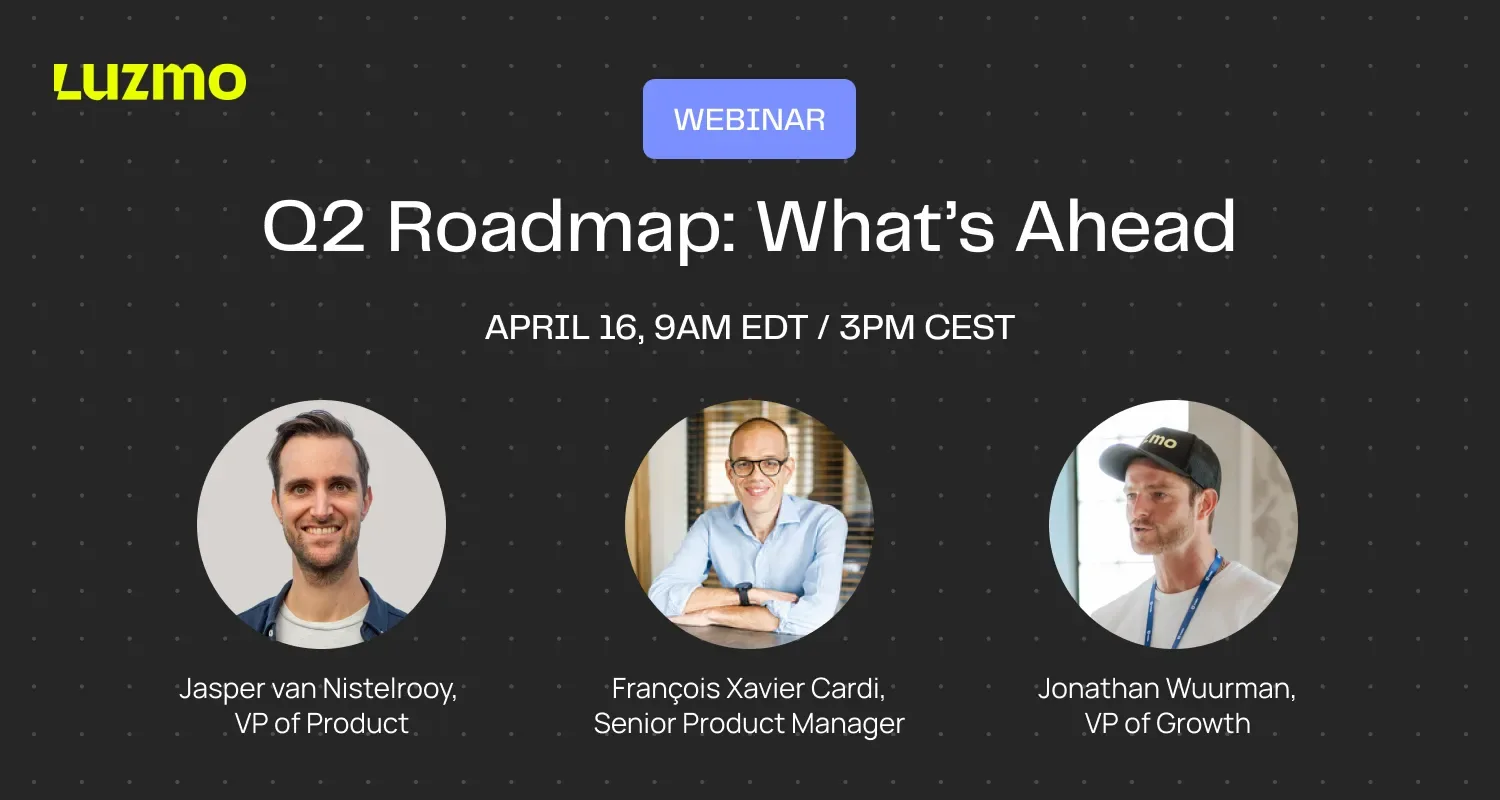
Webinar: Q2 Roadmap & Product Preview
Missed Our Webinar?
Or want to watch it again? Catch up at your convenience.

In this session, we walked through our biggest Q1 releases and gave you an exclusive preview of what's coming in Q2.
From a major leap forward in Luzmo IQ to a reimagined dashboard editor, new composable analytics components, and advanced formula capabilities.
There's a lot to dig into.
What you'll learn:
Highlights of recently released features, including:
- Composable Analytics powered by Analytics Component Kit
- Luzmo IQ V3: smarter, faster AI-powered analytics
- AI-enhanced Luzmo Studio: build dashboards faster
Coming in Q2:
- Analyst powered by Luzmo IQ: explore data the agentic way, directly in Luzmo
- Dashboard Agent: go from idea to full dashboard in seconds
- Nested Aggregations: advanced calculation capabilities
👉 View the slide deck here (opens in new tab)
Got More Questions?
If there's anything else you'd like to know, drop us an email at hello@luzmo.com.
Webinar Q&A
All your questions answered.
Is Luzmo IQ just a chatbot? How is it different?
The difference is context and embeddability. A generic chatbot gives you a blank canvas; Luzmo IQ is designed to sit alongside dashboards inside your product, so users already have context when they start asking questions. The dashboard is the starting point. When a user sees a spike or an unexpected trend, that's when the conversation kicks off. On top of that, everything is styled to match your product: colors, fonts, layout, tone of response. That's what "embedded" really means here, not just answering questions with AI, but making sure it looks and feels like it was built for your app.
How should product managers think about rolling out conversational analytics to their users?
Don't bolt it on. For AI chat to deliver real value to end users, it needs to feel core to your application, not a separate pop-up floating in the corner. When users have context (a dashboard to orient them, data they're already familiar with), they're far more likely to ask meaningful questions. If you drop a blank chat interface in front of users with no surrounding context, adoption tends to be low. Think about where your users already spend time in your product, and embed IQ there.
Can Luzmo IQ trigger notifications, for example, alert me when a metric drops below a threshold?
Not directly from IQ as a standalone action, but it works really well in combination with Luzmo's notifications feature. You can configure threshold-based notifications separately, and pairing those with IQ gives you both the proactive alerting and the ability to dig deeper into why something happened. If a metric is important enough to watch daily, you want it surfaced on a dashboard and triggering alerts, not something you have to ask for every time.
Will Luzmo IQ and the chart generation agent be exposed via API and MCP?
The IQ API is already available and reflects the latest V3 version. The chart generation agent (used in Studio) is also being exposed via API. MCP support is in progress, no release date yet, but it's coming. Most customers have been able to do what they need through the API in the meantime.
Does Luzmo IQ support multiple languages, for both the interface and generated chart labels?
Yes. The chart agent in Studio generates charts in the language the dashboard is set to, so if your dashboard is in Turkish or Dutch, charts and labels will reflect that while still responding to you in your own interface language. For Luzmo IQ embedded in your product, you set the language of the interface and it applies throughout: text replies, chart labels, and dataset label translations all follow suit.
Can the AI work across multiple data sets?
Yes, both Luzmo IQ and the chart agent in Studio can work with multiple data sets. For charts specifically, the data sets typically need to be linked. Luzmo IQ can also create formulas on the fly to answer a user's question, without you needing to predefine them.
Can I add multiple charts in a single prompt in Studio?
Not yet with the current chart agent, each prompt currently generates or updates one chart at a time. But that's exactly what's coming in Q2: a dashboard agent that can generate multiple charts in one go, handle layout, and make broader edits to a dashboard in a single instruction. Think of it as the natural next step after the chart agent.
What subscription level does the Analytics Components Kit require?
Best to check with your account manager or customer success contact, it depends on your current package. The Luzmo pricing page is also a good starting point to understand what's included at each tier.
Does the Analytics Components Kit UI support custom charts?
Yes, it does.
When will Nested Aggregation Formulas be available for all connectors, not just the beta ones?
The beta currently supports SQL pushdown (native) connectors. Full connector support (lifting all beta limitations) is planned for Q2. By end of Q2, nested aggregation formulas will be available to everyone, across all connectors.
Will it ever be possible to build a formula using AI just by describing what you want in plain language?
Not yet. AI-assisted formula building based on natural language description isn't supported in the way described. It's something the team is thinking about, but there's no ETA to share right now.
Good decisions start with actionable insights.
Build your first embedded data product now. Talk to our product experts for a guided demo or get your hands dirty with a free 10-day trial.

Book your session with our analytics expert.