Webinar: Q3 Roadmap & Product Preview
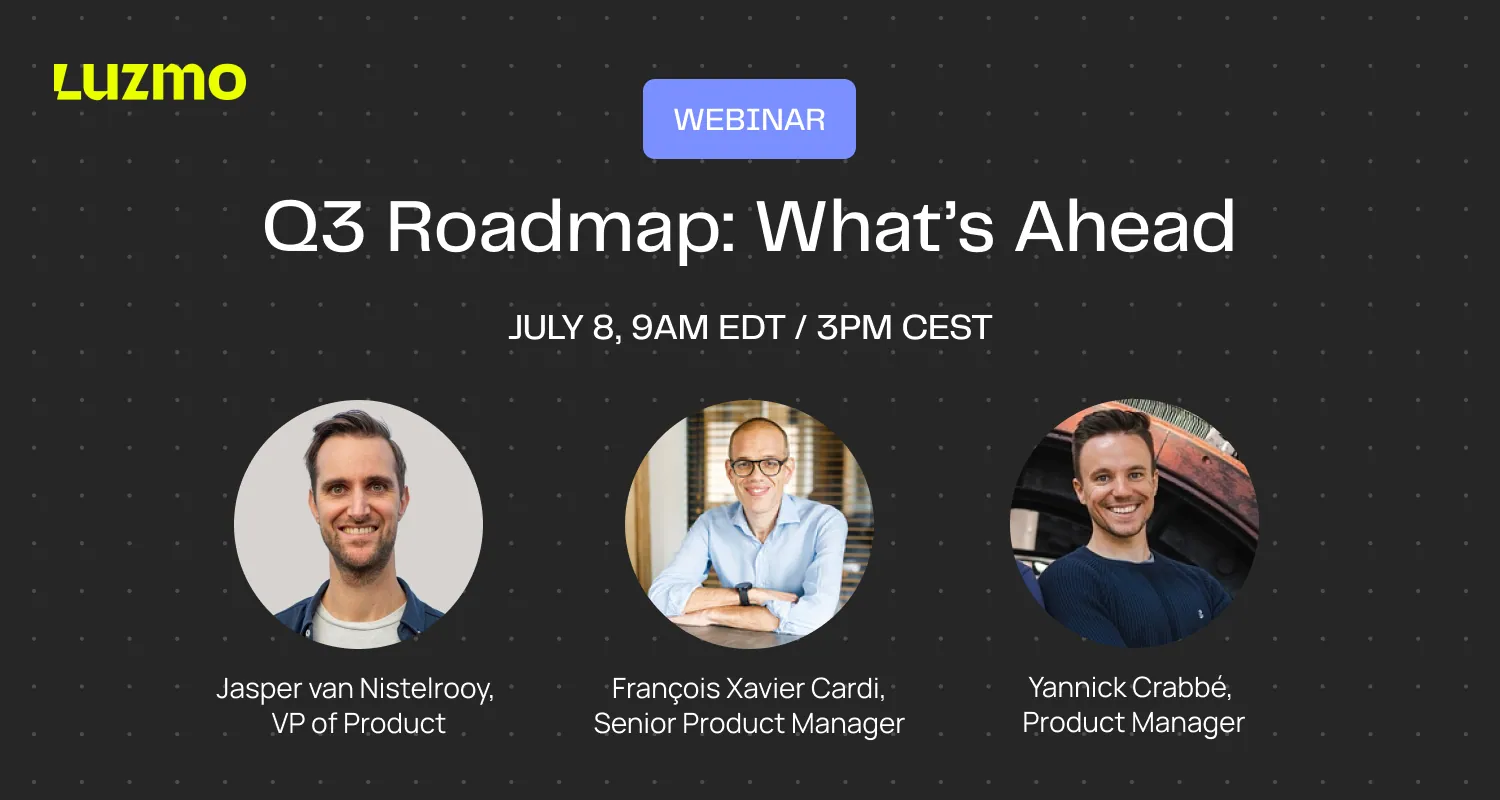
Missed our webinar?
Or want to watch it again? Catch up at your convenience.
👉 View the slide deck here (opens in new tab)
In this session, we walked through what's new in Luzmo and shared a preview of what's coming next.
This session is for anyone who wants a clear view of how Luzmo is evolving, whether you're already shipping with us or just exploring what embedded analytics can do for your product.
What you'll learn:
- Highlights of recently released features, including:
- Luzmo MCP Server: plug Luzmo Agents into your own Agent setup
- Luzmo Analyst: preview the experience your users will get, before you ship it
- AI-enhanced Luzmo Studio: create and refine charts in plain language
- Coming in Q3:
- An early look at what's shipping next
- The thinking behind our Q3 priorities and what it means for your product
- Plus a dedicated live Q&A with our product experts.
Got more questions?
If there's anything else you'd like to know, drop us an email at hello@luzmo.com.
Webinar Q&A
All your questions answered.
Do nested aggregation formulas work with custom connectors, or does something need to be implemented in code?
They should work with native custom connectors out of the box. Nested aggregations are now generally available to everyone, with no limitations and across all connectors, so there's nothing extra you need to build to switch them on. Behind the scenes, this is powered by a big update to our query engine, which is where a lot of the heavy lifting happens. If you're on a custom connector, the best approach is to test it on your own setup, and if anything looks off, send us a screenshot and we'll take a look at how it's behaving for you.
How is AI context different from a column or dataset description, and when should I use one over the other?
A description is a human-readable field. It tells a person what a column or dataset actually is, and it's meant to be visible and exposed to your end users. AI context is a different thing entirely: it's written specifically for the AI, it holds your business rules, and it can be as long and as detailed as you need, right down to a full markdown file. A good example is revenue. A description might simply say "total revenue." An AI context rule might say "revenue is net of refunds and excludes VAT." When a user asks "what's my revenue in July," that rule is what makes the answer land the way you actually mean it. So use descriptions to explain things to humans, and use AI context to hand the LLM the instructions, rules, and gotchas it needs to answer accurately. You can set AI context at the dataset, dashboard, column, and formula level, and it's available through both the UI (look for the sparkles buttons) and the API. On top of that, there's a custom prompt that lives in your embed token, always loaded, so your agents carry that context into every single answer. Internally we think of it as a Claude.md file for your data.
Are dashboards still relevant now that so much analytics is moving to AI and chat?
Yes, and we'd argue the combination is more powerful than either one alone. Chat is a fantastic interface because everything fits into it and there's almost nothing you can't ask. But it's a genuinely poor interface for exploring data you don't already know inside out. If you're not intimately familiar with a dataset, it's hard to even know what to ask, and there may be valuable information sitting there that you'd never think to query. That's exactly where a dashboard earns its place. It gives you context on what data exists and surfaces the trends worth paying attention to, which then becomes the natural starting point for a deeper conversation. You spot a peak, you drill into it with chat. And if there's a number you need to check regularly, like tracking a campaign, you don't want to re-ask that question every time you log in. You want it waiting for you on a dashboard, alongside the rest of your team. Chat isn't a silver bullet, and the balance between the two is where the real value sits.
In embed mode I can only open the dashboard chat panel after loading the dashboard in edit mode and switching to preview. Will it be available in view mode to lower the barrier?
Inside Luzmo Studio, the end-user chat panel deliberately only appears in preview mode, because preview is what mimics what your end user actually sees. There are several places to chat in the editor (you can chat to edit a specific chart, for example), and we're keeping the end-user experience to one clear spot for now to avoid confusing overlap. For your embedded end users, though, needing to put the dashboard into edit mode to open the panel should not be a requirement. If that's what you're running into, that's something we want to fix. Reach out and we'll get it sorted with you directly.
If I want to implement the Embedded MCP Server, is there anything I need to build on my side?
It depends on how you want to use it, but both paths are light. If you're adding it to your own agent and already working with something like the OpenAI Agents SDK, LangChain, a deep agent, or the Claude Agents SDK, it's essentially adding one setting to grant that capability. If instead you want to expose it as your own MCP server and don't have one yet, it takes two fairly simple steps: set up a URL that forwards requests to our MCP server, and set up a login that generates an embed key and token. If you're already using Luzmo dashboards, you likely have the biggest part of that in place already. And if anything's unclear while you're setting it up, your customer success manager can help.
When the MCP server returns an answer in a third-party app like Claude, do I have to build the chart generation myself?
No, that's the nice part. The MCP server doesn't just hand back a text answer, it also returns a chart that the third-party app can render directly. So the chart generation and insights are fully taken care of on your side, with live data, and your end user gets it in the format they're used to from your embedded analytics, fully branded, without you building anything extra in the external tool.
Custom fields sound useful. What problem do they actually solve?
They solve the customer-specific-fields problem without forcing you into customer-specific datasets. Traditionally in BI, if one customer needs a field the others don't, you end up spinning up a separate dataset per customer, which doesn't scale well. Custom fields take a smarter, tenant-specific approach. You keep one shared set of columns common to everyone, and layer specific fields on top for specific customers. We then automatically create dynamic datasets behind the scenes, so you're not maintaining a hundred datasets for a hundred customers. It's a big step for data preparation and readiness: your end users see exactly the right fields, without a pile of manual work on your side.
With the new Dashboard Agent, does building by chat replace manual editing?
No, the two complement each other. Anything you can do with the agent you can still do manually, and the other way around. We're not removing manual controls in favor of the agent. In practice, you might use the agent to get a first draft of a dashboard, going from a blank canvas to a working first version just by describing what you want. If that draft is 95% of the way there and you just want to reposition a chart, you can drag and drop that one change by hand. You can also keep chatting to refine: add, move, or delete charts, change theming, even translate the whole dashboard into multiple languages out of the box. And it works in reverse too, so you can ask the agent what's visible in a dashboard and which key insights it surfaces. We're opening a limited beta for this, so reach out if you'd like early access.
There are already several AI agents across Luzmo. How will the Universal Luzmo Agent change that?
Today there's understandably some confusion about what you can do where: there's Luzmo IQ on the Analyst page, an agent inside Studio for building and editing charts, plus agents for formulas and for improving dataset metadata. It's a lot, and it's not even the end of what we're planning. The Universal Luzmo Agent bundles all of that into one agent that can handle any of those tasks, and it becomes the go-to agent anywhere in the UI. Based on your question, it works out which sub-agent to call and which action you're expecting, then performs it. So you no longer need to think about which panel does what. It's also embeddable, with control over exactly what it's allowed to do, which opens up new options: you could let your users create an entire dashboard through chat, or even build formulas, depending on how far you want to take it.
Does a chart really only need to be created once, and can then move between apps?
That's the goal. A pattern we already see is someone using the MCP server, landing on a genuinely useful chart after a conversation in an app like Claude, and then going back into your platform to recreate that same chart by hand. It's good that people want to keep it, but recreating it is wasted effort when the chart already exists. So the first step we're shipping this quarter is making these things travel between services. A chart created in Claude can be saved into an editable dashboard inside your app, exported with the interaction options users already know, and the same applies to alerts and exports. The bigger idea is that a conversation shouldn't be a one-off that loses its value once it ends. Your users should be able to reuse what they created, save it back to a dashboard, and share it with colleagues, no matter which app they started in.
How can I keep up with what Luzmo ships between webinars, and can I request features there?
Take a look at changelogs.luzmo.com, updated at least every week. Every big release gets an entry in the features list, and smaller improvements and features are pushed live in the improvements section each week, so you don't have to wait for the next webinar to see what's new. Feature requests aren't built into the page just yet, but a button to contact us directly with a request is coming soon. In the meantime, if you're scrolling the list and don't see something you're after, it simply hasn't shipped yet, and you can raise it with us through your CSM or support.
Good decisions start with actionable insights.
Build your first embedded data product now. Talk to our product experts for a guided demo or get your hands dirty with a free 10-day trial.

Book your session with our analytics expert.