Webinar: Q4 Roadmap & Product Preview
Missed our webinar?
Or want to watch it again? Catch up at your convenience.
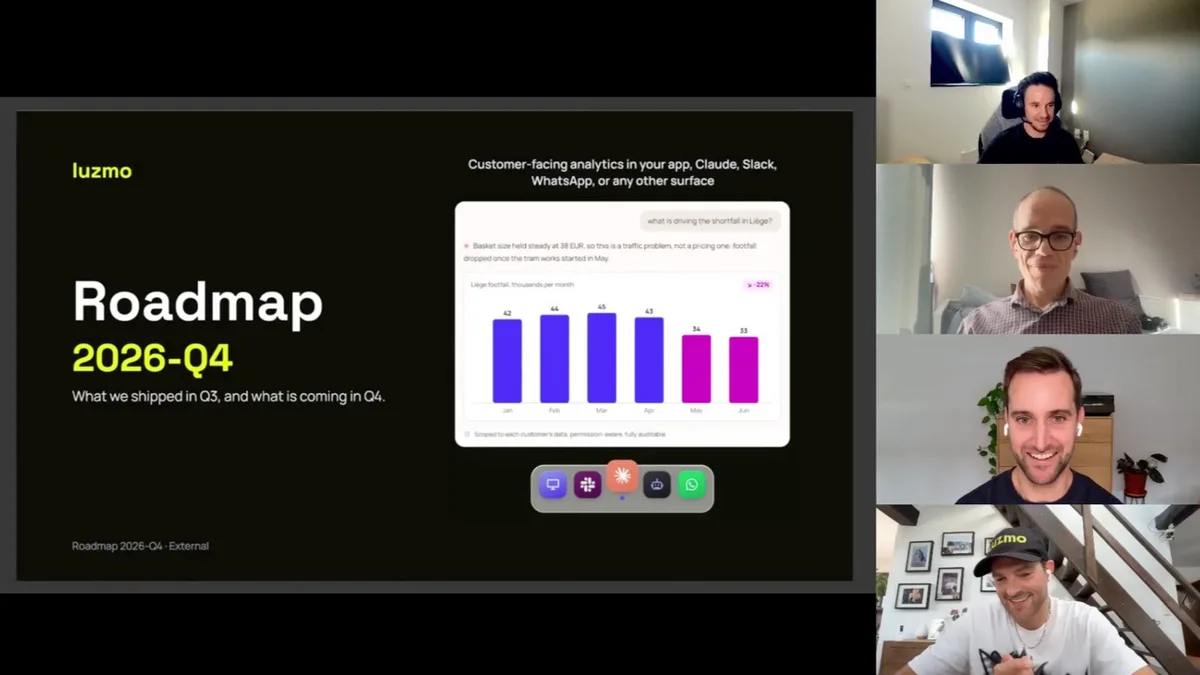
👉 View the slide deck here (opens in new tab)
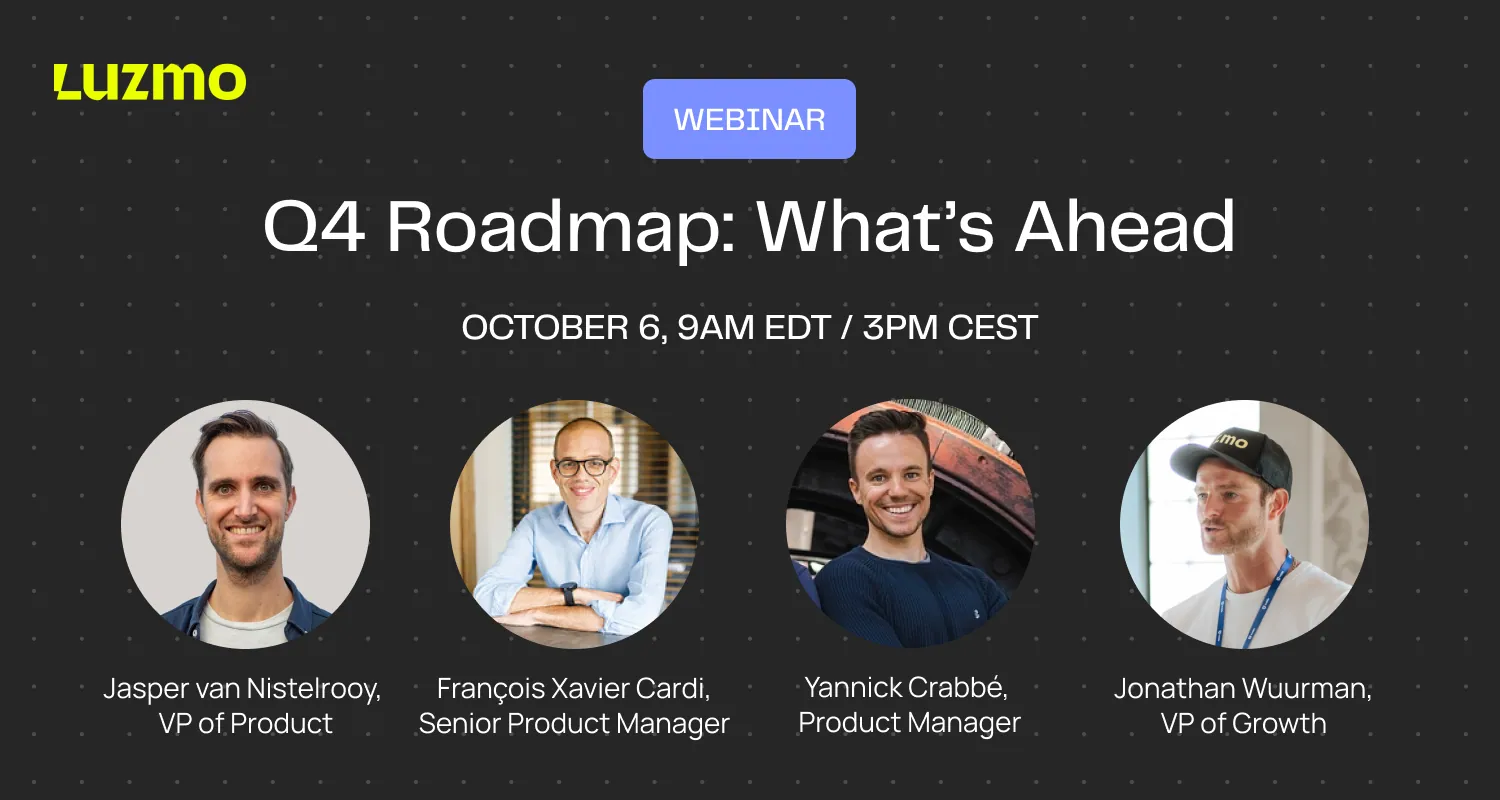
In this session, Jasper, François and Yannick walked through what we've shipped since our last roadmap webinar and shared a preview of what's coming in Q4, with Jonathan moderating.
This session is for anyone who wants a clear view of how Luzmo is evolving, whether you're already shipping with us or just exploring what embedded analytics can do for your product.
What you'll learn:
- Highlights of recently released features, including:
- The knowledge layer: AI context on datasets, columns, formulas and dashboards, plus new rules for your business vocabulary, definitions and tone of voice, with draft and published versions
- Agents: pick the datasets, rules and capabilities for an agent in the UI, test it, then deploy it in your app, your own MCP server or through the API
- Dashboard agent: describe what you need, refine it with follow-up prompts, and translate the result in one step
- Custom fields: one shared dataset for all tenants, with the extra fields each customer needs
- Plus: faster embeds, linked datasets in formulas, agent and query logs, easier SQL datasets, and more options for custom charts
- Coming in Q4:
- A ready-made embed component for self-service analytics, so your users can adjust, create and save their own reports
- Verified answers, so the same question gets the same answer, built the way you approved
- Proactive insights, where an agent tells users when something important changes
- A KPI widget that compares any value against the previous period
- Plus a dedicated live Q&A with our product experts.
Interested in testing any of the Q4 features early? Reach out to your CSM, or to Jasper, François or Yannick directly. We'd love to hear how they'd fit your setup.
Got more questions?
If there's anything else you'd like to know, drop us an email at hello@luzmo.com.
Webinar Q&A
All your questions answered.
Is there anything in Luzmo you can't attach AI context to yet?
Very little. You can add AI context to datasets, columns, formulas and dashboards, so most Luzmo entities are covered. The one exception today is connections: you can't attach context to a connection yet.
What's the difference between AI context and rules?
AI context is attached to a specific Luzmo entity: a dataset, a column, a formula or a dashboard. It explains what that piece of data is and what it means, so it's written for agents rather than for your end users (that's what descriptions are for). Rules work across everything instead. A rule isn't linked to a dataset: it holds the things an agent should know to answer any question, like your business vocabulary, how you define a time period, how to answer pipeline or performance questions, or the tone of voice to use. Rules have versions, so you can work on a draft and publish it when it's ready, or unpublish it later. A published rule is loaded every time a question is asked, and you can link rules to specific agents.
Does the knowledge layer mean every team finally works from the same KPI definitions?
That's a very accurate way to put it. In a dataset you describe exactly what each column or formula means. With rules, you then describe the business logic on top of that: your vocabulary, how a metric should be read, and how certain questions should be answered. Tools like Claude or ChatGPT are good at working with data, but they don't know your business. The knowledge layer is how you hand agents that context, so everyone asking a question gets an answer built on the same definitions.
What is an agent in Luzmo, and why not just configure it in code?
An agent is a pre-configured setup for the AI you embed for your customers. You give it a name and defaults like theming, pick the datasets it can use (and leave out the ones that aren't relevant for customers), link rules, and decide which capabilities it has. You can test it in a chat window right there, then deploy it as an embedded chat in your product, inside your own MCP server, as a customer-facing MCP server, or through the API. All of that was already possible in code. What we learned is that an agent always needs tweaks once real users start asking questions. With agents in the UI, API or MCP server, you can keep iterating on customer feedback without asking your engineering team for a code change every time.
If I change a rule, do I need to redeploy anything?
No. In the demo, Claude answered "rank my sales reps" by number of deals. Nothing wrong with that, while most users of that app would expect closed revenue. We added a rule to default to amount, saved it, and asked the same question in a new Claude chat. The agent picked up the rule automatically and the charts came back based on revenue. The change applies wherever that agent is used, in the chat inside your app or through an MCP server in Claude or another tool, so behavior stays consistent and under your control.
Are the knowledge layer, agents and the MCP server layers nested inside each other?
They're layers, but they sit next to each other rather than inside each other. When analytics lived mostly in your UI, a lot of context came with it: titles, descriptions, page navigation. When an agent pulls straight from your data source, that context is lost. The knowledge layer is where you add it back, so the agent doesn't just see raw data but knows how to interpret it, and which answer you expect when several are technically correct. That context also has to reach wherever the question is asked. Claude isn't going to query your data source and then go looking for your business rules somewhere else. So the Luzmo agent sits in between: when Claude asks about the data, the Luzmo agent checks the knowledge layer first and includes it in the answer. Your client agent still decides what to do, what to ask and how to carry out the task.
How are rules in Luzmo different from the personal instructions I can set in Claude?
They solve different problems. As an end user, you can add your own instructions in Claude. But when you use someone else's product, you expect it to answer well from day one, without first writing a list of rules yourself. Rules in Luzmo let you, as the product team, set that up once for all your customers, because you know them best. End users can still layer their own preferences on top. If someone always wants deal questions answered by deal count instead of revenue, they can tell Claude that and override the default. A good way to think about it: business logic lives in Luzmo, personal taste, like answering in bullet points, lives in Claude.
If Claude has access to my platform's data through Luzmo's MCP server, can it mix and analyze it with data from another platform to answer a question?
Yes. Claude, ChatGPT or whichever tool you prefer can use several MCP servers and connections at once, so it can combine data from multiple sources. It gets trickier with large volumes, think millions of rows. You want that analysis to happen in a query engine, not in an LLM doing calculations on top of the results. So if you need to combine large amounts of data from several sources, connect those sources in Luzmo. Claude can then run queries across them, instead of stitching together the end results from different sources afterwards.
What can the dashboard agent do?
It's an agent panel in the dashboard editor that builds and edits complete dashboards. Select a few datasets, describe what you need (say, an overview of your open deal pipeline), and the agent picks the charts, metrics and layout for you. You go from an empty canvas to a first finished version in under a minute, and it builds on the AI context and rules you've already set up. From there you refine it with follow-up messages: add a chart, filter to a time period, restyle it, or translate the whole thing into another language in one prompt. You can attach images to guide the layout or talk to it through the microphone, and every change has an undo button. It's been available to all users since August, so you can try it today.
With custom fields, what does each of my customers see?
Each customer sees the shared columns plus their own custom fields, and nothing else. In the demo, customer A had a customer tier field, customer B had region and resource fields, and customer C had none. Before, that meant three copies of the opportunities dataset to maintain. With custom fields there's one opportunities dataset. Open the embedded dashboard editor as customer A and you see the customer tier column; switch to customer B and it's gone, replaced by region and resource. Luzmo maintains the link between the common fields and each tenant's custom fields for you. You'll find more in our developer documentation.
How can I see what agents are telling my customers?
That's the governance side of what we're building. Agent logs and improved query logs now show the queries our agents generate, so you can keep an eye on what your agents are answering, what they're doing and which data they're looking at.
What will the new self-service component let my users do?
It's a ready-made embed component for self-service analytics, coming in Q4, and it covers three use cases. Users can tailor the standard templates you embed and save their changes as a personal variant. They can build new reports from scratch, by clicking or by describing what they need to the agent. And they can explore the data by asking questions, then save what they find as a new report or add the generated charts to an existing one. Every action works both ways, through simple controls or by asking the agent. Today you'd need several Luzmo components for this; the new one unifies the experience in a few lines of code. For you, that means fewer requests to add or change charts, while you stay in control of the templates. If you'd like to test it early, reach out to Yannick.
How are verified answers different from writing a rule?
A rule tells the agent how to approach a question. Verified answers, which we're working on for Q4, go a step further: you approve how a question should be answered, and the agent answers it with that same approach every time it's asked. You'll also be able to see how a response was built, for governance. The difference is between prompting an LLM to take a certain approach and technically enforcing it, so whatever the LLM decides, it can't answer differently from the model you approved. We'll release this as a beta, and if trust and accuracy matter to you, François would like to talk.
What are proactive insights?
Today users ask the agent what's happening with a metric. Proactive insights flip that around: the agent reaches out to the user when something important has happened, explains why, and suggests what they might do about it. We won't hand that over fully to the LLM. Like verified answers, it's grounded in the knowledge layer and in controls you specify. It's our first push towards a reliable way for an agent to notify customers of important events, and Jasper is looking for customers who want to co-develop it.
How will the new KPI widget handle period comparisons?
In one widget, it shows the number and how it changed against the previous period, as an absolute or percentage change. The comparison follows the dashboard's date filters, so when a user switches from the last 30 days to this quarter, both the value and the comparison update, without you building a separate field for it. If the current period isn't finished yet, it compares to-date: the same days this month against the same days last month, so you don't see a false drop early in the month. A clear label shows what the number is compared against, so viewers never have to guess.
Good decisions start with actionable insights.
Build your first embedded data product now. Talk to our product experts for a guided demo or get your hands dirty with a free 10-day trial.

Book your session with our analytics expert.