7 Best Embeddable Alternatives for Embedded Analytics in 2026

Embeddable, the embedded analytics platform at embeddable.com, helps software teams build customer-facing dashboards and self-service analytics through native Web Components. Its developer workflow, extensible components and semantic layer make it a serious option when analytics must fit deeply into a SaaS product.
Teams compare Embeddable alternatives when they need a different balance of frontend ownership, visual building, deployment, governance, pricing or engineering effort. The relevant alternatives are embedded analytics platforms for SaaS products, not generic website widgets or app directories that also surface for the word embeddable.
Luzmo suits SaaS teams that want an SDK-based embedded platform alongside visual authoring. GoodData and Sisense belong on shortlists with governance or deployment requirements. Embeddable remains one of the strongest options when components, repository ownership and a native product experience lead the evaluation.
Embeddable alternatives at a glance
These are the seven purpose-built embedded analytics platforms. Enterprise BI tools that also offer embedding are covered separately further down, because they're a different category and comparing them side by side is misleading.
| Tool | Best shortlist fit | Embedding boundary | Primary authoring workflow | Public pricing signal |
|---|---|---|---|---|
| Luzmo | SaaS product analytics | SDK-based dashboards and components | Visual authoring plus developer customization | Yes, one published entry price |
| GoodData | Composable or regulated deployments | Iframe, Web Components and React SDK | Semantic and dashboard workflows | Quote-based platform fee plus workspaces |
| Sisense | Enterprise deployments needing several embed routes | Iframe, Embed SDK, SisenseJS and Compose SDK | Visual and component workflows | Enterprise quote |
| DataBrain | Published-price embedded rollout | Web Components, React, Angular, Vue, iframe, REST | Visual authoring with developer routes | Growth and Pro listed; verify current plans |
| Omni | Governed analytics spanning internal and embedded | Iframes, KPI tiles and extensible components | Analyst-oriented modeling and exploration | Sales-led |
| Qrvey | Analytics deployed in the customer's own cloud | SDK and APIs | Visual authoring over an owned stack | Quote-based |
| Toucan | Guided, narrative dashboards for end users | Iframe or web component | Template-driven authoring | Verify current published entry point |
Embeddable itself should remain in the final proof of concept when component ownership and native Web Component embedding are core requirements. An alternatives table forms a shortlist, not a reason to exclude the benchmark product.
How much does Embeddable cost?
Embeddable prices through a custom quote. As of August 11, 2026, its pricing page describes a fixed monthly subscription rather than a usage-metered model, but it does not publish a rate: you contact sales to get a number for your deployment.
Worth knowing before you compare: some of Embeddable's own published material still refers to a Free tier and a Lite plan at $499 per month, and those are no longer visible on the current pricing page. Treat any figure you find in a blog post or a third-party roundup as potentially retired, and ask the vendor which offers are actually available to you today.
Pricing checked: August 11, 2026. Because the commercial model is scoped per project, model your expected dashboard sessions, tenants and environments before the call, and get overages, support and higher-scale terms in writing. Our Embeddable pricing breakdown covers what to ask for.
One clarification that matters for procurement: Embeddable offers an open-source component library, and that is not the same thing as the full commercial platform being open source. If open source is a hard requirement rather than a preference, check that distinction carefully before you get far into an evaluation.
How should engineering teams evaluate Embeddable competitors before committing to an analytics architecture?
Engineering teams should evaluate Embeddable competitors with the same small production-shaped implementation, not a vendor demo or feature checklist. The test should expose frontend control, security boundaries, authoring ownership and maintenance work before the analytics layer becomes difficult to replace.
Start with the criteria that decide the purchase:
- Rendering and interaction boundary. Describe what actually renders and where. An SDK may still control an iframe, a Web Component may wrap a remote application, and a component API may expose either data or rendered UI. The label matters less than the boundary.
- Repository ownership. Which components, models, themes and dashboard definitions live in your own repository.
- Release workflow. Development and staging environments, review, automated checks, deployment, version compatibility and rollback.
- Design-system fit. Tokens, typography, spacing, states, responsive layout, dark mode and custom interactions.
- Accessibility. Keyboard flow, focus management, screen-reader output, contrast and exported content.
- Application state. Filters, routing, events, parameters, URL state and cross-component interactions.
- Tenant security. Token issuance, expiration, rotation, row-level rules, object permissions and negative cross-tenant tests.
- Performance. First render, interaction latency, concurrency, cache behavior and warehouse load using representative tenant data.
- Observability. Query logs, embed errors, usage events, audit trails and diagnostics available to the product team.
- Semantic governance. Whether metrics are defined once and reused, or redefined per dashboard.
- Self-service guardrails. What customers can create, edit, save, export or share without changing governed definitions.
- Maintenance ownership. Work retained by the vendor versus your product engineering, data engineering and customer success teams.
- Commercial scaling. Sessions, viewers, tenants, workspaces, creators, queries, environments, support and overages.
Then run the same proof of concept against every finalist:
- Build one dashboard with a KPI, time series, table, filter and drilldown.
- Embed the full dashboard and one individual component in the target framework.
- Apply two tenant themes and one responsive mobile layout.
- Pass application state in both directions and preserve it through navigation.
- Configure two tenants, two roles and one deliberately unauthorized access attempt.
- Make a dashboard and semantic-model change through the intended authoring workflow.
- Promote the change through development and staging, then roll it back.
- Measure frontend timings, warehouse queries and cache behavior at expected concurrency.
- Test keyboard navigation, screen-reader output, localization, empty states and errors.
- Price the same expected tenant and usage profile for 12 and 36 months.
Research date. Product, embedding and pricing facts were checked against current vendor documentation on August 10, 2026. Pricing in this category changes often, so treat specifics as a starting point for your own quote.
Our bias, stated plainly. Luzmo builds embedded analytics and competes directly with Embeddable, so we are not a neutral referee. We have tried to keep the claims checkable and to describe where Embeddable's native component workflow is the stronger fit. Which platform wins your evaluation should come from the shared proof of concept above, not from this article.
Do developer-first analytics platforms still need a visual builder?
A developer-first platform can still provide visual authoring. The real question is which assets require code, which users can change them and how those changes move safely into production.
It helps to separate three ownership layers rather than sorting tools into code-first and no-code buckets:
- Developers own components, integration, security boundaries and the release process. This layer is code regardless of which platform you choose.
- Data or product teams may own governed models and dashboard configuration. Whether this requires code varies by platform and is worth testing directly.
- End users may receive controlled self-service inside predefined guardrails, which is a product decision as much as a platform capability.
Embeddable's current product includes a builder and controlled self-service alongside its code-first workflow, so the older framing that every dashboard change is an engineering ticket no longer holds. Luzmo pairs visual authoring with SDK-level customization. The practical test is the same for both: can a non-developer ship a useful change today, can an engineer override it precisely tomorrow, and does that change move through review and rollback the way the rest of your product does?
What should Embeddable reviews make you test before choosing an alternative?
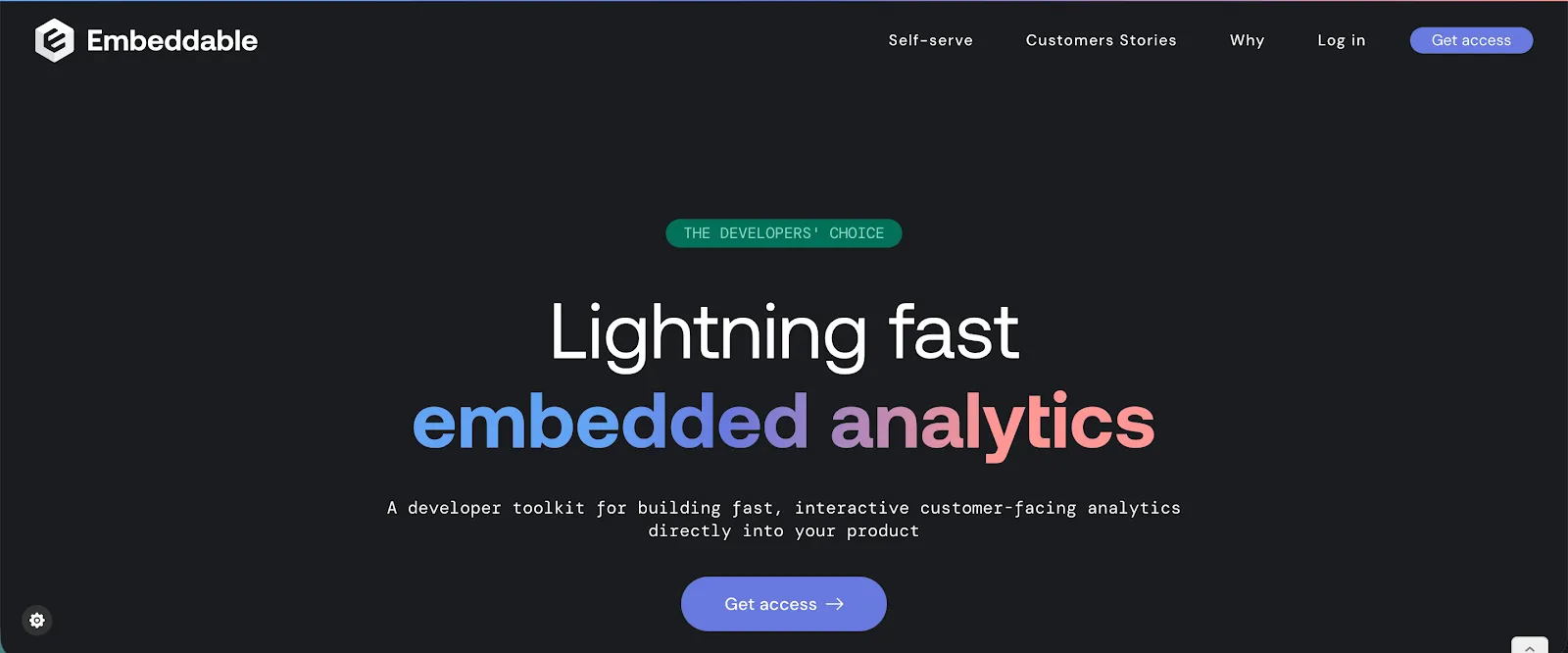
Embeddable reviews should reveal workflows to reproduce, not universal product limits. Feedback about developer effort, builder usability, pricing or support only becomes useful when the reviewer had a comparable team, framework, tenant model and release process.
Test both sides of Embeddable's workflow. Ask an engineer to add a custom interaction and ship it through staging. Ask a product or data teammate to update a dashboard without code. Then let a representative end user explore within the allowed self-service boundaries. Our collection of Embeddable reviews is a useful source of scenarios worth reproducing.
Model pricing with expected dashboard sessions, tenants and environments, then request written terms for overages, support and higher-scale deployment. Compare the same workload against every alternative rather than comparing one public entry price with another vendor's enterprise quote.
Which alternatives to Embeddable give developers component-level control inside a SaaS product?
Luzmo, GoodData and Sisense are the clearest component-capable alternatives in the primary shortlist, but they expose different development boundaries. Embeddable remains the benchmark for native Web Component embedding and repository-centered ownership. The right alternative depends on whether the team needs rendered components, data-building blocks, whole dashboards or a mix of visual and coded authoring.
Rendering boundary
Four boundaries appear in this category, and vendors often describe all four as embedding. Content can render as native DOM inside your page, as iframe content controlled through an SDK, as vendor-rendered Web Components, or as data returned by an API that your own components render. Each carries different consequences for styling, event handling, accessibility and debugging. Establish which one applies before comparing customization claims, and read our write-up on iframe and Web Component tradeoffs for the practical differences.
Framework and design-system fit
Verify React, Vue, Angular, Web Component or plain HTML support against your actual stack rather than against a row of framework logos. Then go further: check theming tokens, custom component injection, event handling and accessibility behavior in your own application shell. For teams building in React specifically, our guide to React dashboard options covers what to look for.
Analytics ownership
Compare who owns component code, semantic definitions, dashboard layouts, customer self-service and release control. A component API does not automatically transfer ownership of the semantic layer or the query infrastructure, and those are the pieces that are hardest to move later.
Product-shaped acceptance test
Recreate one high-value customer workflow inside your existing design system and application state. A generic sample dashboard cannot establish component-level fit, because the friction usually appears at the boundaries: routing, shared filters, saved state and error handling. Our collection of native embedded analytics examples shows what that level of integration looks like in practice.
Keep Embeddable in the test if native Web Components, repository-controlled assets and extensible open-source components are requirements. Choose an alternative only when its different balance of visual authoring, deployment, governance or pricing is more valuable than that workflow.
How the Explo transition changes an Embeddable evaluation
Explo is no longer a normal third vendor to place beside Embeddable and Luzmo in a static feature table. Omni acquired Explo on October 22, 2025 and says it intends to migrate the majority of Explo customers to Omni before the Explo platform is sunset.
As of September 21, 2026, Explo remains fully operational during that transition. Omni says existing pricing remains in place through the end of each customer's current contract and that migration timing will be planned with individual customers. It has not published one exact shutdown date that applies to everyone, so treat any specific date you see elsewhere as an inference rather than a commitment.
For an Embeddable buyer, the useful comparison is therefore between two different decisions. New buyers can compare Embeddable with other active embedded-analytics platforms on frontend control, authoring, semantic governance, security, engineering ownership and pricing. Existing Explo customers also need to price the migration itself: what must be rebuilt, how tenant rules map to the destination and how the long-term commercial model changes after the current contract.
If you are starting from Explo, use our dedicated Explo alternatives guide for that migration-specific shortlist. Keep using this page when the actual question is which platforms are alternatives to Embeddable.
Explo transition status checked: September 21, 2026.
The best Embeddable alternatives for embedded analytics in 2026
If you're considering Embeddable for your SaaS product, there are two ways you can go: business intelligence tools that offer embedding as an option, or purpose-built embedded analytics platforms. Both categories have something to offer that Embeddable doesn't.
Purpose-built embedded analytics platforms
These seven are designed for customer-facing analytics from the ground up, which is the same category Embeddable competes in.
Luzmo
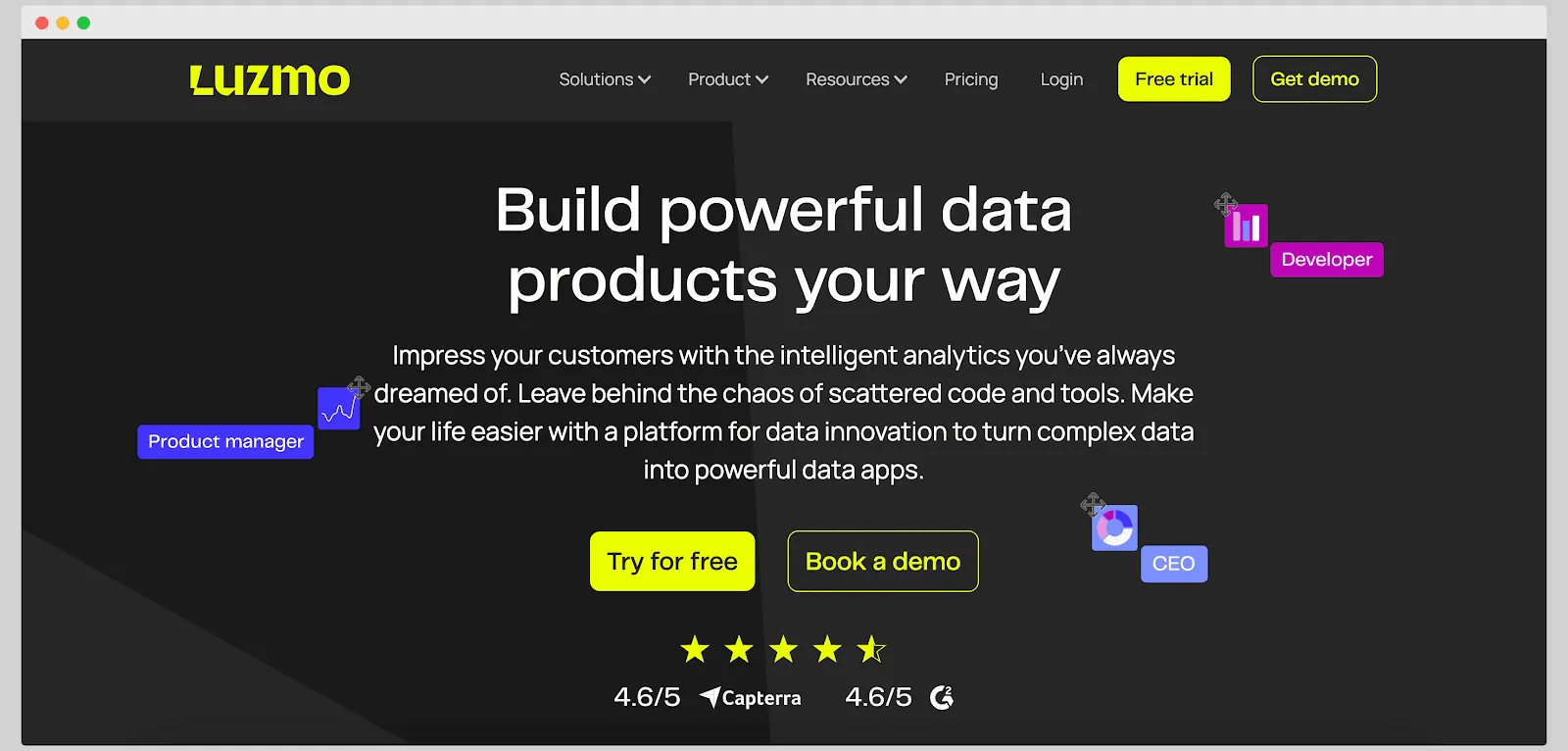
Who it's for: SaaS product teams that need to add customer-facing analytics quickly. Luzmo is ideal if you want an easy start with the ability to scale up customization as needed.
Luzmo is an embedded analytics platform built specifically for SaaS businesses to integrate dashboards in days, not months. We offer a friendly no-code dashboard editor for non-technical users and a full-fledged SDK for developers, giving you the best of both worlds: product managers can create visualizations with drag-and-drop, while engineers fine-tune everything via code.
Top features:
- Fast embedding: copy-paste embed codes or use libraries for React, Angular, and Vue to drop interactive dashboards into your app. Because Luzmo embeds through an SDK rather than an iframe, layout, styling and behavior stay in your own application code.
- Customization options: with Luzmo Studio, anyone can build dashboards with an intuitive editor. For advanced needs, the Luzmo Flex SDK allows full control over layout, styling, and data interactions via code. You can even mix in your own charts or UI components.
- Data integration: connect to a large number of data sources (cloud warehouses, databases, even live JSON feeds). Luzmo's API-first design fits into any modern tech stack without locking you in.
- AI-powered insights: Luzmo IQ brings conversational analytics to your app, so end-users can ask questions in plain English and get answers as charts or summaries. Luzmo AI generates charts automatically, and Agent APIs connect analytics to your own AI assistants and automation workflows.
- White-label and multi-tenant: Luzmo was made for multi-client SaaS. You can white-label the dashboards to match your product's look, set up row-level security and tenant isolation out of the box, and host on a custom domain.
One reason Embeddable may remain stronger: if native Web Components, repository-owned dashboard definitions and an extensible open-source component library are the leading requirements, Embeddable is built around exactly that workflow.
Pricing: Luzmo starts at €1,995 per month, billed annually, combining a platform fee with adoption-based usage measured through monthly active users, AI conversations or both. Billing follows customer adoption through monthly active users, AI conversations or both, not per-seat licenses, and the platform is fully cloud-based and maintained for you, so your team skips the heavy lifting and focuses on building your product.
Book a free demo to learn more.
GoodData
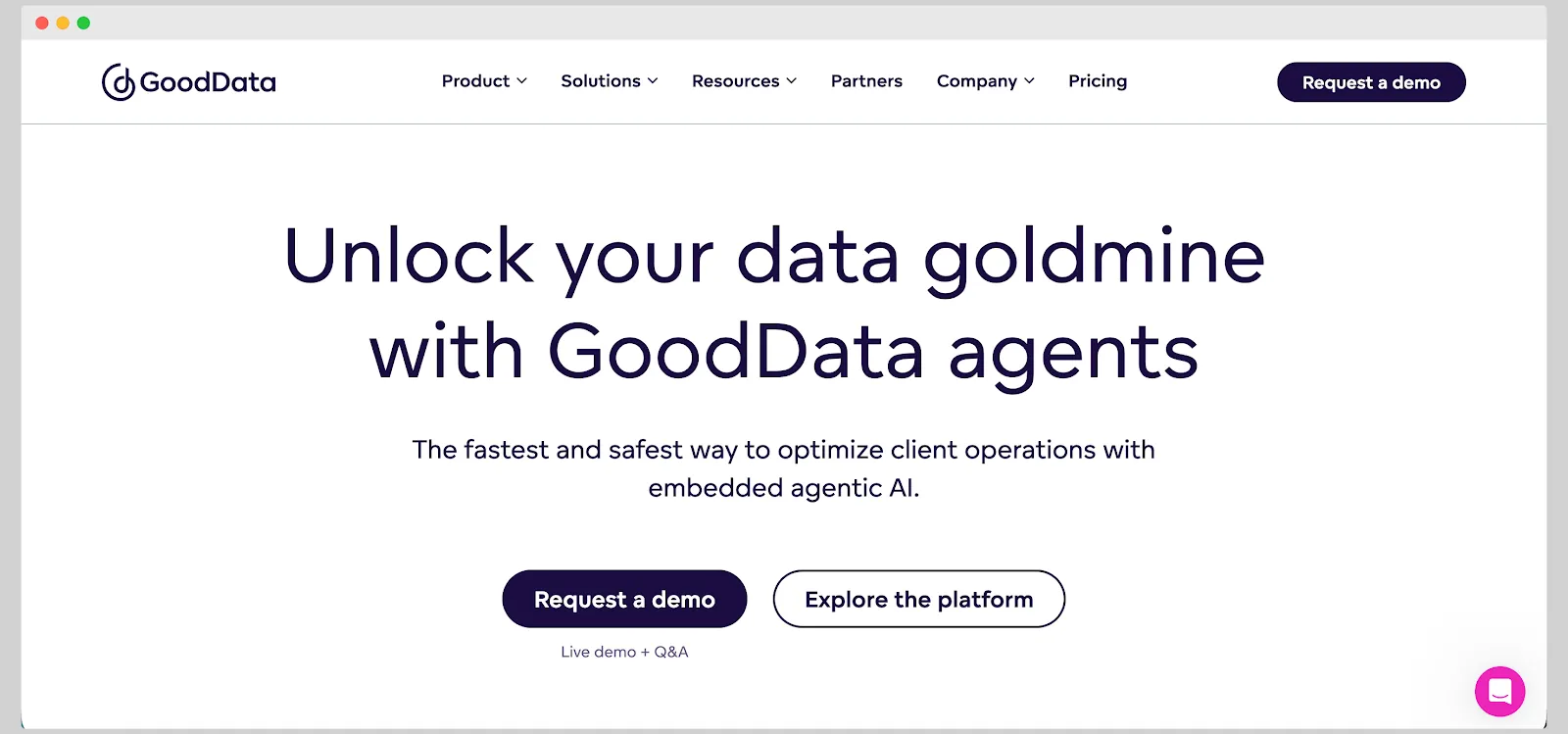
Best shortlist fit: SaaS companies and enterprises delivering analytics to many external customers under strict governance, or with deployment requirements a managed-only vendor cannot meet.
GoodData supports iframe embedding, Web Components and a React SDK, with white-labeling, multitenancy and role-based access controls. Metrics are defined in MAQL, its query language, on top of a logical data model, which is the governance layer that a component toolkit leaves you to build. Deployment covers managed cloud and self-hosted, which few platforms in this category offer at all.
One reason to choose it over Embeddable: the self-hosted deployment option, paired with a governed semantic layer, when residency or governance requirements shape the architecture.
One reason Embeddable may remain stronger: GoodData's component story is one route among several, where Embeddable's whole product is organized around native components and repository ownership.
Pricing: the public page describes Professional as a platform fee plus the number of workspaces, with unlimited users and data, and the numeric figure is quote-based. Unlimited users does not mean unlimited workspaces, so map how your tenants translate into workspaces before comparing it with Embeddable's tiers. Our roundup of GoodData alternatives for composable analytics compares that field directly.
Sisense
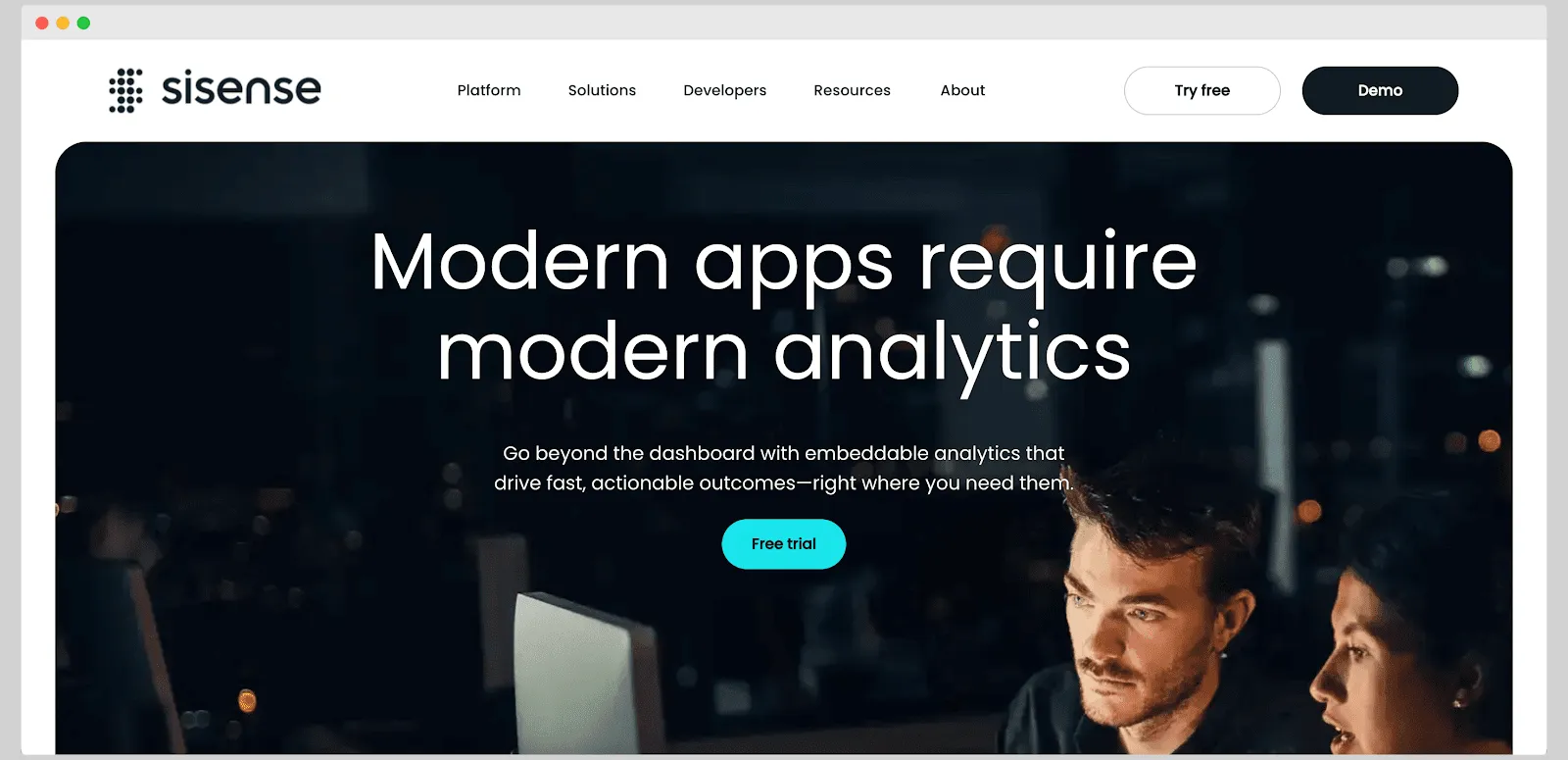
Best shortlist fit: enterprises and software teams that want a choice of embedding routes and are willing to invest developer resources in the one they pick.
Sisense documents iframe, the Sisense Embed SDK, SisenseJS and the component-based Compose SDK, which supports React, Angular and Vue with TypeScript. Deployment covers SaaS, dedicated cloud and on-premises, alongside white-labeling, SSO, multitenancy and row-level controls. Some implementations use ElastiCube pre-aggregation while others run on live models, so confirm which applies before porting any performance assumption.
One reason to choose it over Embeddable: the breadth of embedding routes and deployment options, which lets you match the integration depth to each surface rather than committing to one boundary.
One reason Embeddable may remain stronger: that breadth is also implementation weight, and Embeddable's narrower component model is more predictable when your only requirement is a native, repository-owned frontend.
Pricing: Enterprise pricing is quote-based, supplied through sales rather than a public grid. For a closer look at that field, see the Sisense competitors for embedded analytics.
DataBrain
Best shortlist fit: SaaS teams that want published plan prices to budget against rather than a quote.
DataBrain is one of the few platforms in this category that puts numbers on its pricing page, which makes it an unusually direct commercial comparison. On integration, it supports Web Components plus React, Angular and Vue, alongside iframe and REST API routes, so you can go component-level or take the faster whole-dashboard path. Tenant isolation and row-level security are part of its embedded positioning.
One reason to choose it over Embeddable: a public price you can model before a sales conversation, at a plan level that covers a real deployment.
One reason Embeddable may remain stronger: the plan gates matter. Read carefully what each DataBrain tier includes, particularly around data sources and self-hosting, because that is where the published price and the deployment you actually need can diverge.
Pricing: as of August 11, 2026, DataBrain lists Growth at $999 per month and Pro at $1,995 per month, with Enterprise custom priced. Its own pages are not fully consistent on plan limits, so confirm inclusions with the vendor rather than inferring them. A useful POC goal is to measure days to a production-shaped dashboard rather than to accept a stated setup time. Our roundup of DataBrain alternatives for faster embedded delivery compares the embedded-first field.
Omni
Best shortlist fit: teams that want a governed semantic model for internal analysts alongside embedded delivery, and teams evaluating the destination for Explo's transition.
Omni combines a governed semantic model with SQL-first ad hoc exploration, and queries your warehouse rather than requiring you to move data into it. Embedded delivery supports iframes, KPI tiles and other extensible components. It acquired Explo in October 2025 and is transitioning Explo customers onto the Omni platform, so it is now the likely long-term destination for that customer base as well as a platform in its own right.
One reason to choose it over Embeddable: the semantic model and analyst exploration workflow, which a component toolkit leaves you to solve separately.
One reason Embeddable may remain stronger: Omni's product center is governed analysis rather than the customer-facing frontend, so verify the component and theming control your product needs rather than assuming parity.
Pricing: sales-led with no stable public grid, so it is not more transparent than a scoped quote. For the wider picture, see the Omni alternatives for warehouse-native embedding.
Qrvey
Best shortlist fit: SaaS companies with data-residency obligations that want embedded analytics deployed into infrastructure they operate.
Qrvey's distinguishing move is the deployment model: rather than a vendor-hosted multi-tenant service, the platform is deployed into your own cloud infrastructure, and it covers the data pipeline, storage and visualization rather than a UI layer alone. Multi-tenancy and white-labeling are part of its SaaS-embedding positioning. Confirm with Qrvey which cloud providers are supported, exactly which components run in your account and what your team operates, since the architecture details determine whether it actually satisfies a residency requirement.
One reason to choose it over Embeddable: a deployment boundary that a managed service cannot provide, when compliance commitments make vendor hosting a non-starter.
One reason Embeddable may remain stronger: operating the stack is a heavier commitment than integrating a component library, both to stand up and to run.
Pricing: quote-based.
Toucan
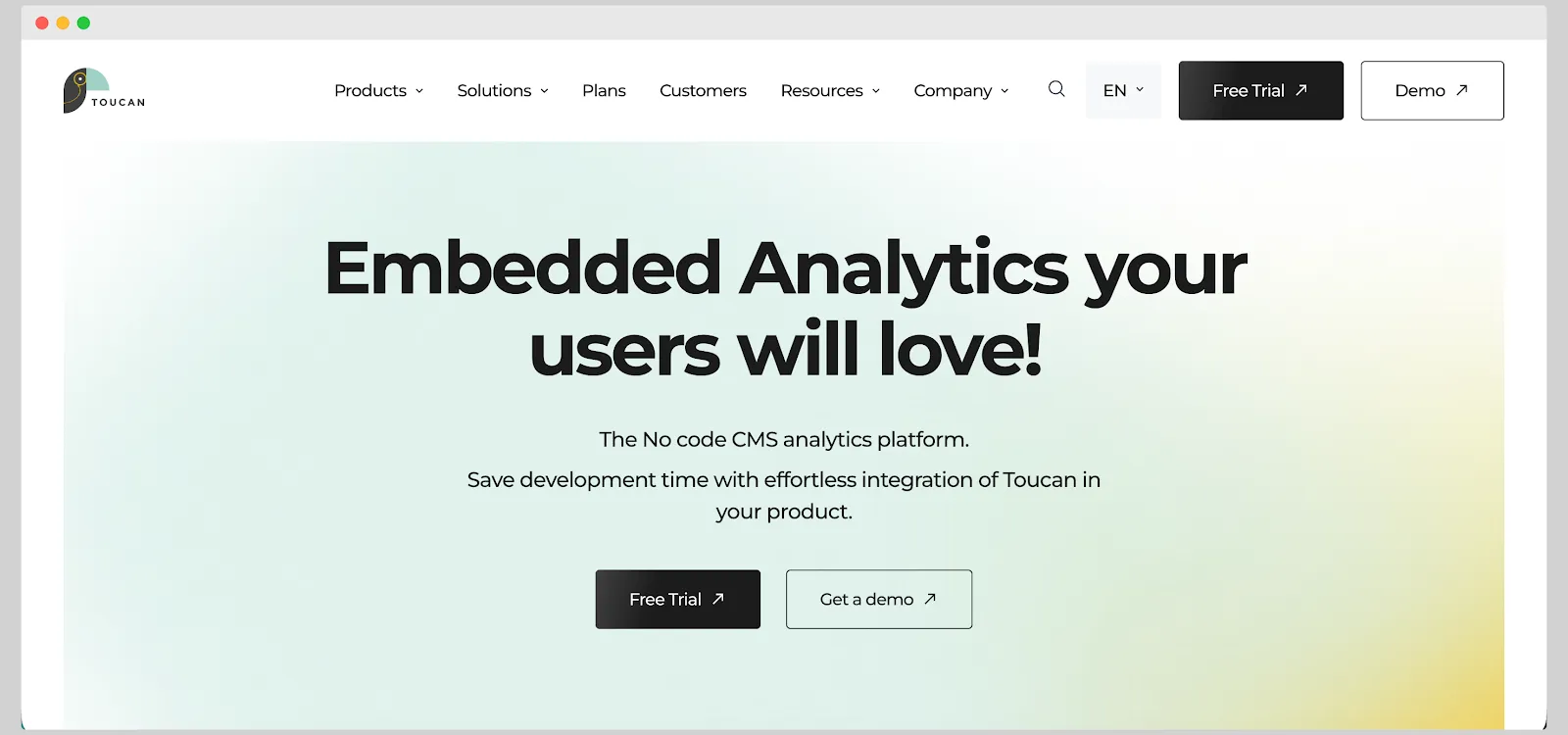
Best shortlist fit: product teams delivering analytics to non-technical end users, where guided interpretation matters more than frontend control.
Toucan positions itself around narrative or guided analytics: dashboards presented as a sequence of focused insights with context, rather than a dense grid of charts. Authoring is template-driven and code-free, and it embeds via iframe or a web component. Verify the current product branding, embedding methods and commercial availability directly with Toucan before shortlisting it, since this part of the market has moved.
One reason to choose it over Embeddable: the guided presentation model, if your end users would otherwise abandon a conventional dashboard.
One reason Embeddable may remain stronger: the trade-off is the mirror image, less frontend control in exchange for a more prescriptive experience.
Pricing: verify the current published entry point with Toucan. If guided, narrative-led analytics is what you're after, the Toucan Toco alternatives for customer-facing dashboards cover that niche.
Enterprise BI platforms that also embed
Power BI, Tableau, Looker, Qlik, Domo and ThoughtSpot combine embedded delivery with broader analytics platforms. They belong on the shortlist when an existing ecosystem, governed internal analytics or a specific exploration model matters as much as component-level product control. Compare each vendor's dedicated embedded offer, not its internal-user plan.
Power BI
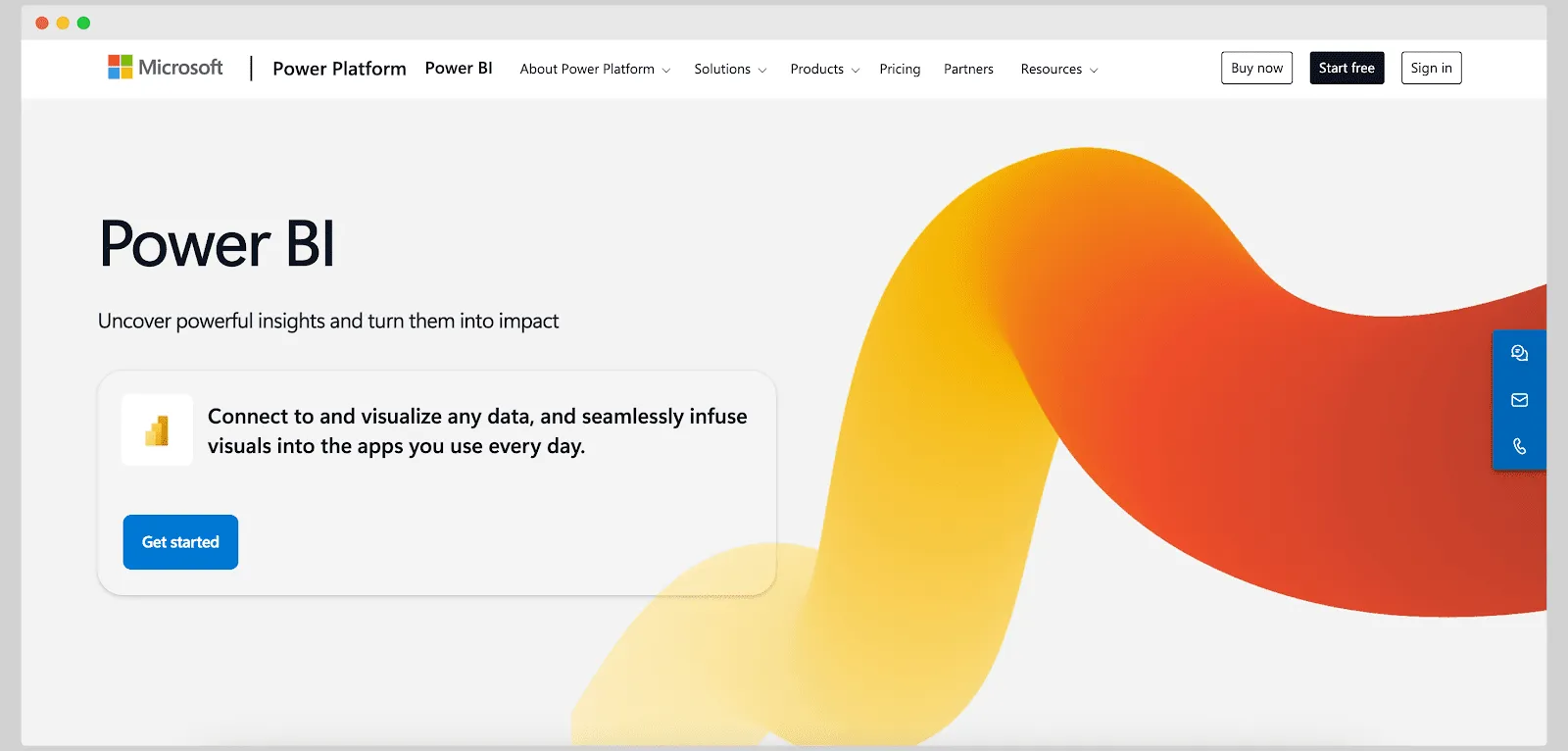
The relevant product is Power BI Embedded, which delivers customer-facing analytics under the embed for your customers model, also called app owns data. External users authenticate through your own application and never need Power BI credentials.
The control boundary runs through Power BI's client APIs and JavaScript SDK, so you can filter, update and refresh reports programmatically while the report itself renders under Power BI's own visual model. Ecosystem fit is the main argument: if your identity, data platform and reporting already run on Microsoft, much of the surrounding work is done.
Pricing: Power BI Embedded bills through Azure or Fabric capacity, separately from Power BI Pro at $14 and Premium Per User at $24 per user per month as of August 2026. It sits outside the primary seven because the customization boundary is Power BI's rather than your design system's.
Tableau Embedded
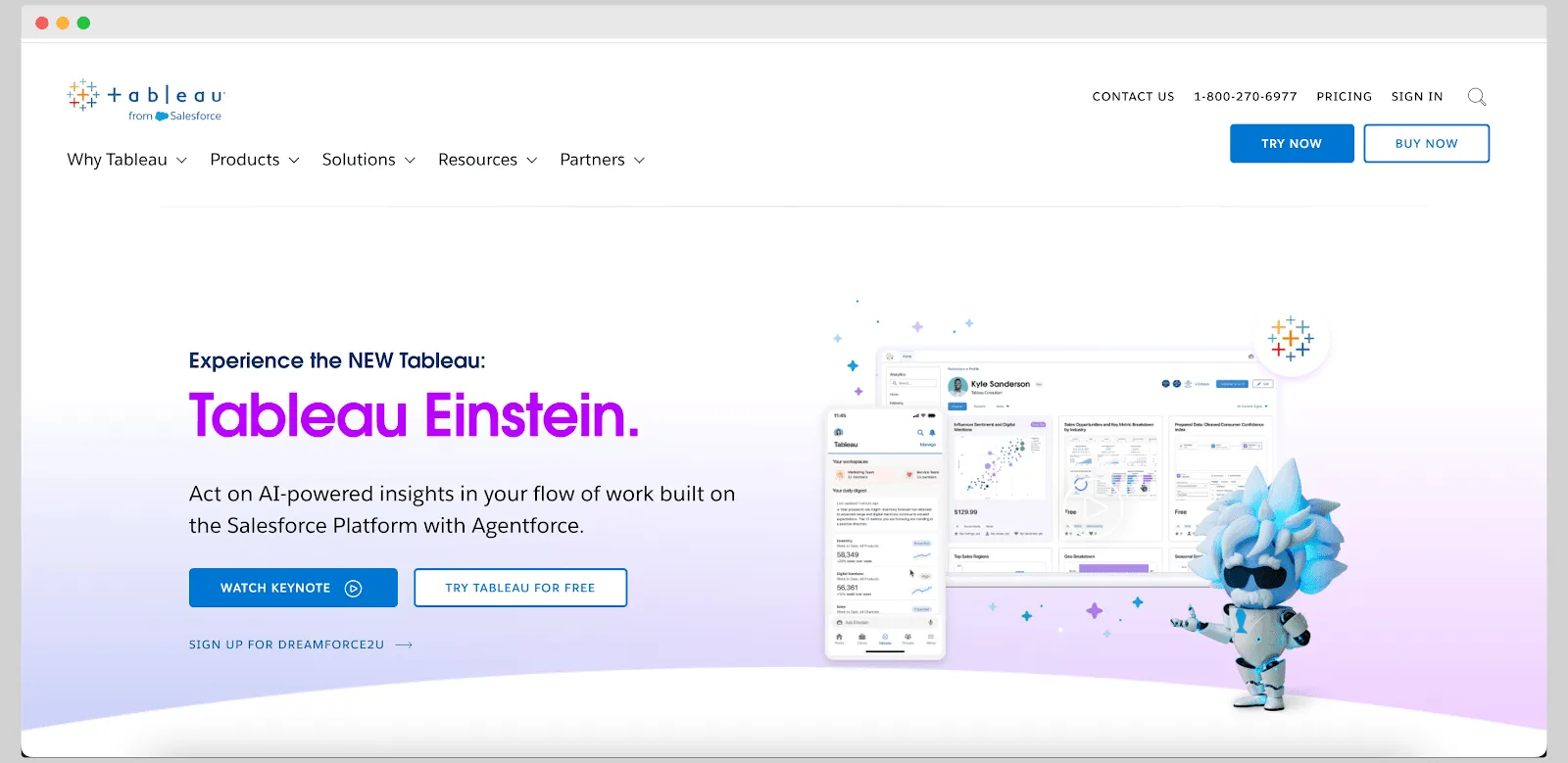
Tableau supports customer-facing embedding through Embedding API v3, with JavaScript, web components and a supported React package, plus connected apps for JWT-based authentication.
The argument for Tableau is the depth of its visual analysis environment and the breadth of its chart library, both of which arrive without you building a charting layer. The control boundary is the trade: you inherit Tableau's rendering and interaction model rather than composing your own components.
Pricing: as of August 2026, Tableau publishes starting prices billed annually, Standard from $15, Enterprise from $35 and Tableau Next from $40 per user per month, while embedded and capacity terms require scoping. It sits outside the primary seven because adopting it means operating a Tableau environment alongside your product.
Looker Embedded
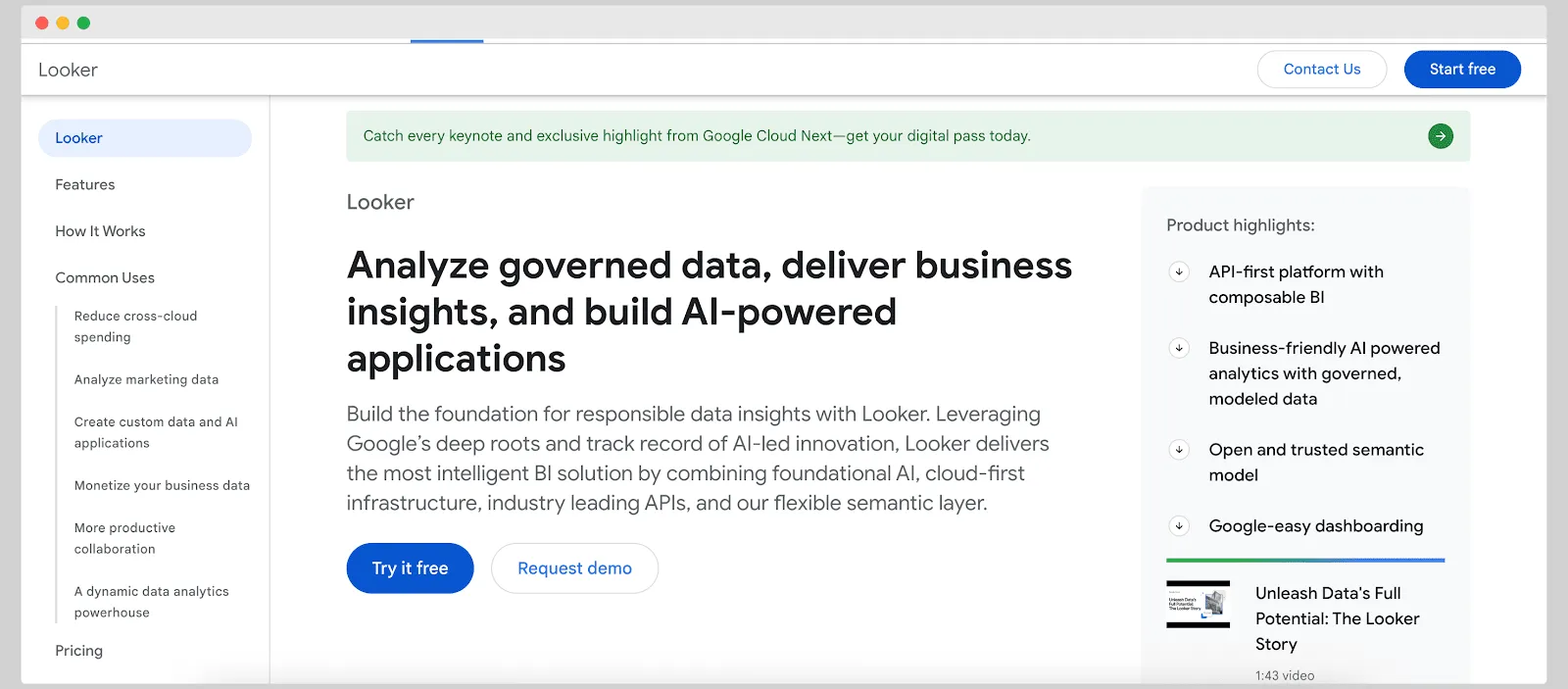
Looker supports embedding through signed embedding and the Embed SDK. Note that an SDK can still control iframe-rendered content, so confirm the actual rendering boundary during a proof of concept rather than reading SDK as native DOM.
Its distinguishing asset is LookML, Looker's own modeling language, which centralizes metric definitions across dashboards and downstream tools. Per-user filtering through embed tokens supports multi-tenant delivery, and data-savvy customers can be given Explore access where you permit it.
Pricing: sold through Google Cloud on a sales-led, annual-commitment basis, so spend requires a quote. It sits outside the primary seven because the governance model, not the frontend, is what you are buying.
Qlik Sense
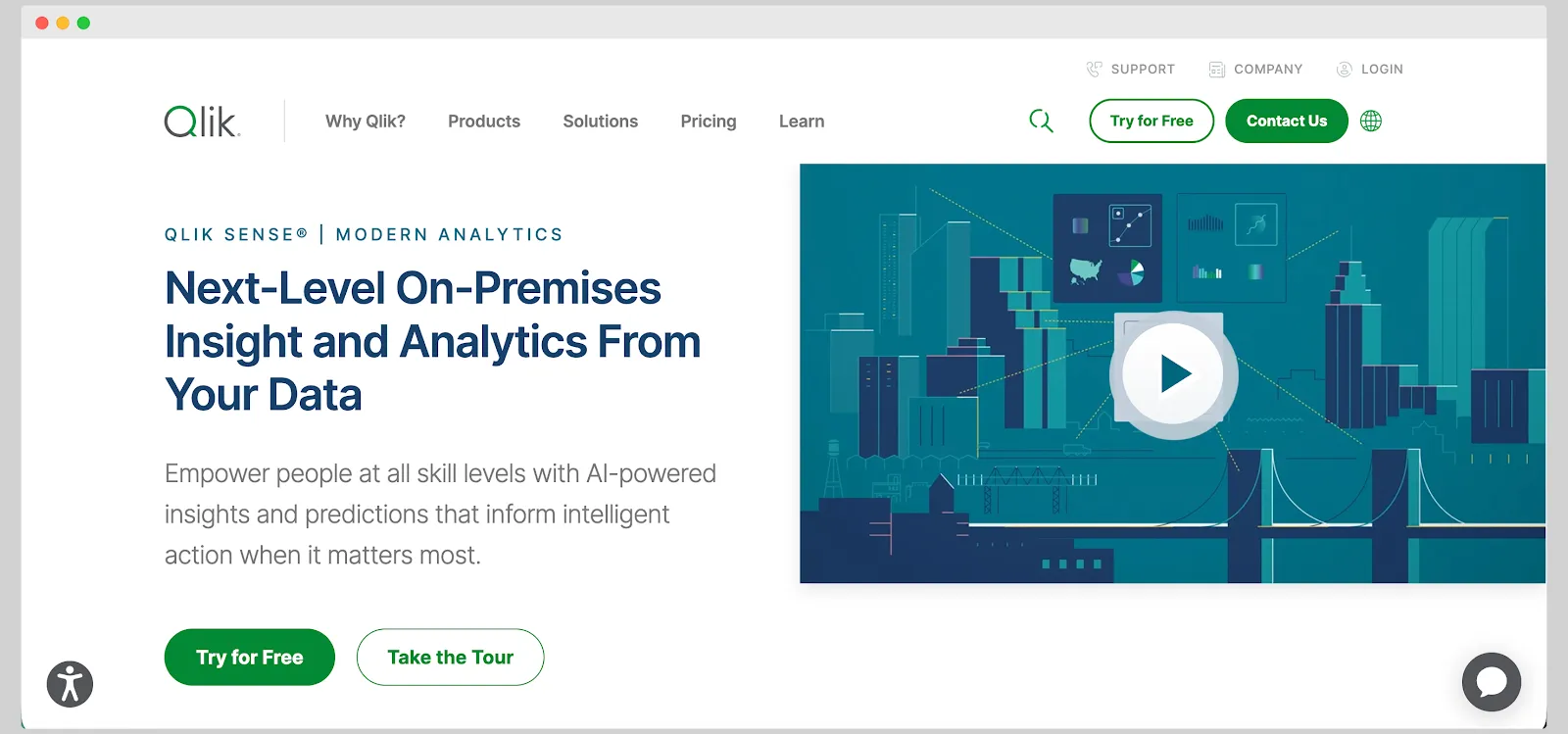
Qlik Sense is built on an associative engine that lets users click any value and filter across the whole dataset without losing context, which is genuinely hard to reproduce from scratch.
For embedding, Qlik offers mashup tooling for simpler cases plus Capability APIs and other developer routes for embedding individual charts or building custom mashups. Insight Advisor adds automated suggestions and natural-language questions for end users who do not know where to start.
Pricing: verify Qlik's current deployment options and licensing model directly, since it is supplied through sales rather than a public grid. It sits outside the primary seven because the exploration model, rather than component-level product control, is the reason to pick it.
Domo
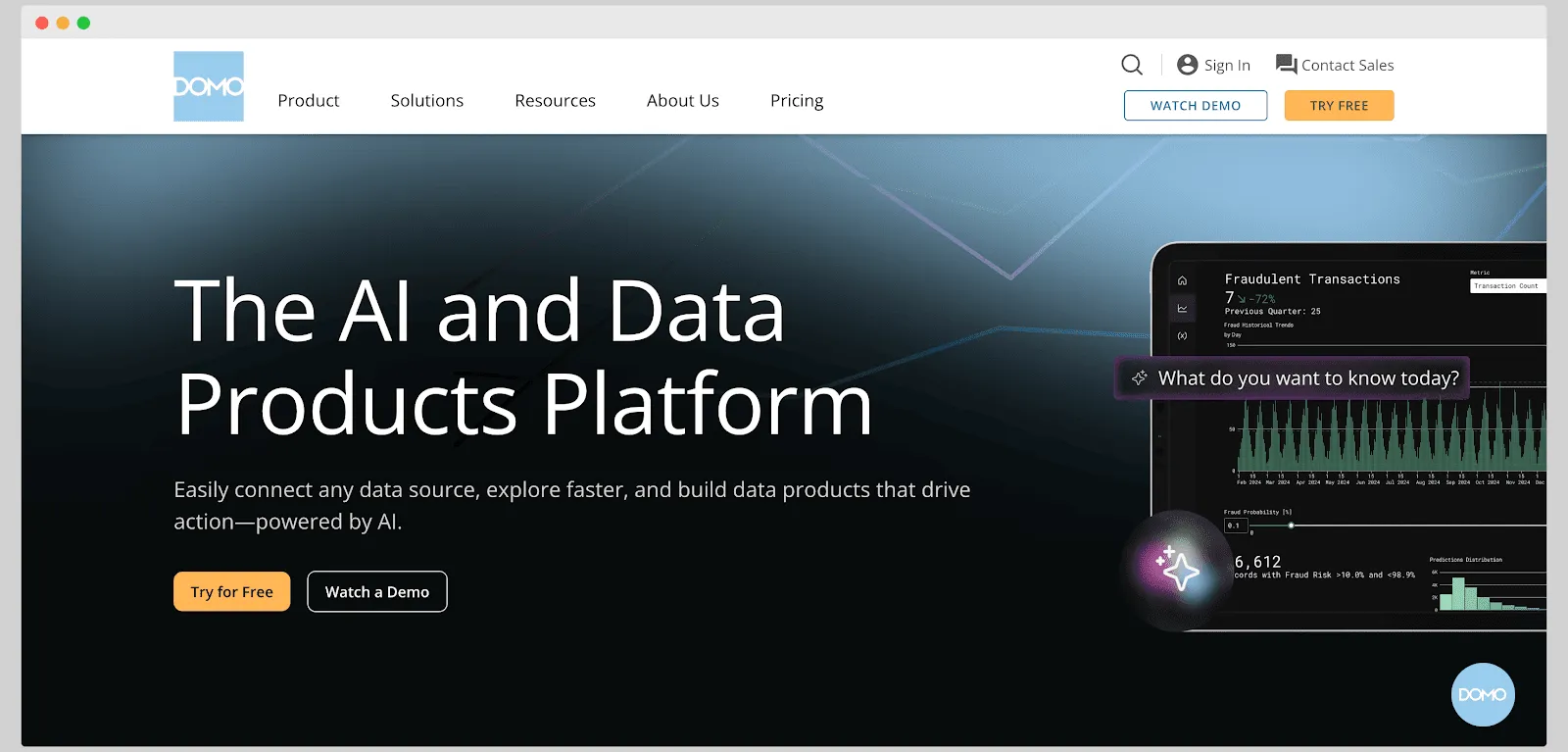
Domo covers the full chain from connectors and ETL through to dashboards, and Domo Everywhere is the route for sharing that content outside the Domo platform, either embedded in an application or as a standalone client portal.
The argument is consolidation: connectors, Magic ETL transformations, near-real-time refresh and visualization from one vendor, rather than three. Verify the current Domo Everywhere capabilities and embedding controls directly with Domo, since the frontend boundary is the piece that matters most for a component-first evaluation.
Pricing: consumption-based, with free user seats and a credit pool consumed by storage, compute and product activity, typically on a one to three year contract and with no public rate card. It sits outside the primary seven because you are buying a platform, not an embedding layer.
ThoughtSpot
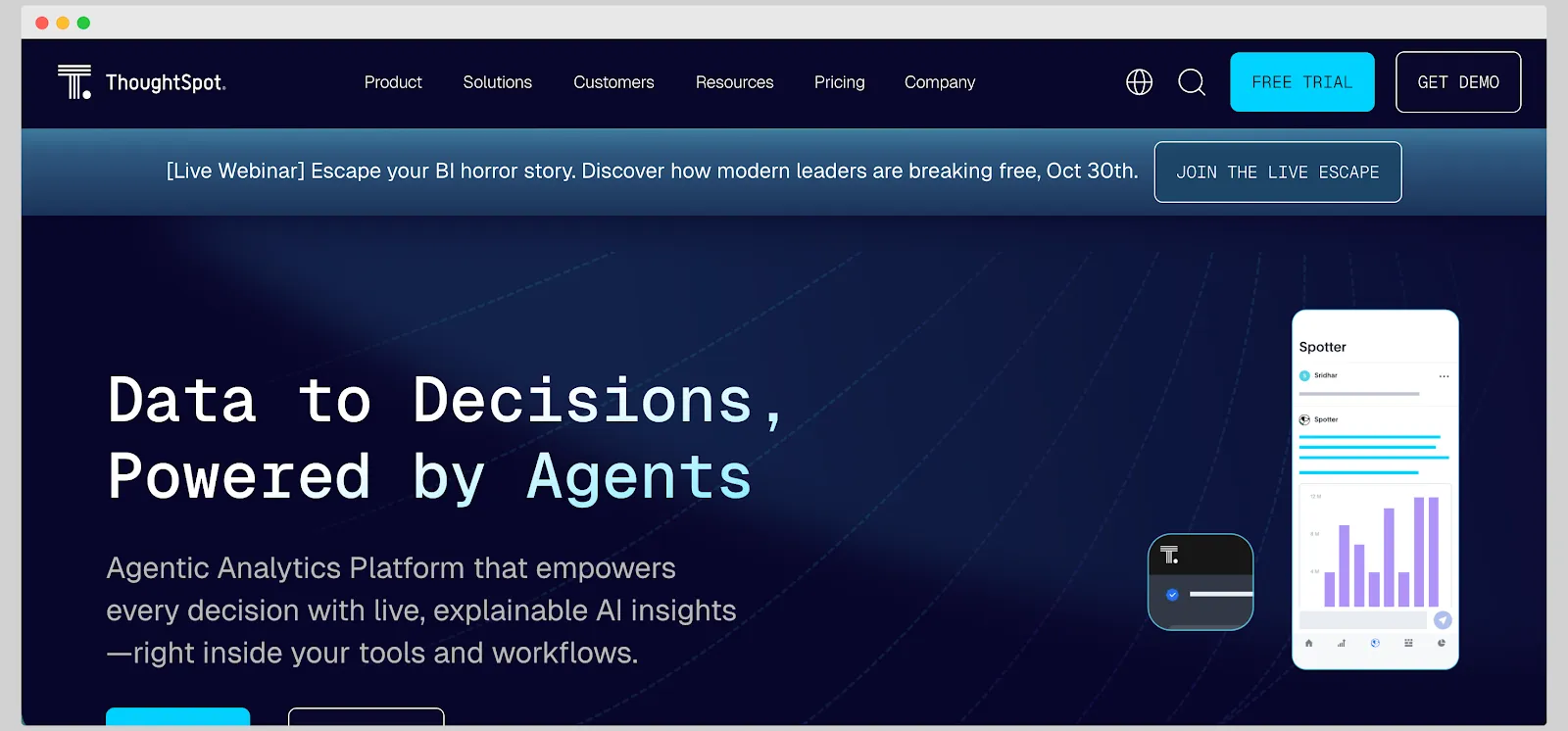
ThoughtSpot is built around search-driven and agentic analytics: users type a question in plain language and get a visualization, with Spotter agents handling natural-language questions and forecasting.
ThoughtSpot Embedded provides a Visual Embed SDK and REST-based APIs, so you can embed full applications, individual visualizations or the search experience itself, with embedded SSO, multitenancy by organization and row-level security. Answer quality depends on the governed semantic model underneath, so test it against your own definitions rather than a prepared dataset.
Pricing: as of August 2026, Essentials starts at $25 per user per month and Pro at $50 per user per month or $0.10 per credit, with Enterprise custom. It sits outside the primary seven because the search interaction model, not frontend composition, is the reason to shortlist it.
Compare embedded analytics platforms
Embeddable is part of a broader group of platforms designed for putting analytics into customer-facing products. Compare it with:
Want a faster path to native, customer-facing analytics? Explore Luzmo’s embedded analytics platform.
Which Embeddable alternative should a SaaS product team shortlist?
Keep Embeddable on the shortlist when native Web Components, extensible components and repository-centered ownership are central requirements. Compare Luzmo when the team wants embedded SaaS analytics with visual authoring and an SDK-based route. Compare GoodData or Sisense when governance or deployment options carry more weight, and evaluate Omni when internal analytics and the Explo transition are relevant.
The final decision should come from one shared implementation. Build the same product workflow, security rules and release change in each finalist, then compare measured engineering work, customer experience and 36-month commercial terms. For a broader view of the market beyond this shortlist, see our roundup of embedded analytics tools.
Book a demo with us today to see how Luzmo can improve your SaaS product with embedded analytics.
FAQ
All your questions answered.
What is the best alternative to Embeddable?
There isn't one universal answer. Luzmo suits SaaS teams wanting SDK-based embedding alongside visual authoring. GoodData and Sisense suit governance or deployment requirements. Embeddable itself stays on the shortlist when native Web Components and repository-owned assets lead the brief. Decide from one shared proof of concept rather than a feature list.
Which Embeddable competitors offer component-level control?
Luzmo exposes rendering and data as SDK building blocks, Sisense Compose SDK supports React, Angular and Vue with TypeScript, GoodData documents Web Components and a React SDK, and DataBrain offers Web Components across the same frameworks. Verify the actual rendering boundary for each, since an SDK can still control iframe-rendered content.
How much does Embeddable cost?
As of August 11, 2026, Embeddable's pricing page does not show a public rate. It describes a fixed monthly subscription and directs buyers to sales for a custom quote. Some of Embeddable's own published material still refers to a Free tier and a Lite plan at $499 per month, so ask the vendor directly which offers are currently available.
What do Embeddable reviews tell engineering teams to test?
Reviews point to workflows worth reproducing rather than universal limits. Have an engineer add a custom interaction and ship it through staging, have a product or data teammate update a dashboard without code, and let a representative end user explore inside the allowed self-service boundaries. Then model pricing at your expected sessions, tenants and environments.
What does Embeddable app alternatives mean?
If Embeddable means the analytics company, the relevant app alternatives are embedded analytics platforms such as Luzmo, GoodData, Sisense and the other tools compared here. If the search means generic embeddable widgets or website apps, this comparison is not the right resource. Define the product category before comparing vendors.
Written by

Ship the future of your data
Let us show you what Luzmo can do for your product.

Book your session with our analytics expert.