How 5 SaaS Companies Personalized Analytics Without Duplicating Dashboards
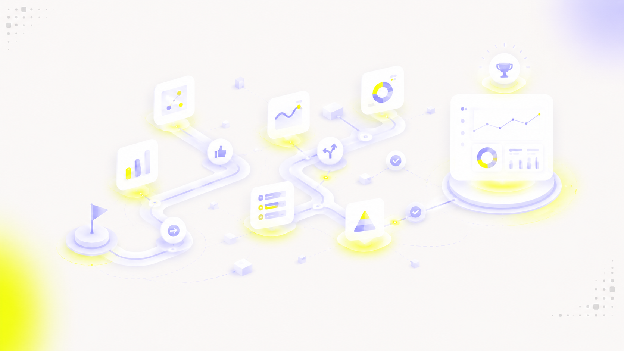
The simplest way to give every customer their own dashboard is to make a copy for each one. It also becomes the hardest thing to maintain.
Every copy has to be updated when a metric changes. Every fix has to be repeated. And every additional copy is one more place where the wrong customer could see the wrong data.
Workero, Hult Ashridge, Commspace, Riskonnect and Timewax took a different route. They serve many customers from shared dashboards and let context, permissions and filters decide what each person sees. The result is personalized analytics without a maintenance problem that grows with every new customer.
Five approaches to multi-tenant analytics
| Company | How customers are separated | What stays shared |
|---|---|---|
| Workero | Product login and token-based context | One master dashboard |
| Hult Ashridge | Existing product permissions applied to data | Datasets and dashboards |
| Commspace | Clients, offices, roles, tags and predefined filters | A managed set of dashboards |
| Riskonnect | Editable templates within guardrails | A common template structure |
| Timewax | Standard dashboards scoped to each customer | One reporting setup, not per-customer copies |
Workero personalizes one master dashboard through login context
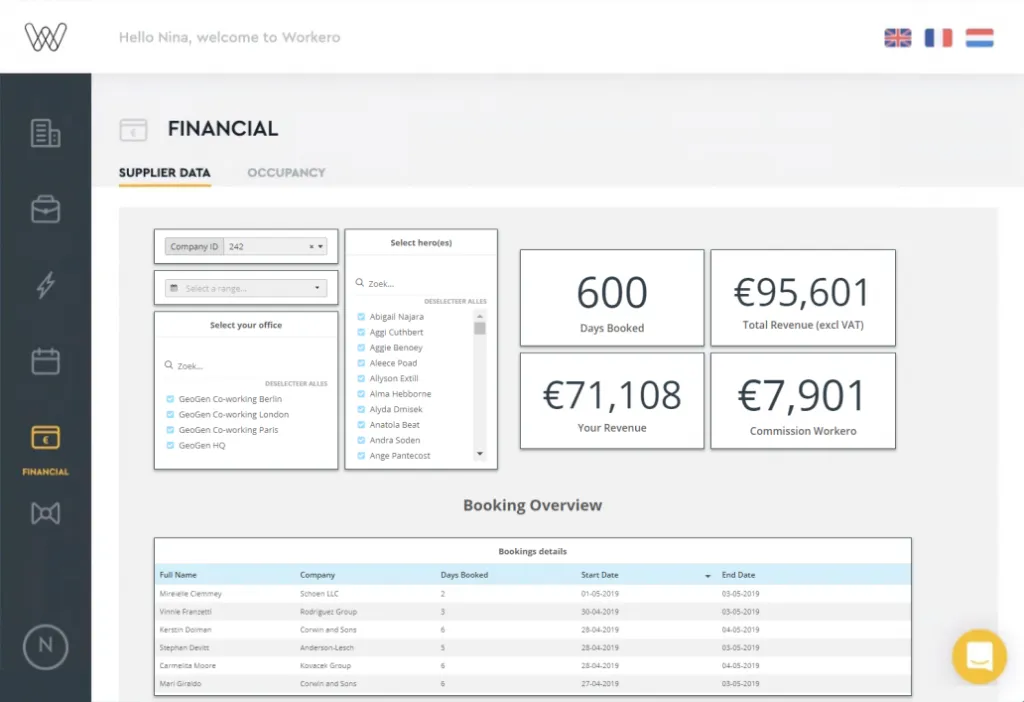
Workero provides workspace and flex-office management software used by many partners. Each partner should see only its own booking, payment and occupancy data.
Rather than build a dashboard per partner, Workero uses a single master dashboard. The product login and a token-based flow pass the current partner's context into the analytics layer, which filters the view to that partner.
Each partner experiences a dashboard that looks built for them, while Workero maintains just one. New partners inherit the same experience automatically, with no extra dashboard to create or keep in sync.
Hult Ashridge reused the permissions it already had
Hult Ashridge delivers executive education and leadership programs, and it needed to give clients a view of learning program impact without exposing anyone else's data.
Instead of designing a separate access model for reporting, Hult Ashridge connected its existing permissions to the datasets and dashboards. The rules that already governed who could see what in the product carried over to analytics.
This keeps access consistent. There is no second set of permissions to maintain and no risk that the reporting layer disagrees with the product about what a given user is allowed to see.
Read the Hult Ashridge case study →
Commspace manages access around clients, offices and roles
Commspace provides software for financial advice practices, where different clients, offices and roles need different views of the same kinds of data.
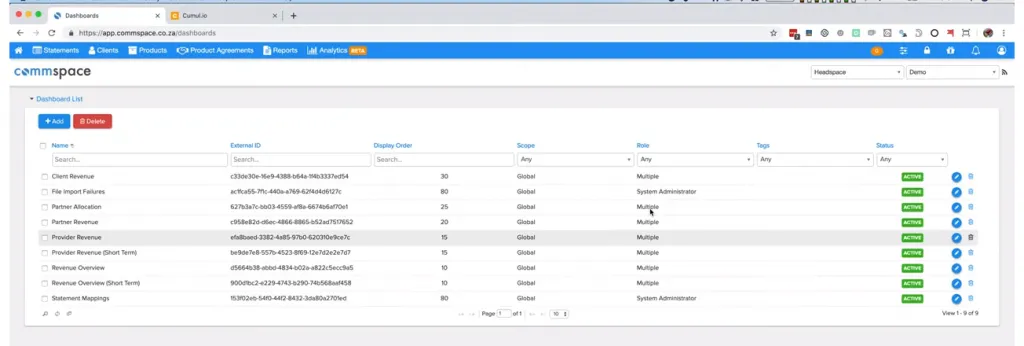
Commspace manages access using clients, offices, roles, tags and predefined filters. An admin portal controls how dashboards are assigned and what each group of users can see, including whether a dashboard is in production or still in draft.
This gives Commspace fine-grained control without a dashboard explosion. The same managed dashboards serve many audiences, scoped by the attributes that already describe how the business is organized.
Read the Commspace case study →
Riskonnect personalizes through editable templates and guardrails
Riskonnect manages complex risk, compliance and business continuity data for customers with very different needs.
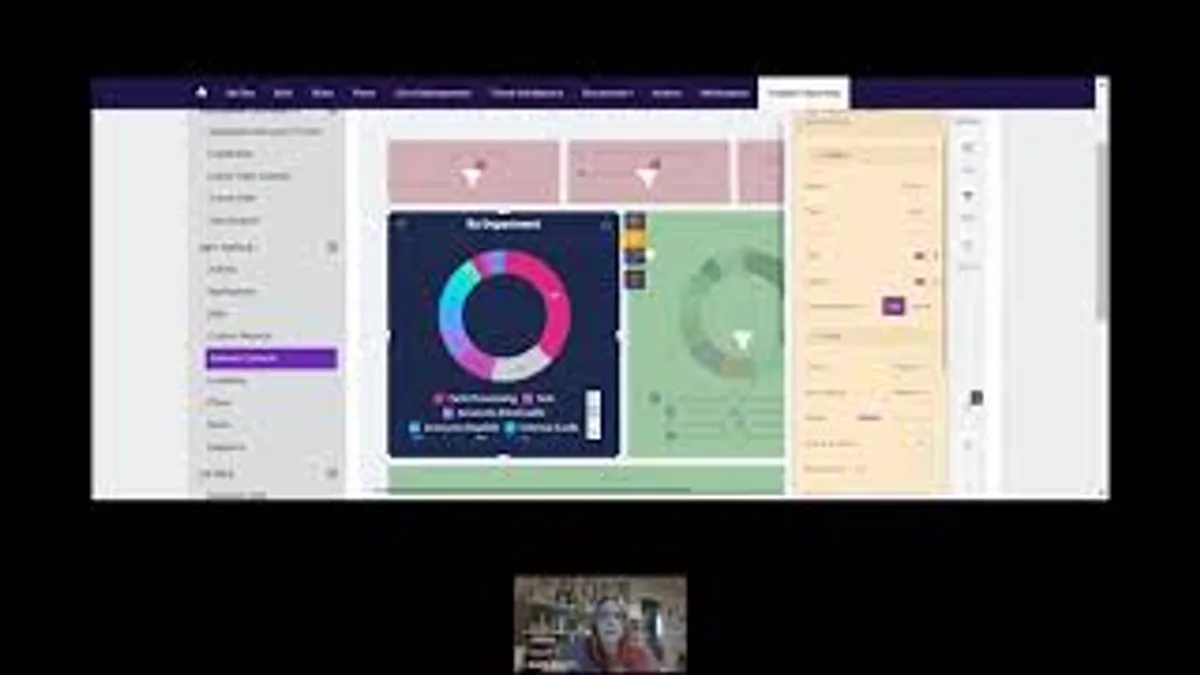
Riskonnect gives customers editable template dashboards. Each customer starts from a common structure and adapts it, while guardrails limit what can be changed. Personalization happens on top of a shared template rather than through separate builds.
This is a different flavor of multi-tenancy. The variation lives in how each customer configures the template, not in a growing library of one-off dashboards the Riskonnect team has to maintain.
Read the Riskonnect customer story →
Timewax rejected a copy-per-customer model from the start
Timewax offers project and resource management software with reporting across its plans. Early on, it faced a familiar choice: create separate datasets and dashboards for each customer, or find a model that scaled.
Timewax rejected the per-customer approach. Maintaining separate datasets and dashboards for every customer would have grown unmanageable as the customer base expanded.
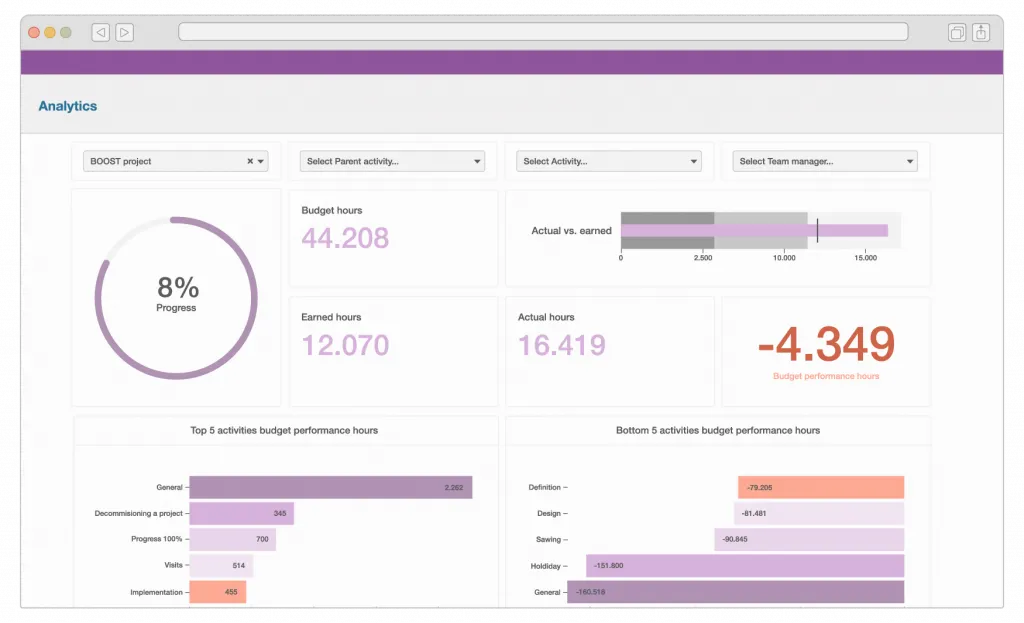
Instead, Timewax runs a standard reporting setup scoped to each customer. Professional customers receive a defined set of dashboards, and the same setup serves everyone rather than multiplying into individual copies.

The shared idea: context over copies
These companies use different mechanisms, and their architectures are not identical.
Workero passes login context into one dashboard. Hult Ashridge reuses existing permissions. Commspace scopes access by clients, offices, roles and filters. Riskonnect personalizes editable templates. Timewax avoided per-customer copies entirely.
What they share is a principle: personalize through context and permissions, not by duplicating dashboards. That keeps maintenance flat as customers grow and keeps access rules in one place instead of scattered across copies.
Tenant context is one layer of a broader analytics platform architecture, alongside the query path, rendering, identity and the operational behaviour of the system at scale.
How to personalize analytics without duplicating dashboards
Pass user and tenant context into shared dashboards
Send the current user or tenant from your product into the analytics layer, and let a shared dashboard filter to that context.
Reuse the permissions you already enforce
Analytics should inherit the product's existing access rules, so reporting and product never disagree about what a user can see.
Scope with the attributes that describe your business
Clients, offices, roles, tags and predefined filters let one set of dashboards serve many audiences without new copies.
Personalize on top of templates, not with new builds
Editable templates give customers room to adapt reporting while you maintain a single underlying structure.
Treat tenant separation as a first-class requirement
Keep access rules explicit and consistent. This article describes high-level approaches and makes no claim about any specific security certification, so validate your own requirements.
Where multi-tenant analytics fits with your other decisions
Personalizing without copies works best alongside your wider analytics choices. It complements making analytics feel native to your product and giving users control over their own reporting.
If you are scaling reporting, it also helps to see how teams turned analytics into a premium product feature and how they scaled customer-facing analytics as demand grew. You can explore embedded analytics as a product capability rather than a one-off feature.
Workero, Hult Ashridge, Commspace, Riskonnect and Timewax each personalized analytics through context and permissions, so serving one more customer did not mean maintaining one more dashboard.
FAQ
All your questions answered.
What is multi-tenant embedded analytics?
Multi-tenant embedded analytics serves many customers from shared dashboards and datasets while showing each customer only their own data. Instead of copying a dashboard per customer, the product passes each user's context and permissions into a shared dashboard that filters accordingly.
Why avoid duplicating dashboards per customer?
Copies multiply maintenance. Every change, fix or new metric has to be repeated across every copy, and the risk of one tenant seeing another's data grows. A shared dashboard driven by permissions is easier to maintain and keeps access rules consistent.
How do these companies keep tenant data separated?
They pass user and tenant context from the product's login into the analytics layer and rely on permissions, roles and predefined filters to scope what each user can see. This article describes those approaches at a high level and does not claim any specific security certification.
Do all of these companies use the same architecture?
No. They share the idea of personalizing through context rather than copies, but the details differ by product. The examples should be read as related approaches to the same problem, not as one identical setup.
Written by

Ship the future of your data
Let us show you what Luzmo can do for your product.

Book your session with our analytics expert.