7 Best Power BI Embedded Alternatives for SaaS in 2026

Power BI Embedded is a legitimate option for customer-facing analytics, especially if your company already runs heavily on Microsoft Azure, Fabric and Power BI.
But it is not the only way to embed analytics into a SaaS product.
Some alternatives are built specifically around multi-tenant customer-facing analytics, with white-labeling, developer components and self-service designed into the product rather than added to an internal BI platform. Others give engineering teams more frontend control, a different pricing model or an easier route to customer-facing AI.
Before comparing vendors, answer one question:
Do you want to replace Power BI, or do you simply want a better way to deliver the Power BI reports you already have?
If you already have hundreds of reports and a mature Power BI semantic layer, replacing the analytics engine may create more work than value. If you are building customer-facing analytics from scratch or struggling with product integration, a purpose-built embedded analytics platform may be the better fit.
This guide focuses on the second case: true alternatives to Power BI Embedded for SaaS products that are willing to use a different analytics platform.
For a broader comparison that includes internal BI use cases, see our Power BI alternatives guide. For a deeper look at Microsoft's embedding model, licensing and limits, see Power BI Embedded Analytics: licensing math, fit and limits.
Power BI Embedded alternatives at a glance
| Platform | Best for | Embed style | Pricing signal | Main difference from Power BI Embedded |
|---|---|---|---|---|
| Luzmo | Product-native SaaS analytics | Web components, SDKs, iframe, AI surfaces | From €1,995/mo + usage | Built specifically for customer-facing analytics |
| Embeddable | Developer-led native UX | Component-driven | Custom flat monthly subscription | More frontend ownership |
| Qrvey | SaaS with deep tenant/infrastructure control | JS components and APIs | Flat-rate custom quote | Runs in your cloud, unlimited tenants and users |
| Explo | Fast dashboard-first deployment | Embedded dashboards | From $1,995+/mo | Simpler SaaS-first deployment model |
| Metabase | BI plus embedded analytics | Modular SDK and other embed options | Pro $575/mo, 10 users included | Transparent pricing and broader BI use |
| Sisense | Enterprise custom apps | iframe + Compose SDK | Custom | Deep SDK route and enterprise BI capabilities |
| GoodData | Governed semantic analytics | iframe, web components, React SDK, APIs | Custom/tiered | Strong semantic and metadata layer |
Pricing and capabilities were checked against current vendor pages in September 2026. Vendor packages change, so confirm the exact production configuration before purchasing.
First, understand what Power BI Embedded actually does
Power BI Embedded lets software companies embed Power BI reports, dashboards and tiles inside their own applications.
For customer-facing products, Microsoft calls the model embed for your customers, or app owns data. In this setup, your application authenticates against Power BI using a Microsoft Entra application and a service principal or master user. Your customers do not need their own Power BI accounts or viewer licenses simply to access the embedded content.
Power BI also supports row-level security in embedded applications and gives ISVs several tenant-isolation patterns, including RLS inside shared models and workspace-based isolation for larger deployments.
Those are real strengths. Power BI Embedded is not "bad embedded analytics."
The question is whether its architecture fits the product experience you want to build.
Why SaaS teams look for Power BI Embedded alternatives
The main reasons are usually not missing chart types. They are product architecture decisions.
You want analytics to behave more like a native part of the product
Power BI gives developers APIs and configuration options around embedded reports, but the fundamental unit is still a Power BI report experience.
For many SaaS products, that is enough. For others, analytics needs to interact more deeply with application state, design systems and product workflows. This is where component- and SDK-oriented platforms become attractive.
Luzmo, for example, supports both dashboard embedding and deeper component-based approaches through SDKs and developer components, with two-way interaction between analytics and the host application.
If embedding architecture is central to your evaluation, see our iframe vs web component guide and embedded analytics security guide.
You need SaaS-native multi-tenancy
Power BI supports customer isolation, but SaaS teams still have to design the correct combination of workspaces, semantic models, identities and RLS for their application.
Purpose-built embedded analytics vendors often make tenant context a first-class part of the product. That can simplify architectures where hundreds or thousands of customer organizations share the same analytics feature.
For more on those patterns, see how multi-tenancy works in Luzmo and the broader multi-tenant analytics implementation guide.
You want customer self-service without exposing a traditional BI environment
Many SaaS products no longer want to offer only fixed dashboards. Customers increasingly expect to filter, explore, create views and ask questions themselves.
The key issue is not simply whether the vendor has a report builder. It is whether that functionality can live inside the host product without making customers feel as if they have entered a separate BI application.
You want a different pricing model
Power BI Embedded is tied to Microsoft capacity economics. Other platforms charge through users, usage, platform subscriptions, tenants or negotiated flat rates.
The cheapest model depends on adoption. Our current embedded analytics pricing comparison compares vendors using the unit that actually makes the bill grow rather than just the headline starting price.
You want analytics and AI to use the same customer-facing layer
In 2026, embedded analytics increasingly extends beyond dashboards. Product teams may want conversational analytics, agents, MCP access, AI-assisted dashboard creation, or analytics inside an existing product chatbot.
That makes the analytics platform's security, semantic layer and embedding architecture more important than a standalone dashboard feature set.
1. Luzmo: best overall Power BI Embedded alternative for customer-facing SaaS
Luzmo is the most direct alternative on this list when the requirement is not "replace Power BI for our analysts" but "build analytics into the product our customers use."
Its embedded analytics platform includes dashboard building, multi-tenant access, row-level security, white-label themes, live data connections, self-service analytics and SDK-based embedding. Product teams can start with dashboards and move toward more composable experiences through Luzmo's developer tooling.
That customer-facing focus is the biggest difference from Power BI. Power BI starts from a broad BI platform and provides an embedding model for ISVs. Luzmo starts from the assumption that external users will consume analytics inside another software product.
Where Luzmo is stronger for SaaS
The current product allows product teams to choose between low-code dashboards and more composable developer experiences. A team can design dashboards visually and embed them quickly, or use components and SDKs when analytics needs to participate more deeply in application behavior.
The authorization model is also designed around application users. Temporary Embed Authorization tokens are created server-side and can restrict users to specific dashboards, datasets and features while carrying multi-tenant data access context.
Luzmo sells one complete Embedded Everywhere plan starting at €1,995 per month billed annually, with a platform fee plus usage based on monthly active users, AI conversations or both. White-labeling, self-service, AI, APIs and SDKs are included rather than split across customer-facing feature tiers.
Where Power BI may still be better
If your company already has a large Power BI report estate, mature DAX and semantic models, Fabric infrastructure and Microsoft-centered data teams, moving to Luzmo means re-authoring analytics.
That can be a poor trade purely for the sake of changing the embed layer. For a side-by-side view of the two product models, see Luzmo vs Power BI.
Best for: SaaS companies building new customer-facing analytics or replacing a product experience that feels too much like an embedded internal BI tool.
2. Embeddable: best for developer-led native analytics UX
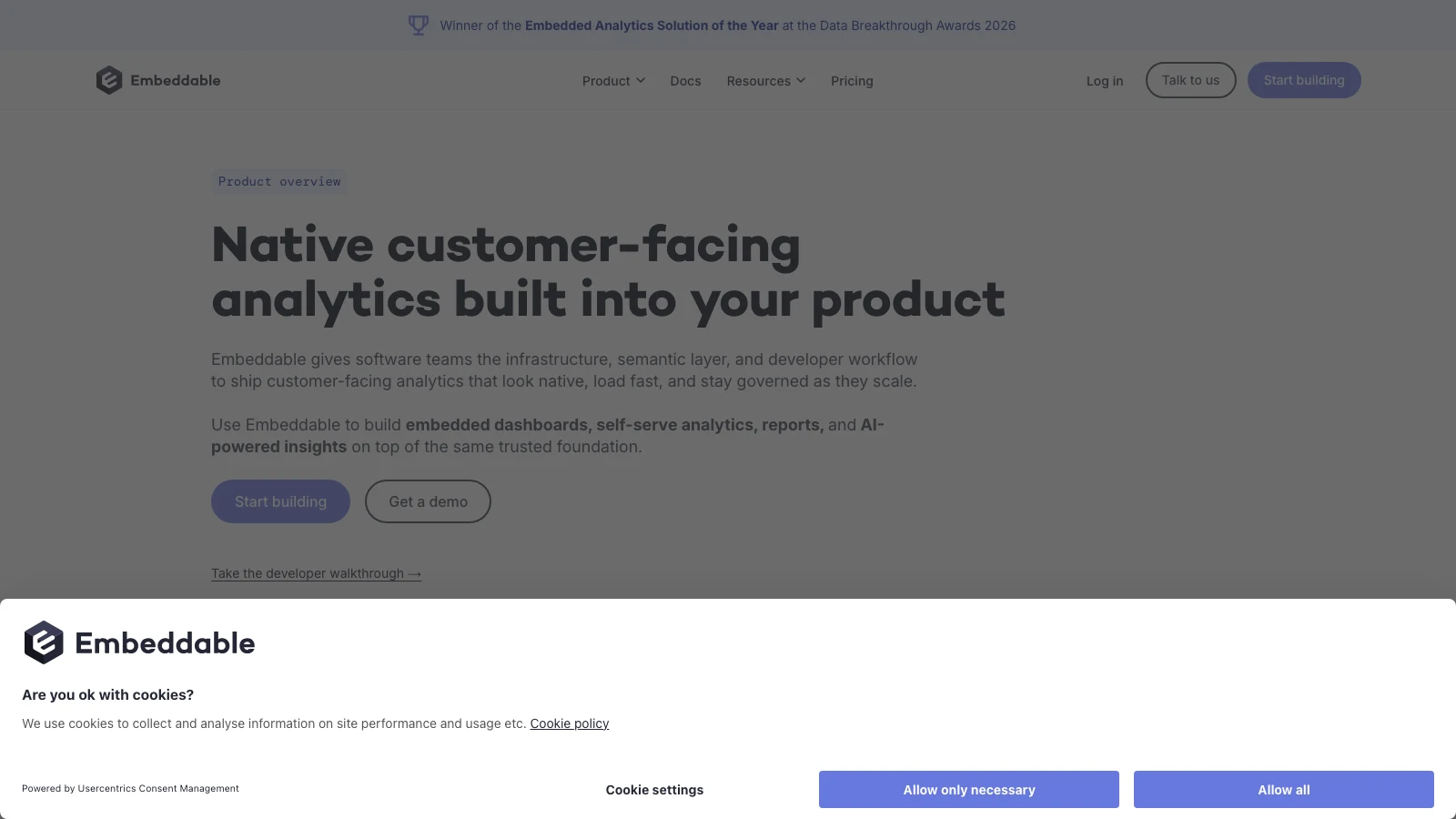
Embeddable is a strong alternative when frontend ownership is one of the main reasons you are considering leaving Power BI Embedded.
It positions itself around native-feeling customer-facing analytics with developer SDKs, granular security and a fully white-labeled experience.
Embeddable currently positions pricing as a flat monthly subscription with unlimited usage rather than a per-viewer model, with the quote based primarily on project scope. The final commercial terms are still sales-led and should be confirmed against the production scope.
Where Embeddable differs from Power BI
The core appeal is that developers have more freedom to construct an analytics experience around their own application rather than treating the Power BI report as the center of the interaction.
That matters when analytics is scattered across different product workflows, design consistency is critical, developers need custom component behavior, or the product should not resemble a classic BI interface.
Best for: engineering-led SaaS companies willing to invest frontend development time in exchange for deeper control over the final user experience.
Watch for: deep control does not mean zero engineering. A team leaving Power BI because it wants less implementation work should validate the total frontend effort during the POC. The Luzmo vs Embeddable comparison is useful for comparing developer ownership, dashboard authoring and time to ship.
3. Qrvey: best for SaaS teams that want tenant and infrastructure control
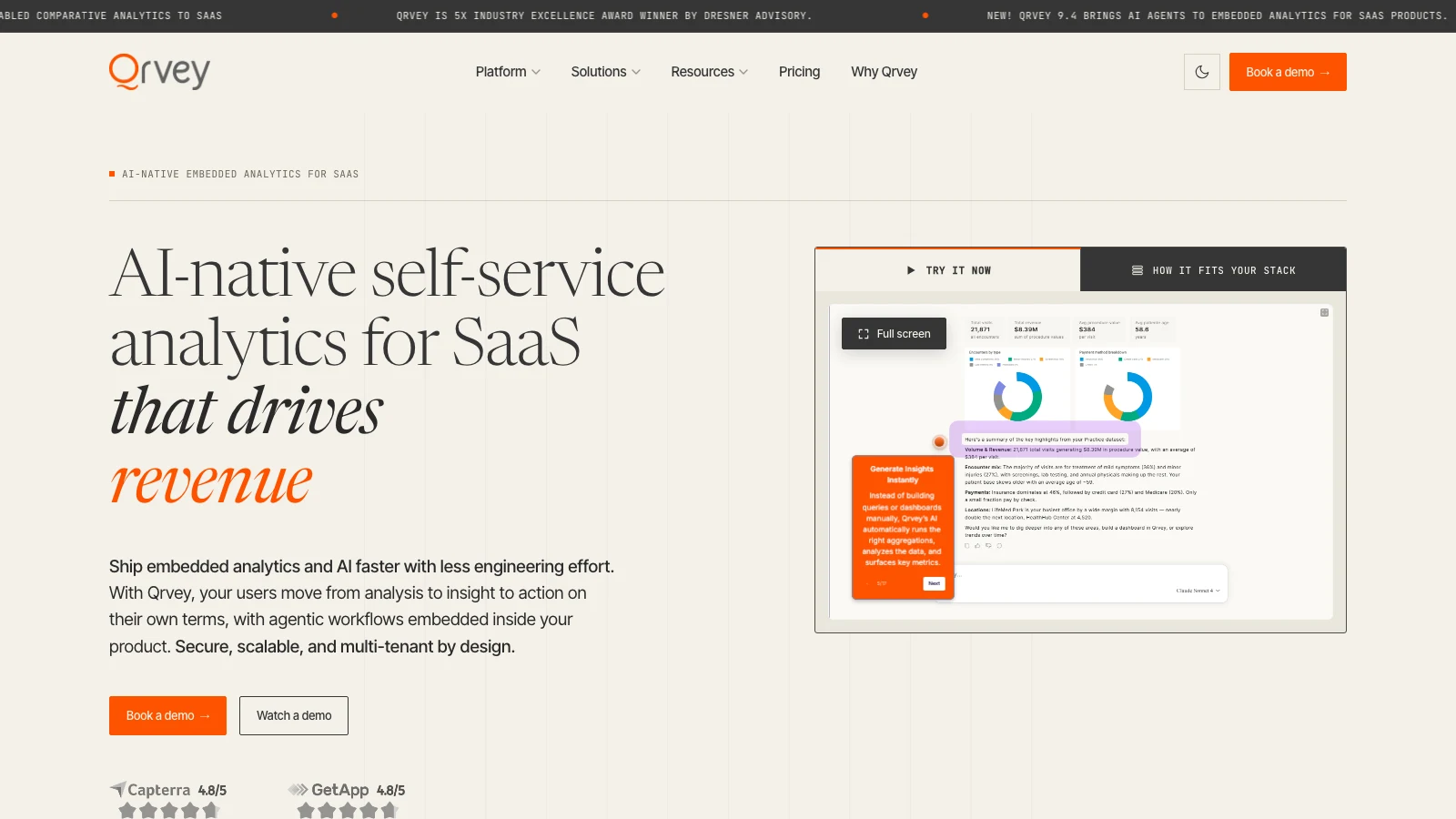
Qrvey is more infrastructure-oriented than many Power BI Embedded alternatives.
Its current product is explicitly licensed for SaaS and includes multi-tenant security, embedded self-service, a semantic layer, AI-driven analytics and workflow automation. The platform can run in the customer's own cloud environment rather than only as a vendor-hosted SaaS service.
That makes Qrvey especially interesting for products where analytics infrastructure is part of the enterprise architecture decision.
Pricing
Qrvey does not publish a numeric subscription rate. It uses flat-rate packages with unlimited tenants, users, dashboards, instances, data and connections. It currently offers Pro for teams bringing their own analytics-ready database and Ultra with a built-in data engine and transformation layer.
Where Qrvey differs from Power BI
Power BI Embedded fits naturally into Azure and Microsoft's service ecosystem. Qrvey gives the SaaS vendor more ownership over the deployment itself and supports multi-cloud, customer-controlled infrastructure.
Its security model also explicitly covers row-, column- and schema-level multi-tenant controls.
Best for: SaaS businesses with demanding enterprise customers, complex tenant models or strong requirements around cloud deployment and infrastructure ownership.
Watch for: more infrastructure control can mean more operational responsibility. Do not compare Qrvey and Power BI only at the dashboard layer. The Luzmo vs Qrvey comparison is particularly useful for deployment model, multi-tenancy and customization trade-offs.
4. Explo: best for fast dashboard-first SaaS analytics
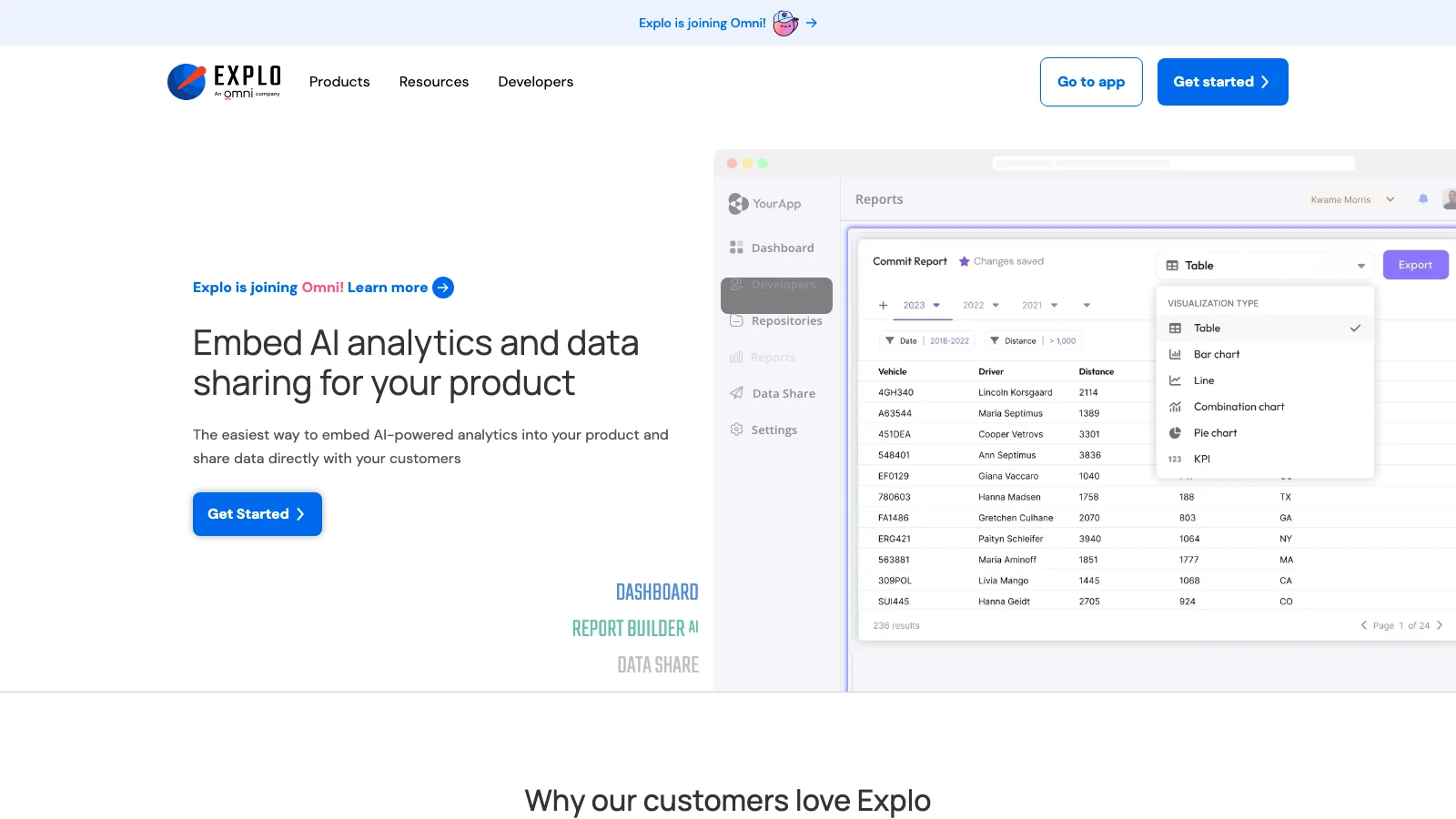
Explo has historically sat closer to Luzmo than to traditional enterprise BI in its market positioning, with a dashboard-first product aimed at customer-facing analytics.
There is an important 2026 caveat: Omni acquired Explo on October 22, 2025. Omni says Explo remains fully operational during the transition, that it intends to migrate the majority of customers onto Omni, and that the Explo platform is planned to be sunset. Migration timing is planned with individual customers around their current contracts, and Omni has not published one exact shutdown date that applies to everyone. Treat any specific date you see elsewhere as an inference rather than a commitment, and confirm your own timeline in writing.
Explo's published Pro pricing starts at $1,995+ per month for embedded production use, with white-labeled dashboards and exports. Because the product is in a transition period, confirm current commercial terms before using that figure in procurement.
Where Explo differs from Power BI
Explo is easier to evaluate as a dedicated customer-facing analytics product because that use case is the core offer rather than one deployment mode of a much larger BI ecosystem.
That can simplify product conversations around branding, external users, embedding, customer-specific dashboards and SaaS pricing.
Best for: teams that primarily want polished embedded dashboards and are comfortable evaluating the product in the context of the Omni transition.
Watch for: if Explo is still on the shortlist, test both the current product and the migration path. Our Explo alternatives guide covers that migration-specific shortlist, and Luzmo vs Explo covers the embedded-product comparison.
5. Metabase: best for transparent pricing and mixed BI plus embedding needs
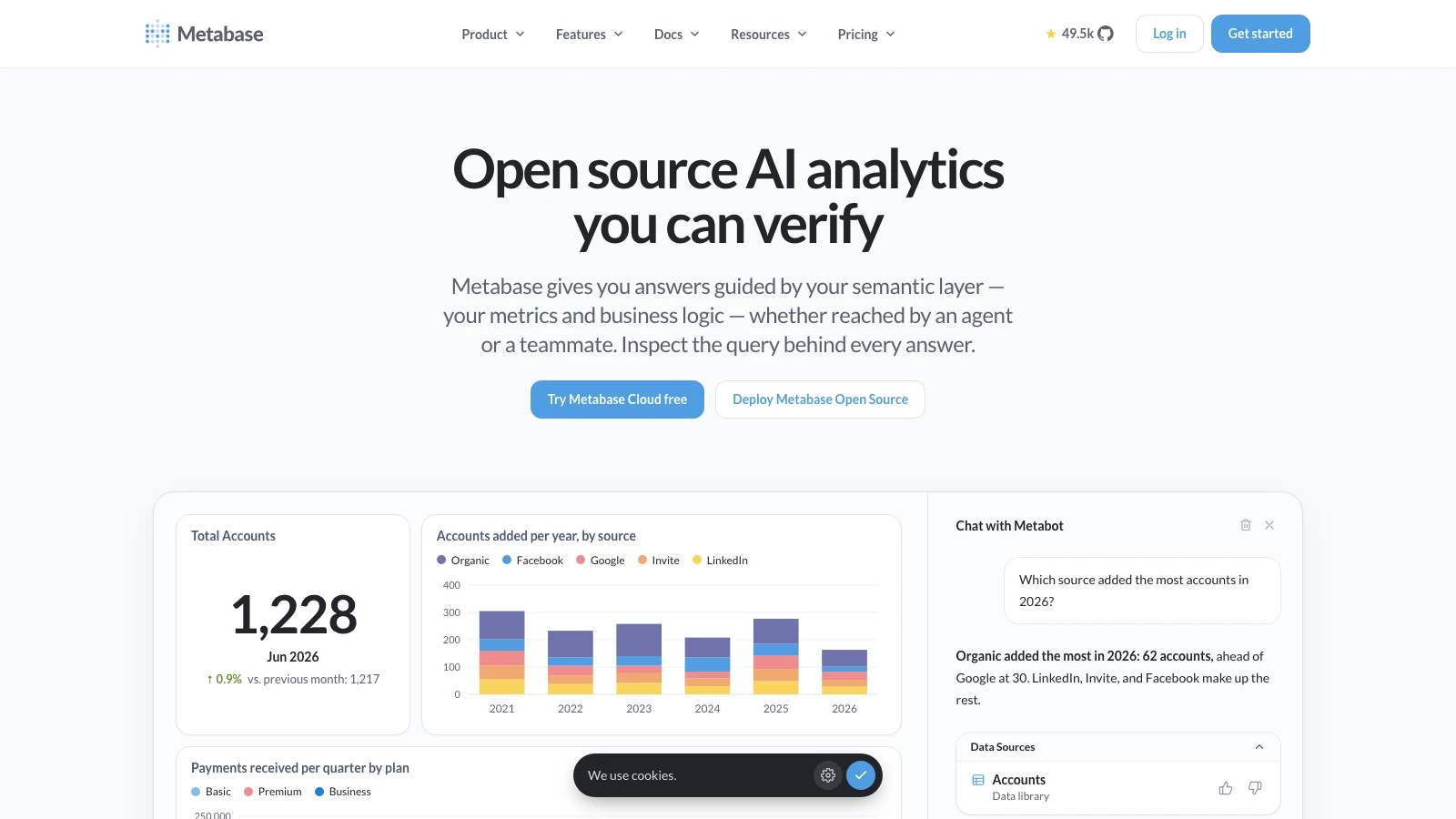
Metabase is unusual in this comparison because it can serve both internal BI and customer-facing analytics with public pricing and an open-source route.
Its Pro plan currently costs $575 per month billed monthly, with the first 10 users included and additional users at $12 per month. Metabase counts both internal analytics users and embedded users in that licensing model.
Pro includes unlimited embedded charts and dashboards, AI questions, multi-tenant data segregation, row- and column-level security, and branding customization.
Where Metabase differs from Power BI
Metabase can be attractive when the company wants one relatively accessible BI platform to serve both internal teams and customer-facing use cases. It also offers open-source and self-hosted routes that Power BI does not.
The trade-off is that the pricing model still counts embedded users, which can change the economics quickly for large SaaS audiences.
Best for: smaller or mid-market teams that want a familiar BI product plus credible embedding rather than a dedicated embedded-only platform.
Watch for: run the numbers using actual external-user adoption. A platform that looks inexpensive with 50 embedded users may behave very differently with 10,000. If Metabase is a finalist, Luzmo vs Metabase gives a focused view of customer-facing embedding, customization and product architecture.
6. Sisense: best for enterprise SDK customization
Sisense remains one of the stronger choices for organizations that want traditional BI capabilities plus a developer-oriented embedded layer.
Its current product supports both iframe embedding and Compose SDK, which can work across modern application stacks. Sisense also includes built-in AI capabilities for natural-language queries and customer-facing assistance.
Where Sisense differs from Power BI
Power BI is particularly attractive inside Microsoft architectures. Sisense is more infrastructure-agnostic and gives developers a separate SDK route when the analytics experience needs more customization.
It is also a more natural shortlist candidate for organizations already evaluating OEM or enterprise embedded BI rather than teams simply looking for inexpensive dashboards.
Best for: large organizations with complex embedded analytics requirements and engineering resources to customize the experience.
Watch for: Sisense pricing is sales-led, and white-labeling sits on its Grow and Scale tiers rather than Launch. Ask for a production quote based on your actual tenant count, deployment model and required SDK capabilities rather than relying on historical public pricing from comparison sites. For an embedded-first comparison, see Luzmo vs Sisense.
7. GoodData: best for governed metrics and semantic-layer-heavy products
GoodData is a strong Power BI Embedded alternative when the analytics requirement starts with consistent metrics and governed semantic definitions rather than dashboard delivery alone.
Its current platform supports white-labeling, iframe and web-component embedding, APIs and a React SDK for custom interfaces. It also includes built-in multi-tenancy with hierarchical workspaces and a reusable semantic layer.
That combination matters for SaaS products where many tenants use the same metric definitions, analytics appears across multiple interfaces, AI needs access to governed business logic, or developers want a custom frontend over the analytics engine.
Where GoodData differs from Power BI
Both Power BI and GoodData have strong modeling and governance concepts. GoodData becomes particularly interesting when the semantic layer itself needs to be product infrastructure consumed across embedded dashboards, APIs and AI workflows.
Best for: data-heavy SaaS products with mature data teams and strong governance requirements.
Watch for: GoodData has a broad platform surface. If the immediate requirement is simply to ship three customer dashboards quickly, make sure you are not buying more architecture than the product actually needs. The Luzmo vs GoodData comparison helps frame that trade-off around governance, deployment and embedded product UX.
Which Power BI Embedded alternative should you choose?
The answer depends on why Power BI Embedded is no longer the right fit.
| If your priority is... | Start with... |
|---|---|
| Customer-facing SaaS analytics with fast implementation | Luzmo |
| Deep frontend ownership | Embeddable |
| Own-cloud deployment and tenant control | Qrvey |
| Fast dashboard-first rollout | Explo |
| Lower entry price plus internal BI too | Metabase |
| Enterprise SDK customization | Sisense |
| Semantic governance | GoodData |
But add one more option to that decision tree.
Keep Power BI Embedded
Power BI may still be the best answer when the organization already has deep Microsoft investment. Migrating hundreds of reports and semantic models to another tool simply to obtain a nicer embed experience can be financially irrational.
There is a useful distinction here: products that wrap or portalize existing Power BI reports are not really Power BI replacements. They solve the delivery layer while preserving the existing analytics investment.
That is the right way to think about migration. Ask: is the problem Power BI itself, or how we have implemented Power BI for customers?
If the problem is only the portal, replacing the entire analytics stack may be unnecessary.
Power BI Embedded vs purpose-built embedded analytics
The bigger architectural difference is not chart quality. It is the product each vendor set out to build.
Microsoft's own documentation clearly distinguishes embed for your organization from embed for your customers, but both sit inside the larger Power BI ecosystem.
Purpose-built embedded analytics platforms start closer to the SaaS product requirement:
Customer logs into your SaaS → your application establishes tenant context → analytics inherits that context → customer sees branded analytics → customer explores, builds or asks questions → the experience stays inside your product.
That can reduce the amount of translation between an internal BI model and a customer-facing product.
It does not automatically make the tool superior. It makes the tool optimized for a different job.
Compare the alternatives using the same POC
Do not choose a Power BI Embedded replacement based on screenshots. Give Power BI and every alternative the same test:
- One real dataset, preferably production-shaped
- One realistic tenant model
- One dashboard
- One self-service workflow
- One cross-tenant security test
- One performance test
- One AI use case if relevant
- One 3× and 10× pricing scenario
The result should tell you much more than a feature matrix. You can also use our embedded analytics comparison hub to jump between vendor-specific comparisons while keeping the same evaluation criteria.
A platform that looks less impressive in a sales demo may require half the engineering work to ship. A platform with the best dashboard builder may perform poorly against your tenant architecture. A cheap starting price may become expensive once thousands of customers use analytics.
That is why we recommend evaluating embedded analytics through product evidence rather than feature counts. Use our embedded analytics tools comparison as the wider shortlist, then run the same production-shaped POC against the finalists. The embedded analytics POC checklist gives you a repeatable test plan.
What does migration from Power BI Embedded involve?
Switching tools is not the same as changing a JavaScript library. You may need to rebuild reports, semantic models, calculations, tenant security rules, filters, custom visuals, export workflows, frontend integrations, scheduled distribution and analytics permissions.
The closer your current implementation is to a mature Power BI application, the higher the migration cost.
This is why migration decisions should compare future ownership cost, not only project cost. A six-month migration can still make sense if it removes years of product friction. A three-week migration can still be a mistake if Power BI already solves the problem adequately.
For teams comparing platform ownership with custom development more broadly, see the true cost of building analytics in-house and our build vs buy customer-facing analytics guide.
Why Luzmo is particularly relevant for Power BI Embedded buyers
The strongest Luzmo positioning here is not "Power BI is legacy and Luzmo is modern." That is too simplistic.
It is: Power BI is an excellent BI ecosystem with an embedded mode. Luzmo is designed specifically as the customer-facing analytics layer of a software product.
That difference becomes important when the roadmap includes more than displaying existing reports.
Luzmo's current platform supports customer-facing self-service, multi-tenant RLS, white-labeling, SDK embedding and AI experiences under the same product architecture. As of September 2026, Embedded Everywhere starts at €1,995 per month billed annually, with a platform fee plus adoption-based usage, and customer-facing features including white-labeling, self-service, AI, APIs and SDKs are included in the plan rather than unlocked through higher product tiers.
That makes Luzmo especially worth testing when the main Power BI Embedded problem is not data visualization but the amount of customer-facing product work surrounding it.
Questions to ask before leaving Power BI Embedded
- How many existing reports must be rebuilt?
- How much DAX or semantic-model logic must be translated?
- Does the alternative support our tenant architecture?
- Can it match our application's design system?
- Can users build their own analytics inside the product?
- Does AI inherit the same security and governed metrics?
- How much engineering does embedding require?
- What will the new platform cost at 3× and 10× adoption?
- Which Power BI capabilities will we lose?
- Which product capabilities will we gain?
- Can the migration happen incrementally?
- Is replacing Power BI solving the actual customer problem?
The last question matters most. Migration is not the goal. A better product is.
The bottom line
Power BI Embedded remains a sensible customer-facing analytics choice for Microsoft-centric teams. Its app-owns-data model supports external users without requiring each customer to hold a Power BI license, and Microsoft provides mature security, RLS and embedding APIs.
Alternatives become more compelling when your requirements shift toward product-native UI, SaaS-first multi-tenancy, simpler customer self-service, deeper component-level control, different economics, or customer-facing AI and agent experiences.
For most SaaS teams evaluating a new customer-facing analytics stack, Luzmo, Embeddable, Qrvey, Explo, Metabase, Sisense and GoodData are all credible alternatives, but they solve different versions of the problem.
If you are starting from scratch and analytics is primarily a customer-facing product feature, Luzmo deserves a particularly close look. If you already have years of Power BI investment, first determine whether replacing the analytics engine is actually necessary.
Sometimes the best Power BI Embedded alternative is another platform. Sometimes it is a better Power BI Embedded implementation.
FAQ
All your questions answered.
What is the best alternative to Power BI Embedded?
For customer-facing SaaS, there is no universal best alternative. Luzmo is a strong all-round option for multi-tenant, white-label customer analytics. Embeddable provides deeper developer-led frontend control, while Qrvey is well suited to SaaS products that want greater infrastructure ownership.
Is Power BI Embedded good for SaaS?
Yes. Power BI's embed-for-your-customers model is explicitly designed for ISVs and external users, and end customers do not need individual Power BI accounts in the app-owns-data scenario. The main question is whether Power BI's embedding architecture fits the customer experience and engineering model you want to build.
Does Power BI Embedded support row-level security?
Yes. Power BI Embedded supports row-level security in app-owns-data deployments, and Microsoft also documents workspace-based tenant isolation as an alternative pattern for larger ISV deployments.
Is Luzmo a Power BI Embedded alternative?
Yes, specifically for customer-facing analytics. Luzmo is built around embedded multi-tenant dashboards, self-service, white-labeling, SDKs and AI inside a SaaS product rather than around internal BI workflows.
Can I migrate Power BI reports directly to another embedded analytics platform?
Usually not as a one-click migration. Reports, calculations, semantic models, permissions and frontend behavior may need to be recreated or translated. The migration effort should be part of the vendor evaluation rather than a surprise discovered after signing.
Is Power BI Embedded cheaper than purpose-built embedded analytics?
Sometimes. The answer depends on capacity, usage and the alternative platform's billing unit. Comparing headline monthly prices is misleading because Power BI capacity, monthly active users, named users and flat platform fees all scale differently as adoption grows.
Written by

Ship the future of your data
Let us show you what Luzmo can do for your product.

Book your session with our analytics expert.