What Is ThoughtSpot? Products, Pricing, Strengths, and Limits (2026)

Founded in 2012, ThoughtSpot is one of the younger data analytics alternatives to giants such as Tableau or Microsoft’s Power BI. Boasting an impressive annual recurring revenue and famous customers such as Apple and Walmart, ThoughtSpot deserves its spot in the world of BI and data analytics.
But what is ThoughtSpot really and what makes it stand out in this highly competitive field? Is it really worth the hype and what are some of the downsides that are not so widely known? Let’s find out.
What is ThoughtSpot?
ThoughtSpot is a business intelligence and data analytics platform that businesses use to analyze, explore, and visualize their data. From small businesses to enterprise companies, they all use ThoughtSpot to make data-driven decisions based on the data they collect and store.
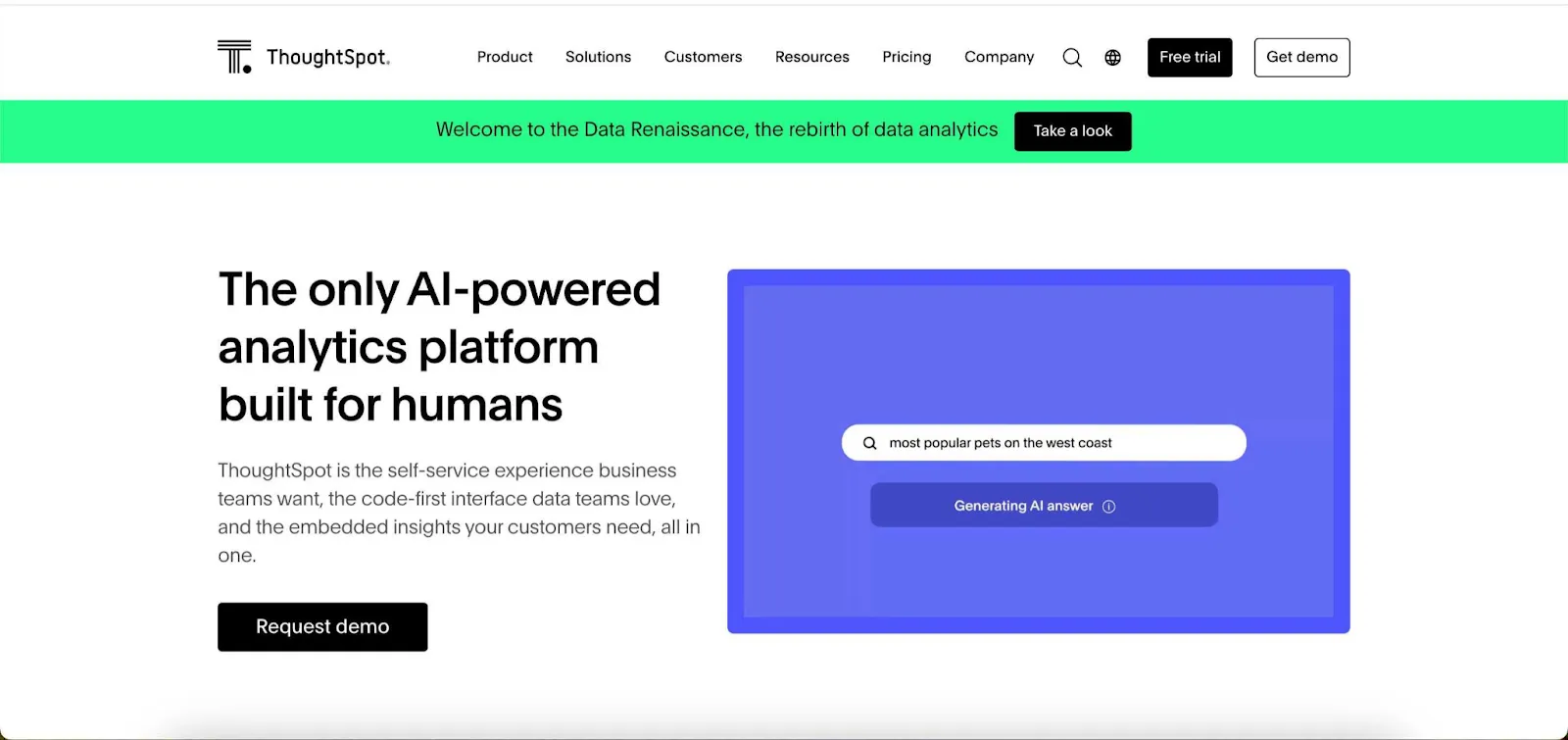
What sets ThoughtSpot apart from the rest of the analytics tools is its focus on artificial intelligence for data analysis. They promise their users the ability to explore data and get insights using nothing but plain English. In other words, load a dataset, ask ThoughtSpot questions about the data, and get answers. We’ll find out if this is really the case in a second.
Today ThoughtSpot positions itself as an agentic analytics platform rather than search alone. Its Spotter AI agents handle natural-language questions, forecasting and even code, and a ThoughtSpot MCP Server connects those capabilities to external AI tools and agents.
Why is ThoughtSpot a popular choice for BI and data analytics?
There are a few reasons why ThoughtSpot rose to popularity and won over huge customers in the enterprise sector. These are some of the many factors that sway businesses to choose ThoughtSpot.
Data democratization
The premise of their relational search engine is that anyone can have access to data. You don’t need a degree in data science or data analytics or to be proficient in SQL to be able to create visualizations and extract insights from them.
For example, if you have a team with a handful of data analysts and a sales leader needs some information, they don’t have to wait for weeks to get those insights. They can use natural language to create interactive dashboards on their own. This AI-powered analytics setup can empower small teams without data specialists or lighten the workload for larger teams.
Search-driven analytics
Getting actionable insights and making data-driven decisions is tough when you have to start out with large datasets that don’t make much sense. ThoughtSpot uses natural language speech to help you harness the power of search in data analytics.
Simply type what you want to search for and this functionality helps you get to data insights faster. For example, you can type in “who is our top performing sales representative in Q3 in terms of the deal size won?” and ThoughtSpot can provide the answer and appropriate data visualization. In theory, this ad hoc analysis should work well.
Data visualization
The natural language search is just the beginning of the story. You can use these commands to create visualized analytics experiences. Translate company datasets into charts, graphs, histograms, and more, for easier decision-making.
You can also embed their visualizations in your SaaS product, allowing your end-users to benefit from ThoughtSpot’s analytics features in real-time.
Connectivity with a large number of tools and platforms
You can connect ThoughtSpot Analytics with your favorite cloud data warehouse, CRM and a variety of other business and data apps. Some examples include Databricks, Snowflake, Amazon Redshift, Oracle, Talend, Fivetran, Salesforce, Hubspot, Slack and others that may belong in your data stack.
User-friendly interface
Your typical data platform does not have the UX of a Doordash app, which is a problem that Power BI and Tableau often struggle with. ThoughtSpot is a business intelligence app that is fairly easy to use, even for someone who never worked with BI tools before.
So far, ThoughtSpot sounds like a dream come true for the average business user: data analysis, visualization, AI-driven analytics, and more… But that’s not everything.
Why ThoughtSpot may not be for you - the cons
While it does many things well and seems like an amazing BI tool on paper, the reality is a bit different. Based on insights from our customers, and hours upon hours of research, we found that there are some downsides to ThoughtSpot too.
The AI analytics use case
The promise of AI-driven analytics seems nice, but as ThoughtSpot users who have tried this feature can attest, it’s not exactly perfect. You can ask questions in plain English for only the most basic queries. Anything that is more complex and requires detailed data analysis is a stretch.
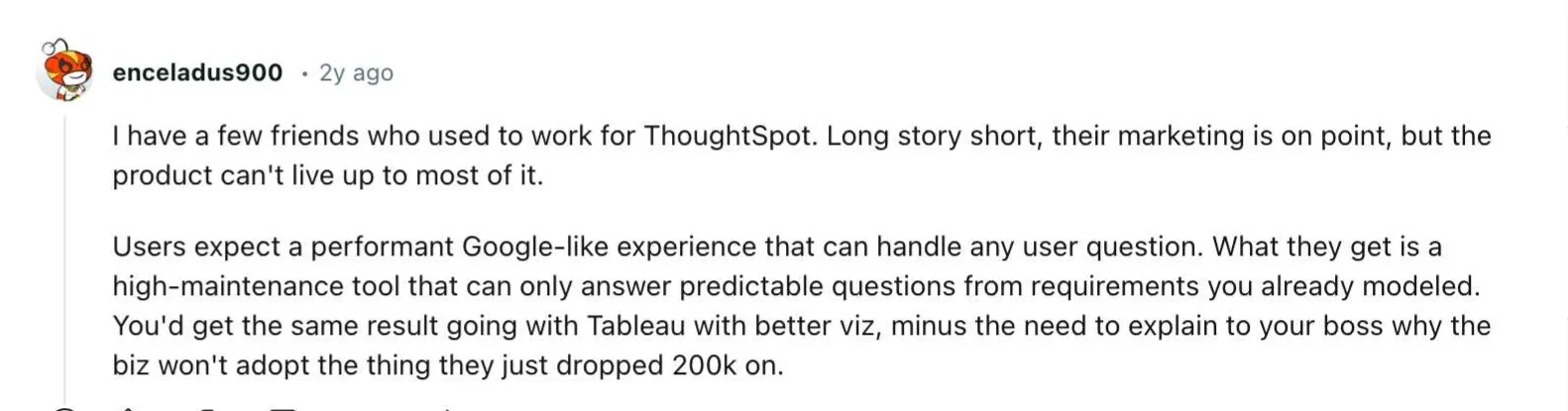
In other words, it’s only an add-on to your existing data analytics stack. If you already have data scientists and engineers using ThoughtSpot Analytics, this feature is a handy way to allow people outside of that team to tap into that.
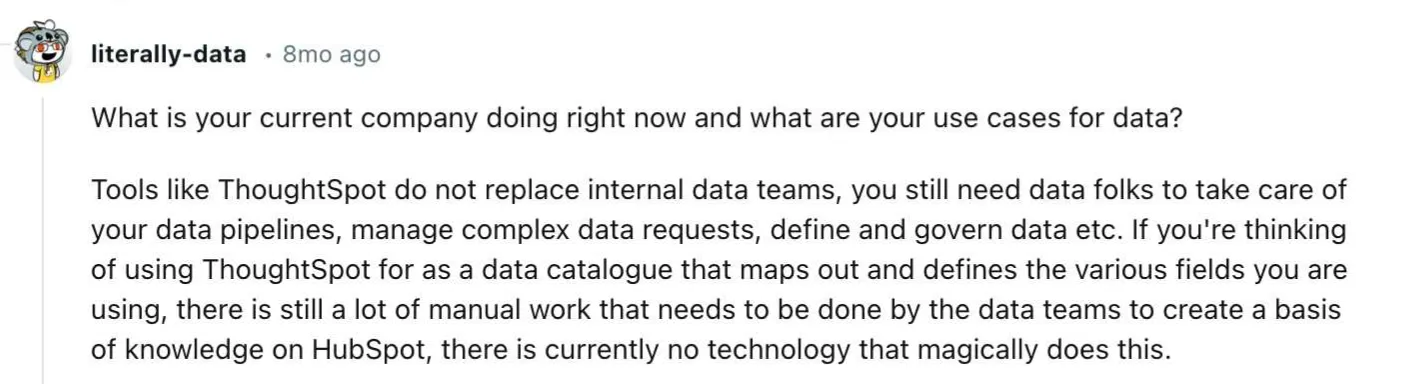
If you jump into ThoughtSpot hoping that you’ll go from zero to hero and understand complex datasets immediately… This is not the right tool for you.
The pricing
We’ve covered ThoughtSpot pricing in another place if you want a detailed read. To sum up, if you just need ThoughtSpot Analytics, you can accurately predict how much it’s going to cost you.
If you want to use ThoughtSpot Embedded, the customer-facing part of their offer, forecasting costs is harder. ThoughtSpot has historically leaned on consumption-based pricing, so a busy embedded audience that loads dashboards and runs queries frequently can make invoices difficult to predict.
If you value fully predictable, transparent pricing, this usage-based model may not be the right fit for you.
Limited data visualization options
If you’re switching from an enterprise-grade tool such as the Tableau ecosystem, you won’t be satisfied with the visualizations in ThoughSpot.
Whether you build the dashboards yourself or use the AI-driven features, the number of choices and the way they are presented is fairly basic and akin to what you get in Excel. If you want to offer self-service analytics with detailed metrics for your end-users, this can be a dealbreaker.
Issues with data modeling
If you think that ThoughtSpot causes issues for beginners only - it’s not the case. Many users report that data modeling can be nerve-wracking.
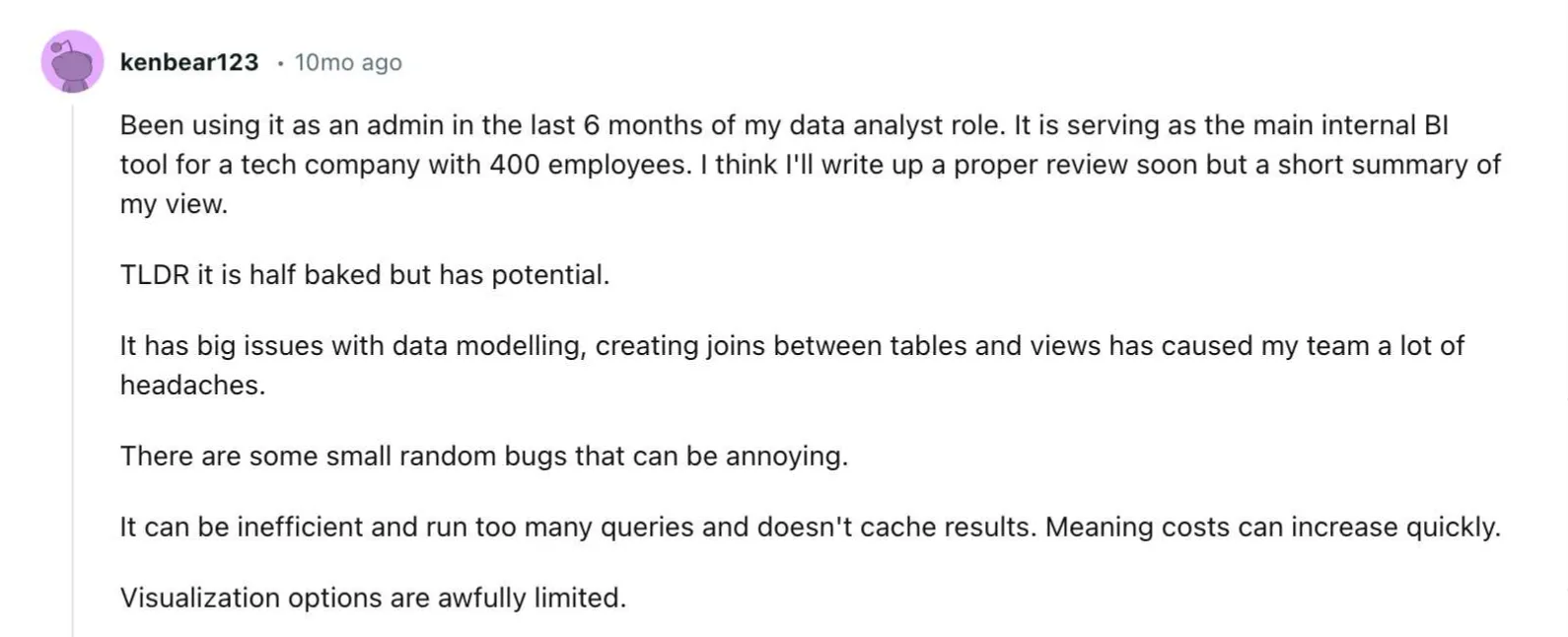
This is especially the case if your data engineering team is coming from something like Tableau, which although complex, has a huge community to help with troubleshooting.
What ThoughtSpot does well
ThoughtSpot pioneered search-driven analytics. Typing a question and getting a chart back was its core idea years before large language models made natural language querying mainstream, and the company has kept investing in that direction. Its strengths are consistent: fast ad hoc exploration for business users, a mature semantic layer, and enterprise-grade deployment options. For internal self-service analytics at larger organizations, it remains one of the strongest options on the market.
Where ThoughtSpot fits less well: embedded, customer-facing analytics
Embedding analytics inside your own software product is a different problem from internal self-service. The questions change: per-customer data isolation, white-labeling the interface down to fonts and colors, developer APIs for programmatic control, and pricing that scales with thousands of end users rather than hundreds of employees. ThoughtSpot offers an embedded product, ThoughtSpot Embedded, and it can work well for teams already invested in the platform. Teams starting from the product side often compare it against embedded analytics tools built embedded-first, where multi-tenancy, theming, and usage-based pricing are the default assumptions rather than enterprise add-ons.
The ThoughtSpot alternative your data team will love
If you don’t want to take a gamble with ThoughtSpot’s visualizations, data modeling, and finicky AI features, we have just what the doctor ordered. Luzmo is an embedded analytics platform for SaaS teams, combining developer tooling with modern AI analytics.
With Luzmo Studio you can design and customize embedded dashboards for your product, the Luzmo IQ conversational analyst lets your users explore data through natural-language queries, and the broader Luzmo AI suite brings AI-assisted charting and insights directly inside your application. Together, they allow you to connect data sources, build advanced visualizations, and embed analytics seamlessly into your SaaS product using a flexible API.
Analyze, explore, visualize, and embed your data on your own terms. Luzmo is built for SaaS teams like yours. Book a free demo today to find out how we can help you unlock actionable insights faster.
FAQ
All your questions answered.
Is ThoughtSpot truly a no-code analytics platform?
ThoughtSpot promotes natural language search as a way to analyze data without technical skills. While it works well for simple queries, more complex analysis often still requires help from data teams. In practice, many organizations still rely on analysts or engineers to structure and model the data. So while it lowers the barrier, it doesn’t completely eliminate technical work.
What are the main drawbacks of ThoughtSpot?
Some common concerns include unpredictable pricing for embedded analytics, limited visualization flexibility, and challenges with data modeling. The AI search also tends to perform best with basic queries rather than complex analytical questions. For teams expecting fully automated insights, this can create a gap between expectations and reality.
What should you look for in a ThoughtSpot alternative?
When evaluating alternatives, look for flexible embedding options, transparent pricing, and strong data visualization capabilities. Many SaaS teams also prioritize APIs, customization, and scalability for embedding analytics into their products. Platforms that combine AI insights with developer-friendly tooling tend to provide the most long-term value.
Written by

Ship the future of your data
Let us show you what Luzmo can do for your product.

Book your session with our analytics expert.